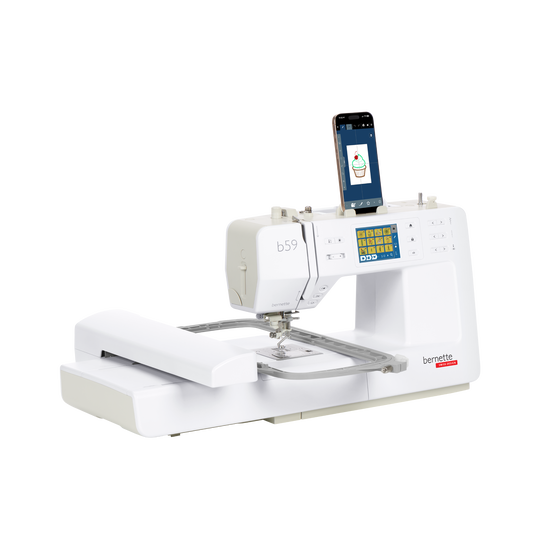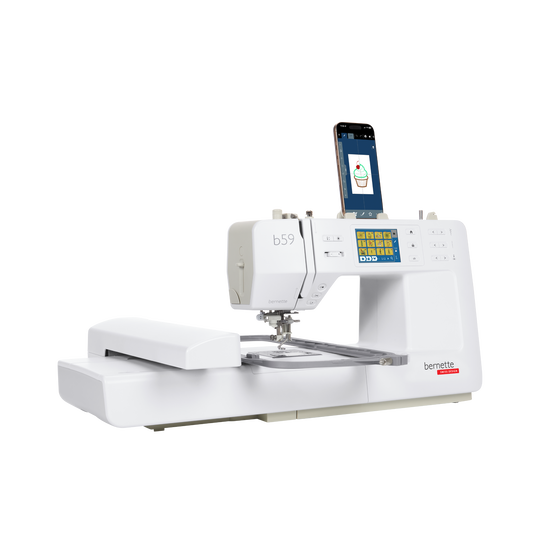
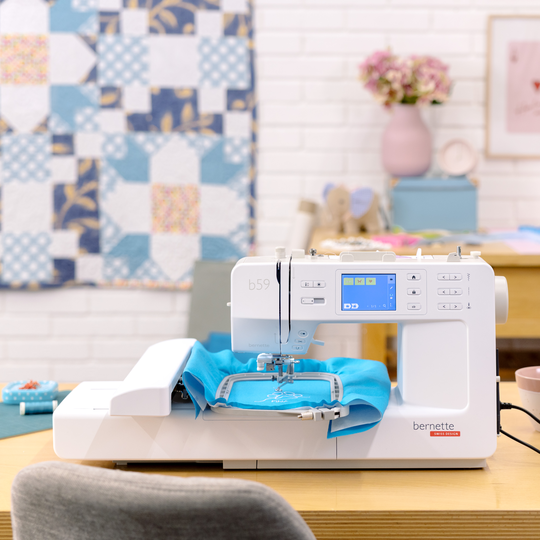

bernette 59
Item No. 5220059006
1'495.00 CHF
Availability in online store:
  • Pre-Order
  • 7. Sep 2026

bernette 59
Item No. 5220059006
bernette 59 image number

Product Description


Description

Where big ideas take shape


Features

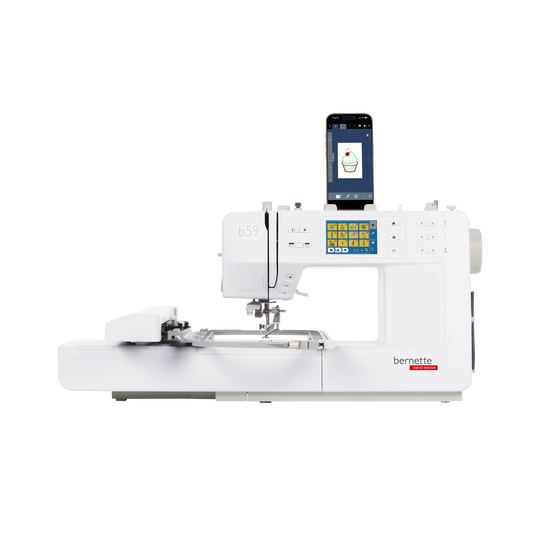
  • Free StitchDirect app for mobile editing and designing of embroidery designs
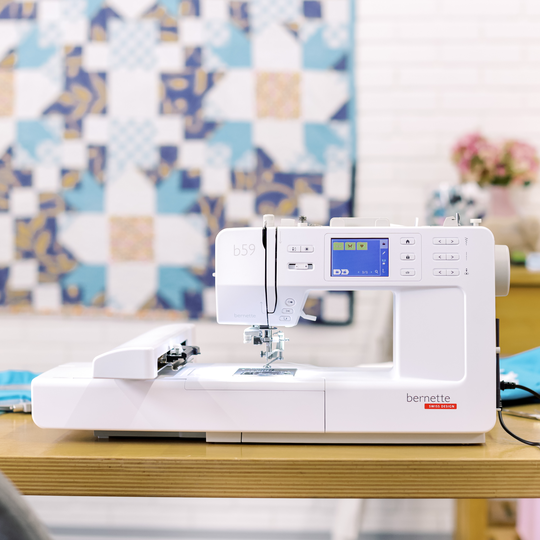
  • Embroidery area of 4.7“× 7“ (120 × 180 mm)
  • Multi-Position Hoop included for an extended embroidery area of 4.7“× 11.8“ (120 × 300 mm)
  • A total of 268 built-in embroidery designs, including 11 fonts
  • A total of 515 stitches, including 3 fonts
null

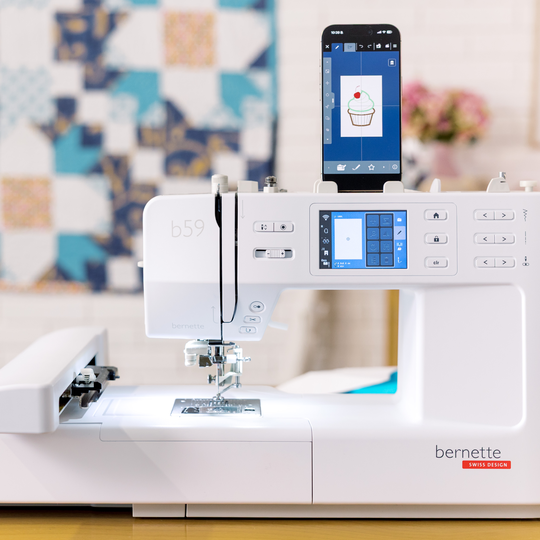
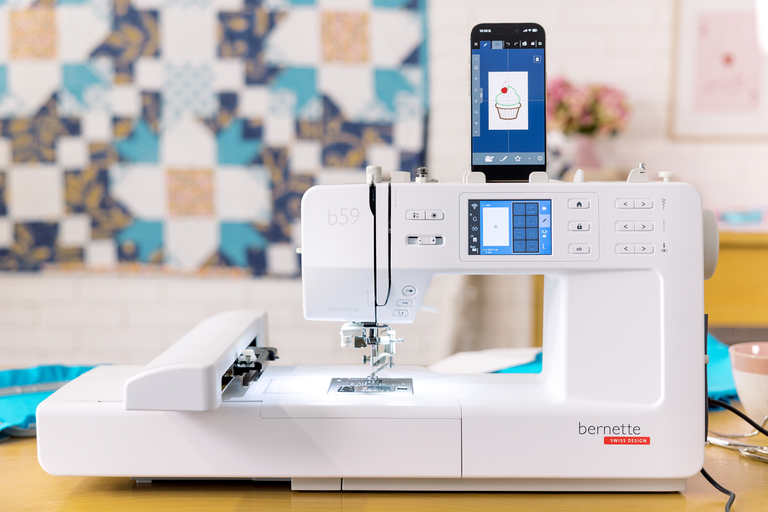
Stay creative with WiFi and the StitchDirect app


The StitchDirect app expands your creative possibilities beyond the machine. Design your own motifs, edit embroidery designs, or create custom decorative stitches directly on your smartphone or tablet. Then simply transfer your creations to the b59 via WiFi and keep an eye on the embroidery process at any time.

This makes it easy to turn a spontaneous idea into your next creative highlight.
null

Comfort that makes a difference


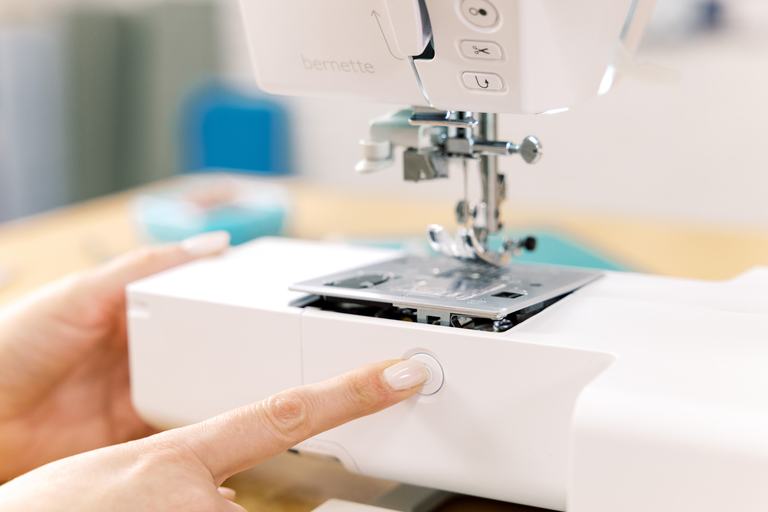
The comfort needle threader and the Click & Lift stitch plate make preparing for your next sewing or embroidery project especially easy. With the b59 needle threader, the needle is threaded in just a few simple steps. The stitch plate can be lifted and exchanged at the touch of a button, without the need for a screwdriver.

This means you can get started faster and focus on the part that matters most: being creative.
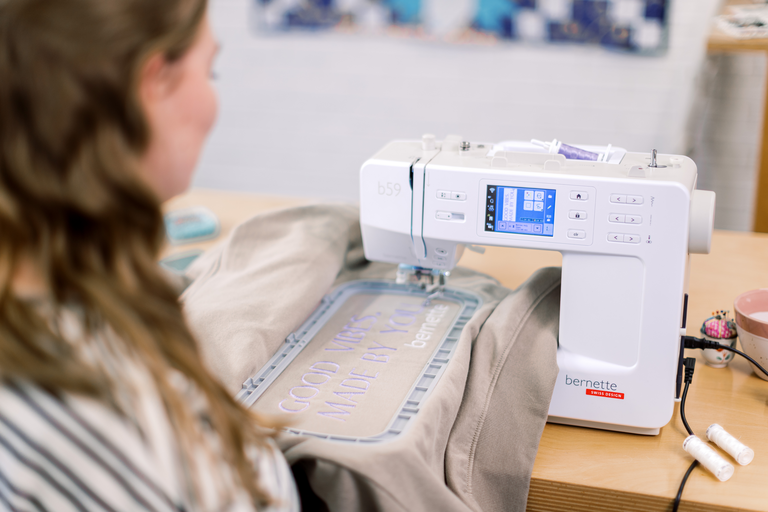
null

When ideas grow bigger


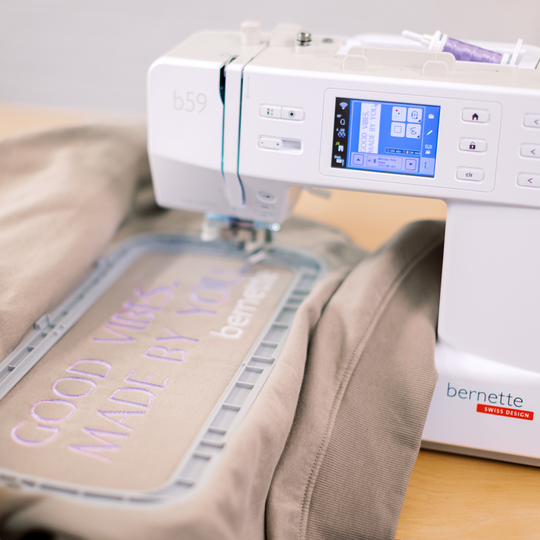
The included Multi-Position Hoop gives you more possibilities for larger embroidery projects. With an embroidery area of up to 120 × 300 mm (4.7“× 11.8“), you can comfortably create longer lettering, borders, and larger motifs.

More creative freedom for projects that go beyond the size of a standard embroidery hoop.

Features and Functions

Bobbin winder, top of machine
Nadelstopp oben/unten, permanent (oben/unten)
Feed dog drops automatically (quilting, embroidering)
Thread away motion
Electronic Foot Control
Measurements of the machine L / W / H [mm]
450 396 300
Measurements of the embroidery module L / W / H [mm]
172 206 300
Weight of embroidery module [lbs/kg]
3.2 g
Weight of the machine [kg]
7.01 g
Freearm length to the right of the needle [inch / mm]
170 mm
Workspace height [inch / mm]
120 mm
Total memory [MB]
1.6 MB
Spool holder [number]
2
Wireless technology embedded (internal)
Main motor, Type
DC
Needle threading, semi-automatic
Automatic thread cutting system (upper and lower thread)
Hook system
Drop-in
Screen position
front
Screen size [inch]
3.5 inch
Number of LEDs
2
Illumination above the needle
Slide speed control
Stitch plate detection sensor
Sensor upper thread control
Sensor bobbin thread control
USB-Anschluss (Host)
Adjust stitch length
Balance forward / reverse feed
Pattern end
Adjust stitch width
Triple Stitch
Buttonhole automatic with 3A feet (auto)
Basting stitch no. 21 (with bast-matic)
Securing stitch (stitch #5)
Needle positions (right / left) [number]
15
Save settings of current stitch (permanent)
Add current stitch (personal program)
Presser foot recommended (display)
Save combination
Presser foot selection
Setup- Sewing - auto securing settings
Sewing speed maximum [spm]
800 spm
Presser foot system
Snap-on
Start-stop button
Quick Reverse button (hand operated securing)
Read competition embroidery formats (stitch based)
Save design
Hoop recognition
Check box
Basting stitch inside hoop / around design
CutWork Tool support
Resize pattern: proportional (limited to 80%-120%)
Wordart
Change stitch type (lettering)
Combination of designs and lettering, embroidery
Change thread colours
Monochrom
Setup- Embroidery - inch/mm switch
Setup- Embroidery - Thread cutter by colour change on/off
Setup- Embroidery - Thread cutter - set length of the jump stitch
Setup- Embroidery - Securing stitches manually /automatically
Embroidery speed maximum [spm]
600 spm
Embroidery design transfer between machine and Embroidery Software (from V9)
Dust brush
Needle assortment
Net for upper thread spools

Tutorials

How to Thread the bernette 57 & bernette 59 | Step by Step
Learn step by step how to thread your bernette 57 or bernette 59 correctly. In this video, we'll show you how to choose the right thread spool, wind and insert the bobbin, and thread the upper thread correctly. Correct threading is the foundation for beautiful stitch quality and helps prevent thread breakage and thread nests. Learn more about the bernette 50 Series: www.bernette.com/b50-series Or visit your local bernette dealer.
How to Thread the bernette 57 & bernette 59 | Step by Step
bernette 57 & bernette 59 | Key Sewing Features
Prepare your bernette 57 or bernette 59 for your first sewing project and get to know its key sewing features step by step. You'll learn how to adjust stitch length and stitch width, choose the right presser foot, select and save stitches using the menu, and adjust the thread tension to suit your project. You'll also discover practical comfort features such as the speed control, automatic thread cutter, needle stop function, programmable securing function, the presser foot lock for sewing over thick fabric, and how to attach the extension table. With these essential features, you'll be ready to get the most out of your bernette and start your next sewing projects with confidence. Learn more about the bernette 50 Series: www.bernette.com/b50-series Or visit your local bernette dealer.
bernette 57 & bernette 59 | Key Sewing Features
bernette 59 and 57 – Creative Sewing and Embroidery Starts Here
bernette 59 | Getting Ready to Embroider
Prepare your bernette 59 for your first embroidery project step by step. In this video, you'll learn how to switch your machine from sewing mode to embroidery mode and discover the key preparations for successful embroidery. You'll learn how to install the straight stitch plate and embroidery foot, attach the embroidery module, and choose the right embroidery hoop. We'll also show you which materials you'll need for embroidery and what to look for when choosing an embroidery needle, embroidery thread, bobbin thread (Bobbin Fill), and thread colours. In addition, you'll get practical tips on hooping your fabric, using the embroidery template, and selecting the right embroidery stabilizer. We'll explain the differences between tear-away, wash-away, cut-away, and self-adhesive stabilizers, and show you how temporary spray adhesive can be used when preparing your embroidery project. With the right preparation, you'll create the foundation for beautiful embroidery results and a successful start to your first embroidery project. Learn more about the b59: www.bernette.com/b59 Or visit your local bernette dealer.
bernette 59 | Getting Ready to Embroider
bernette 59 | Embroidery Made Easy
bernette 59 | Large Embroidery Designs with the Multi-Position Hoop
bernette 59 | Connecting the StitchDirect App
Connect your bernette 59 to the StitchDirect App and enjoy a connected sewing and embroidery experience. In this video, you'll learn how to download the StitchDirect App and easily connect your b59 to your Wi-Fi network and mobile device. In just a few simple steps, the connection is set up and your b59 is ready to work with the StitchDirect App. You'll then discover how to select sewing stitches and embroidery designs directly in the StitchDirect App and send them to your b59. Learn more about the b59 and the StitchDirect App: www.bernette.com/b59 Or visit your local bernette dealer.
bernette 59 | Connecting the StitchDirect App
bernette 59 | Create Sewing Stitches with the StitchDirect App
Discover the creative sewing features of the StitchDirect App and create your own sewing stitches directly on your mobile device. In this video, you'll learn how to navigate the sewing mode and discover how to edit, combine, and customise existing stitches for your project. With the integrated Stitch Designer, you can modify existing stitches or create your own from scratch. We'll also show you how to move or delete individual stitch points and even use a background image as a template to trace your own stitch designs. You'll also discover the integrated Sewing Consultant, which helps you choose the right stitch, presser foot, and needle for your sewing project. Learn more about the b59 and the StitchDirect App: www.bernette.com/b59
bernette 59 | Create Sewing Stitches with the StitchDirect App