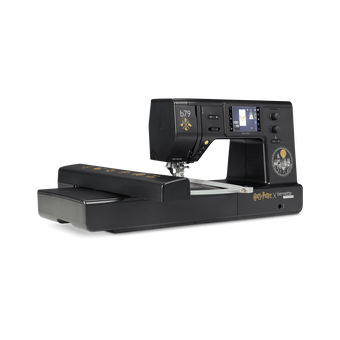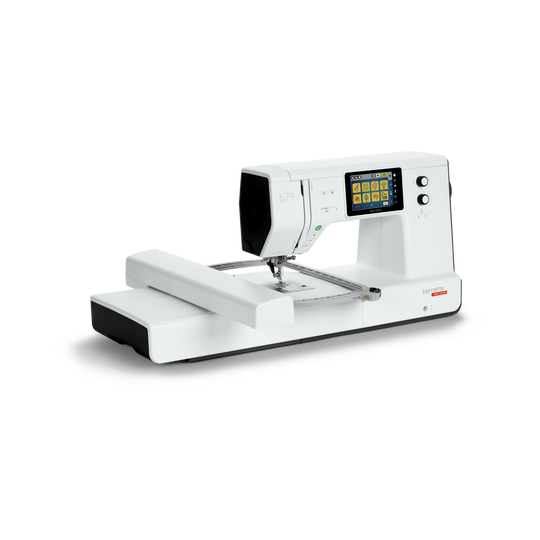
bernette 79
Item No. 5220079106
1'995.00 CHF
Availability in online store:
  • In Stock

bernette 79
Item No. 5220079106
bernette 79 image number

Product Description


Description

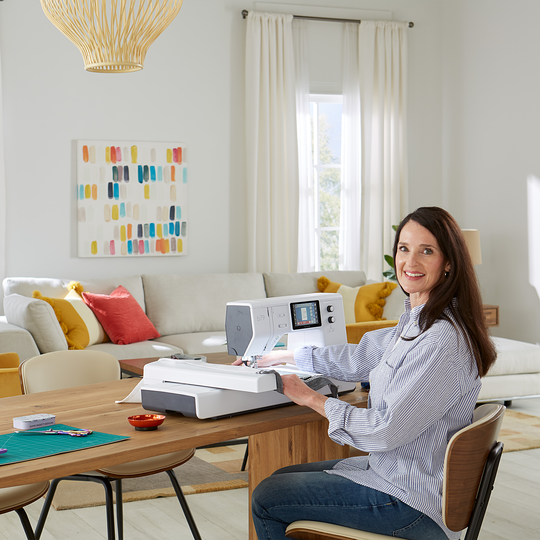
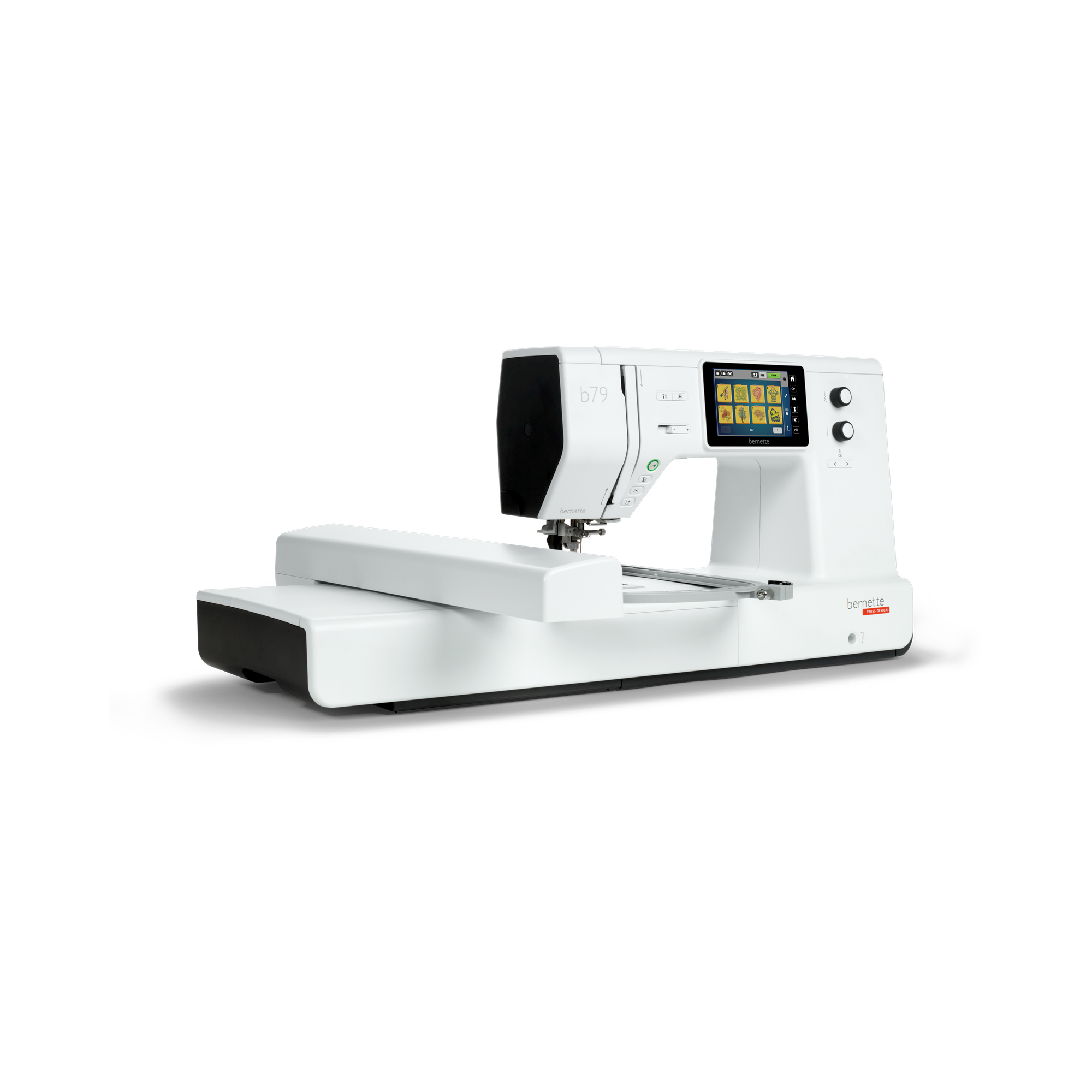
The best of two worlds: Your reliable machine for all sewing and embroidery projects

Features

  • Multi-function knobs for quick operation
  • Extensive sewing and embroidery area
  • 500 stitches and endless possibilities with Stitch Designer
  • Dual feed for fast, even fabric feed
  • Programmable foot control with back-kick function
null

Easy and quick navigation with touchscreen and multi-function knobs


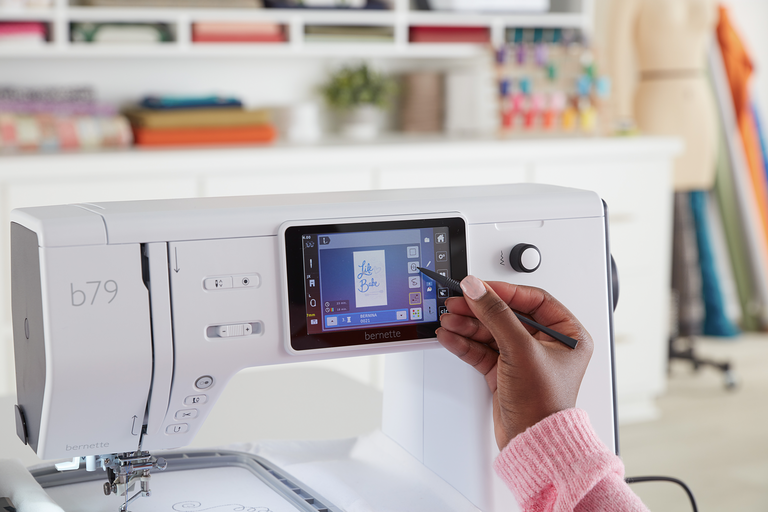
Find the right stitch or embroidery design and optimize the thread tension by using the 5-inch color touch screen, which is optimally positioned in the center of the machine. Or quickly change the stitch length or width or position your embroidery design via the multi-function knobs . Access the sewing or embroidery tutorials for tips on how to operate your machine or use the creative consultant for advice on the best stitch for your chosen fabric.
null

Bright and spacious for fast and accurate sewing


You won't be left in the dark with the four bright LEDs lighting up the sewing area, which offers you 230 mm of space right of the needle. The slide-on freearm extension table gives you extra space and comfort for large sewing or quilting projects.
null

Decorative and quilting stitches for magical embellishments


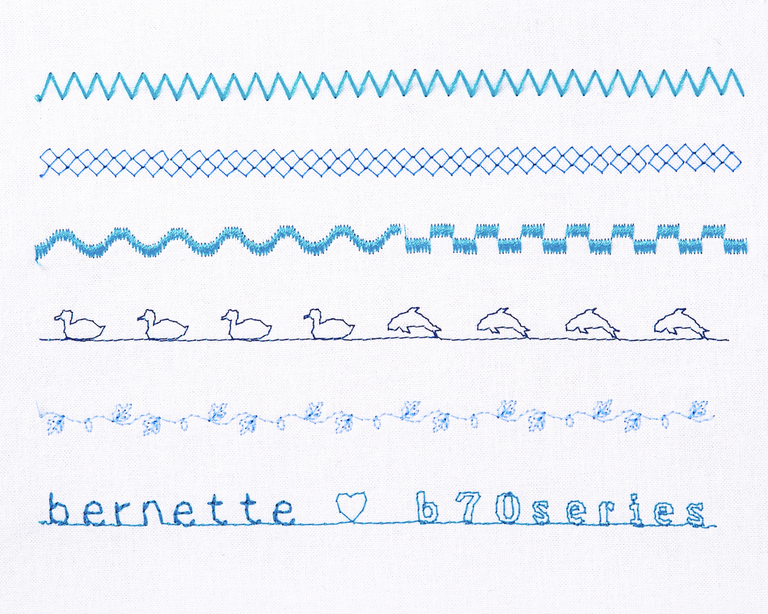
Of course, you can hem and zigzag stitch with the b79, sew stretchy t-shirt fabrics and even choose between 17 buttonholes. But there is much more than just the utility stitches: create truly exiting embellishments with 133 decorative and 35 quilting stitches. You want to modify included stitches or create your own ones? Everything is possible with the Stitch Designer. Your individual stitch settings are temporarily saved, and you can store them in your personal memory for future projects.
null

Tie-off function and automatic thread cutter


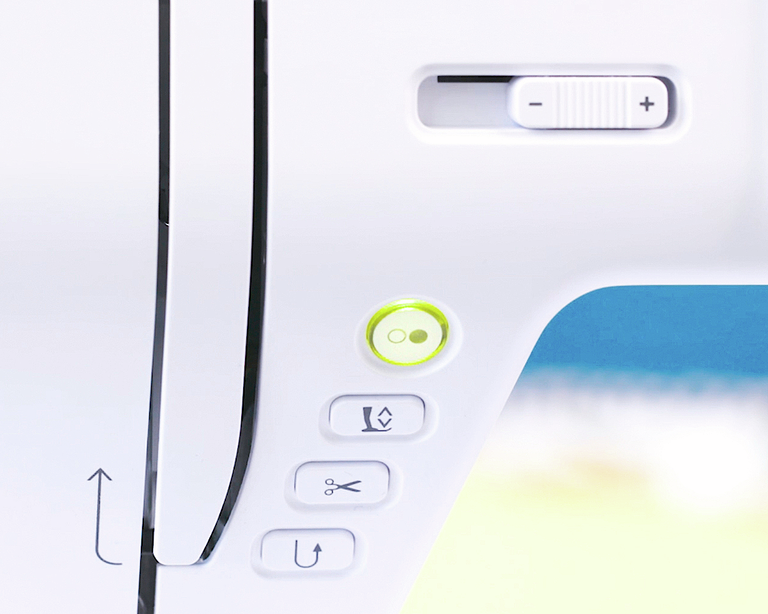
With the automatic tie-off function you no longer have to stitch backwards to prevent the seam from unravelling. Simply press the tie-off button at the end of the seam. Next, the automatic thread cutter button, the threads are cut, and your seam is finished! You want it even faster? Program these functions for your foot control with back-kick function – tap your heel once, the seam is automatically finished, and the threads cut off!
null

Even more convenient sewing


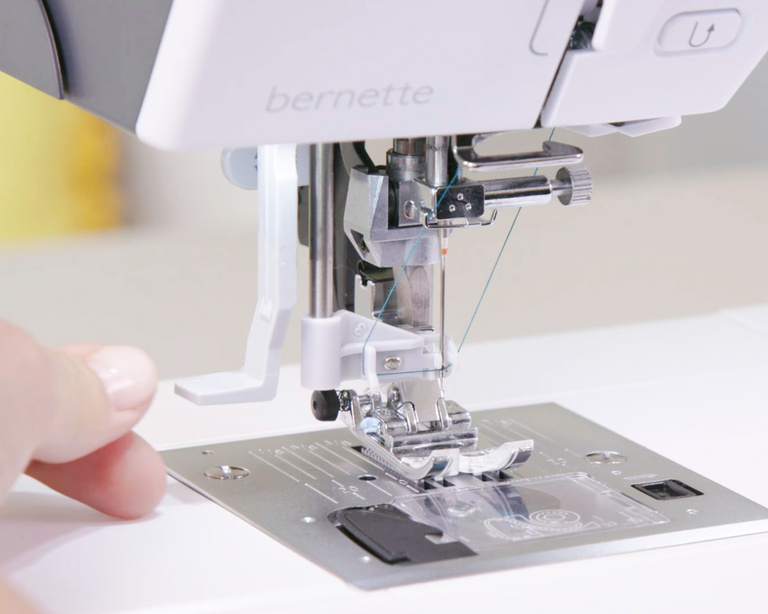
With the semi-automatic needle threader threading is a breeze – the presser foot is automatically lowered to the correct position and the additional thread cutter holds the thread in place. The knee lever for raising or lowering the presser foot will make your sewing even more comfortable, as your hands are free to guide the fabric. And the easy-to-engage, integrated Dual Feed makes sure that all kinds of materials are evenly fed from above and below.
null

Embroidery module with three different-sized hoops and hoop detection


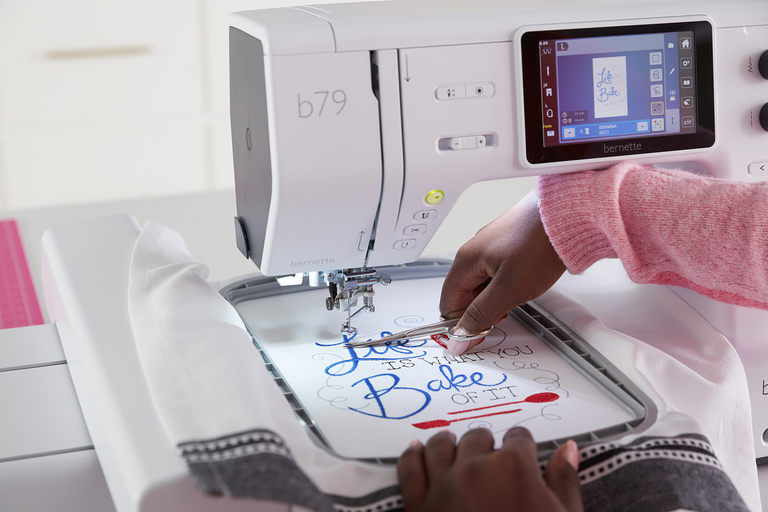
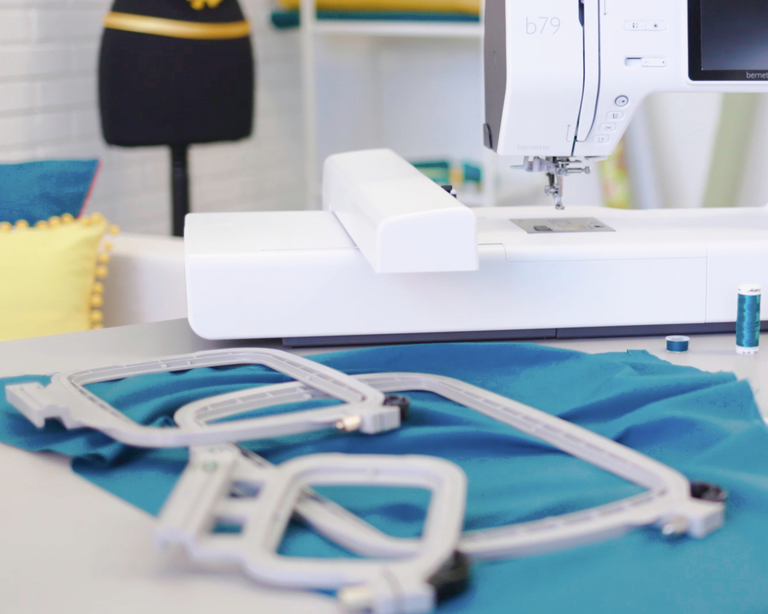
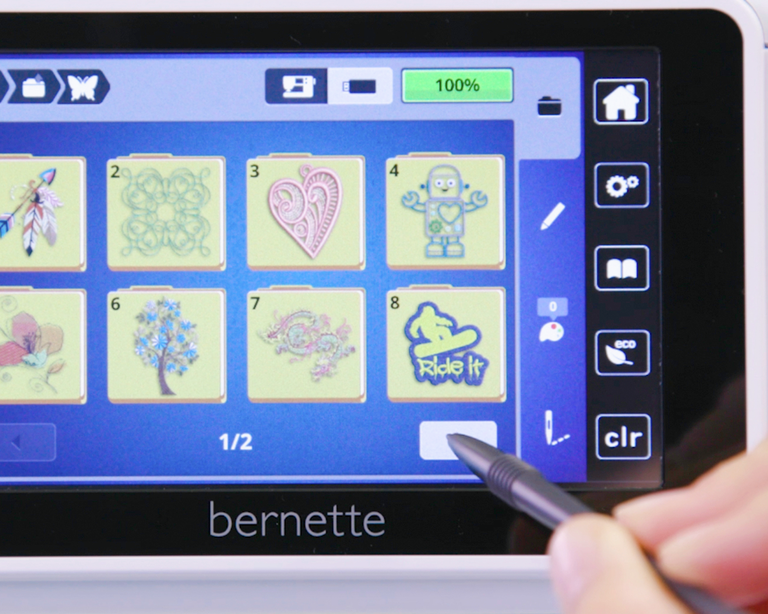
With three hoops included, it is easy to find the right hoop for each size of your embroidery designs. You can embroider motifs with up to 260 x 160 mm without re-hooping. The hoops are easy to open and close with a quick release system . The automatic hoop detection ensures that you see the defined embroidery area of each hoop on the touch screen, so you can optimally adapt your embroidery design.
null

Creative possibilities with embroidery designs


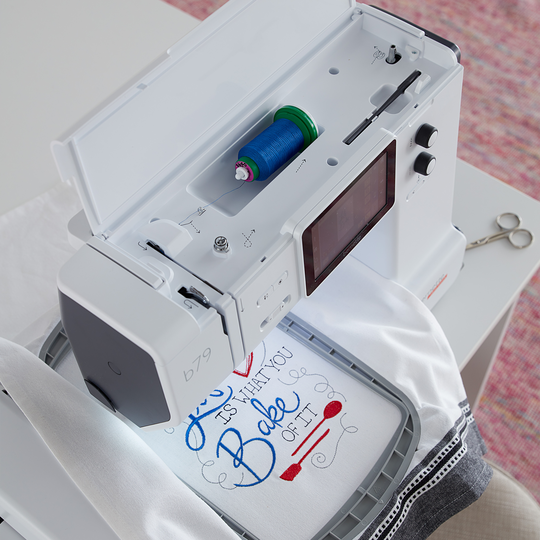
With 208 embroidery designs and 7 embroidery alphabets installed, a wide selection of motifs is at your fingertips. The motifs can be edited on the touch screen, so you can easily rotate, flip, or combine design elements. The b79 is compatible with most embroidery design formats – no need to convert files in a software program anymore.
null

For best sewing and embroidery results


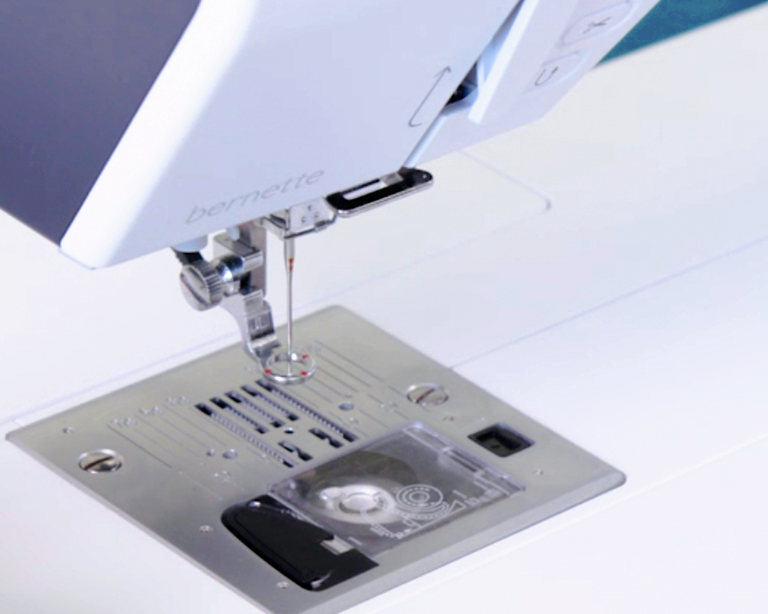
With the 7 mm stitch plate, you can sew beautiful decorative stitches with a stitch width of up to 7 mm. Also, the straight stitch plate comes as standard accessory with the b79 – for impeccable embroidery results. Your machine automatically detects the stitch plate used, shows you all the compatible needles and automatically adapts the stitch width range.


Features and Functions
bernette 79
Important
We reserve the right to make changes to the equipment and design.
bernette Free Hand System (FHS)
Freearm length to the right of the needle [inch / mm]
230 mm
Automatic thread cutting system (upper and lower thread)
bernette Dual Feed
Screen position
centrally
Stitch plate detection sensor
Sensor upper thread control
Sensor bobbin thread control
Stitch designer integrated in machine
Read competition embroidery formats (stitch based)
Save design
Built-in Embroidery alphabets (horizontal&vertical=1)
6
Built-in Embroidery designs
213
Setup- Embroidery - Thread cutter by colour change on/off
Embroidery field max, effective space [inch / mm]
260 x 160
Knee lever connection (FHS)
Bobbin winder, top of machine
Nadelstopp oben/unten, permanent (oben/unten)
Feed dog drops automatically (quilting, embroidering)
Help Center
Setup- Sewing - foot control function settings
Setup- Display settings - Display brightness
bernette Free Hand System (FHS)
Measurements of the machine L / W / H [mm]
509 200 315
Measurements of the embroidery module L / W / H [mm]
710 475 315
Weight of embroidery module [lbs/kg]
3,650 g
Weight of the machine [kg]
9,800 g
Freearm length to the right of the needle [inch / mm]
230 mm
Workspace height [inch / mm]
125 mm
Total memory [MB]
16,000 MB
Spool holder [number]
2
Main motor, Type
DC
Hammer-mode for piercing force
Needle threading, semi-automatic
Automatic thread cutting system (upper and lower thread)
Adaptive thread tension, dynamic
Hook system
Drop-in
bernette Dual Feed
Presser foot lift, automatic
Screen position
centrally
Screen size [inch]
5 inch
ECO function
Number of LEDs
4
Illumination above the needle
Slide speed control
Stitch plate detection sensor
Sensor upper thread control
Sensor bobbin thread control
USB-Anschluss (Host)
Adjust stitch length
Pattern end
Adjust stitch width
Reverse sewing, permanent
Pattern elongation
Distortion
Gesamtzahl der Knopflöcher
16
Buttonhole automatic with 3A feet (auto)
Basting stitch no. 21 (with bast-matic)
Securing stitch (stitch #5)
Needle positions (right / left) [number]
15
Memory (Kurzzeitspeicher)
Add current stitch (personal program)
Stitch designer integrated in machine
Presser foot recommended (display)
Save combination
Duplicate Stitch in Combination
Sewing stitches and characters in total [number]
499
Presser foot selection
Creative consultant Sewing
Setup- Sewing - auto securing settings
Freearm circumference in the needle position [mm]
295 mm
Sewing speed maximum [spm]
1,000 spm
Presser foot system
Snap-on
Pivot / hover function
Start-stop button
Quick Reverse button (hand operated securing)
Read competition embroidery formats (stitch based)
Save design
Restore last embroidery position
Hoop recognition
Absolute check
Check box
Basting stitch inside hoop / around design
Embroidery sequence control
CutWork Tool support
Built-in Embroidery alphabets (horizontal&vertical=1)
6
Built-in Embroidery designs
213
Move pattern
Resize pattern: proportional (limited to 80%-120%)
Stichdichte einstellen
Wordart
Combination of designs and lettering, embroidery
Change thread colours
Monochrom
Setup- Embroidery - Thread cutter by colour change on/off
Setup- Embroidery - Securing stitches manually /automatically
Embroidery field max, effective space [inch / mm]
260 x 160
Embroidery speed maximum [spm]
850 spm
Slide-on table
Dust brush
Needle assortment
Net for upper thread spools
Dust cover machine
Accessory box

Tutorials

b79 Tutorial – Stitch Designer (6/11)
https://www.mybernette.com/ ¦ With the Stitch Designer of your bernette 79 you can easily change existing stitch patterns or even create your own stitch patterns. This tutorial video will show you how to do it step by step. In the first part of the video, you'll see how to edit an existing stitch pattern in the Stitch Designer. We'll show you how to select and move the stitching points and how to add new points. Then the video also shows you how to draw a whole new stitch pattern. For straight-line patterns, you can activate a grid so that your points are automatically placed on the grid points. Of course, all stitches you have created or modified in the Stitch Designer can also be stored in the "Personal Memory" for later use.
b79 Tutorial – Stitch Designer (6/11)
b70 DECO + b79 Tutorial – Embroidering with the CutWork Tool (11/11)
b70 DECO + b79 Tutorial – Combine embroidery motifs (10/11)
b70 DECO + b79 Tutorial – Prepare for embroidery (8/11)
b77 + b79 Tutorial – Buttonholes (7/11)
https://www.mybernette.com/ ¦ Buttonholes are really easy to sew with your bernette 77 or bernette 79. You can see the necessary steps in this tutorial video. The button slides into the button holder, which is then closed together firmly. Then you attach the buttonhole foot and pull the button lever down as far as possible. Now you're ready to sew a test buttonhole on another piece of fabric. Your bernette sewing machine stops automatically when it's done. You can then carefully cut the buttonhole from both ends to the middle and check the buttonhole size. If necessary, you adjust the buttonhole length a little, then mark the position of the buttonhole on your fabric and sew the desired buttonhole.
b77 + b79 Tutorial – Buttonholes (7/11)
b77 + b79 Tutorial – Starting to Sew (2/11)
b77 + b79 Tutorial – Presser feet and their usage (3/11)
https://www.mybernette.com/ ¦ Which presser foot is used for which stitch? As soon as you have selected a suitable utility stitch on your bernette 77 or bernette 79, you will see in the presser foot display menu which presser foot can be used. The tutorial video shows you how easy it is to change the presser foot sole: just lift the presser foot, press on the front edge and remove the previous sole. Then you can attach the new presser foot sole so that it snaps into place. Does your selected presser foot have an opening at the back? Then engage the dual feed so that the fabric can be guided through the machine evenly from above and below. In the video, we also show you the different presser feet and their special applications: There is the zigzag foot DA, which is suitable for most sewing. The embroidery foot JK is for applications and decorative stitches. Also, there is the zipper foot RB, the buttonhole foot RJ, the button sewing foot RC, a blindstitch foot DM for barely visible hems, the overlock foot and the embroidery foot RX for freehand embroidery and darning. Additional presser feet are available as optional accessories.
b77 + b79 Tutorial – Presser feet and their usage (3/11)
b77 + b79 Tutorial – Combining stitch patterns (5/11)
https://www.mybernette.com/ ¦ With your bernette 77 or bernette 79, you can combine different letter and decorative stitch patterns and then have them stitched in one go as a stitch combination. In this tutorial video, you'll learn how to easily select and edit the stitch pattern you want to use. You can sew your stitch pattern once or even several times. Securing stitches are added automatically at the end. In your "Personal Memory", your collected pattern combination can also be stored permanently. This will allow you to recall and reuse your saved combination at any time.
b77 + b79 Tutorial – Combining stitch patterns (5/11)
b70 DECO + b77 + b79 Tutorial – bobbin winding and threading (1/11)
https://www.mybernette.com/ ¦ Before you start your new sewing or embroidery project with your bernette 70 DECO, b77 or b79, you first need to wind and insert the bobbin and thread the machine. In this tutorial video, we'll show you how easy it is. All you have to do is insert the spool and secure it with the appropriate spool cap. In the video you can see exactly how to guide the thread along the dashed markings through the hole in the bobbin. Then you can start winding the bobbin. If desired, you can adjust the bobbin winding speed. Afterwards, the video shows you how to insert the bobbin the right way and thread the upper thread using the needle threader.
b70 DECO + b77 + b79 Tutorial – bobbin winding and threading (1/11)
The new bernette 70 Series - lots of features at an attractive price
https://www.mybernette.com ¦ Do you want to get creative and sew your own clothes, quilts, or accessories or individually decorate with embroidery? Then the models in the bernette 70 Series are just right for you! They are easy to use, have lots of functions, have a high stitch quality, and are also durable and attractively priced. You have the choice of a sewing machine, an embroidery machine, or a combined machine that can do both. Experience creative sewing enjoyment at the highest level.
The new bernette 70 Series - lots of features at an attractive price