bernette 38
Item No. 5260008006
715.00 CHF
Availability in online store:
  • In Stock

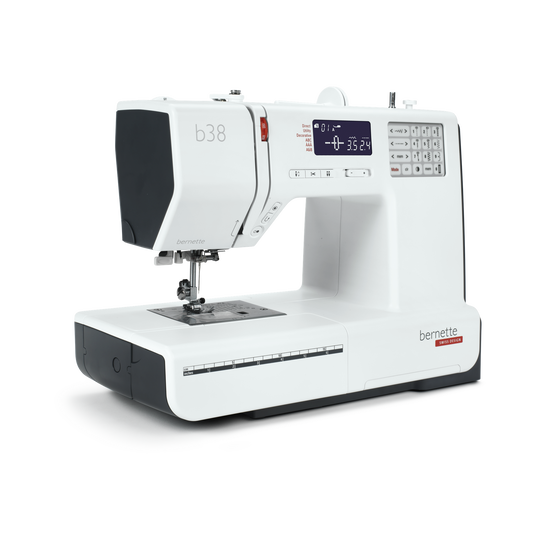
bernette 38
Item No. 5260008006
bernette 38 image number

Product Description


Description

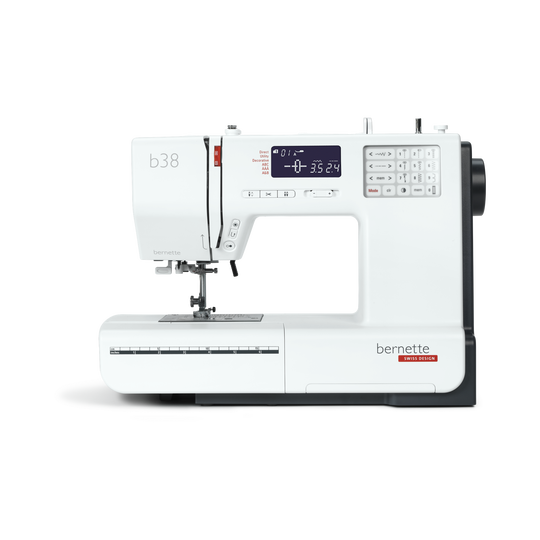
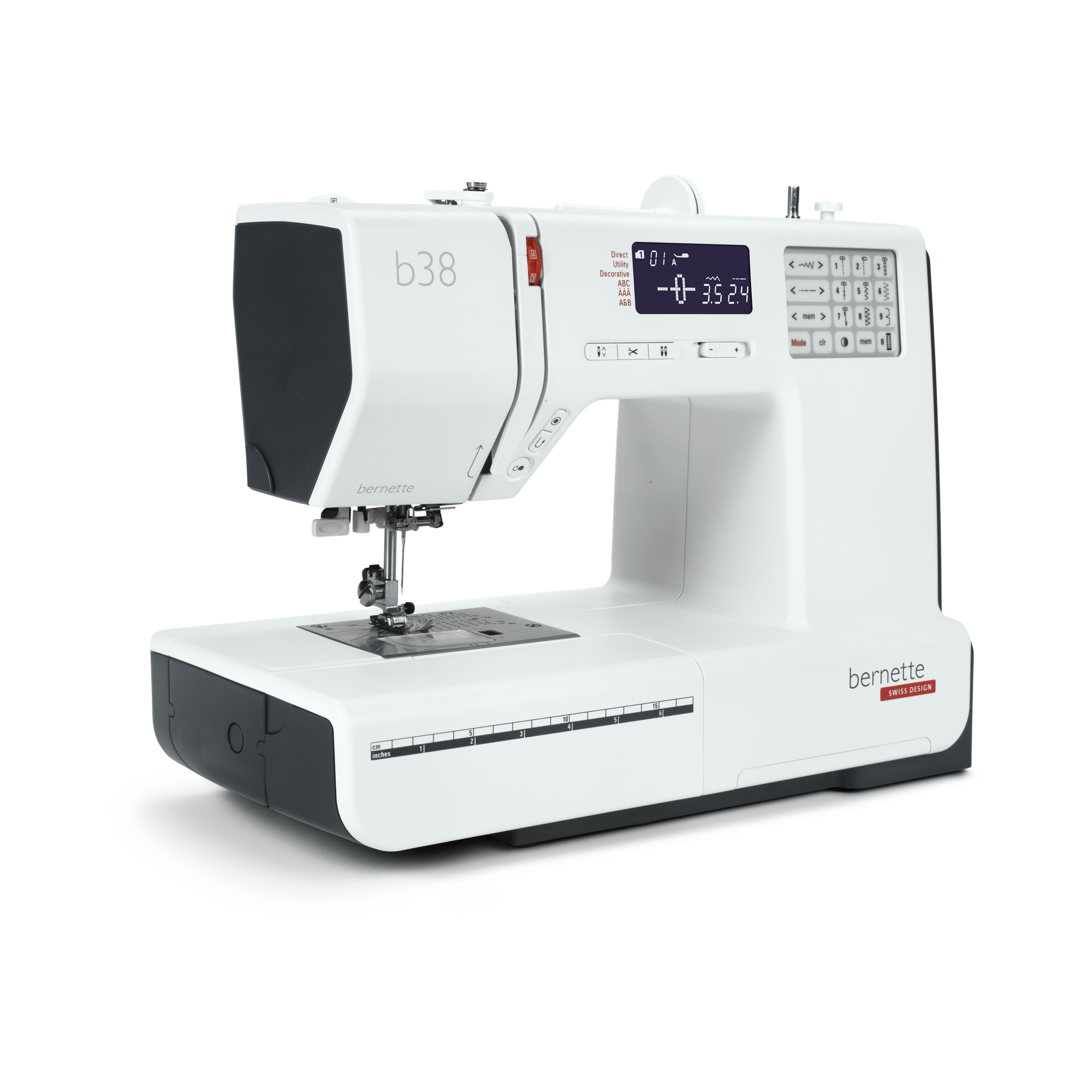
Your sewing machine with a compact display that cuts the thread at the touch of a button


Features

  • Automatic thread cutter
  • Adjustable presser foot pressure
  • 394 stitches in total, including 67 decorative stitches and 8 buttonholes
  • Three alphabets
  • Memory function for pattern combinations
null

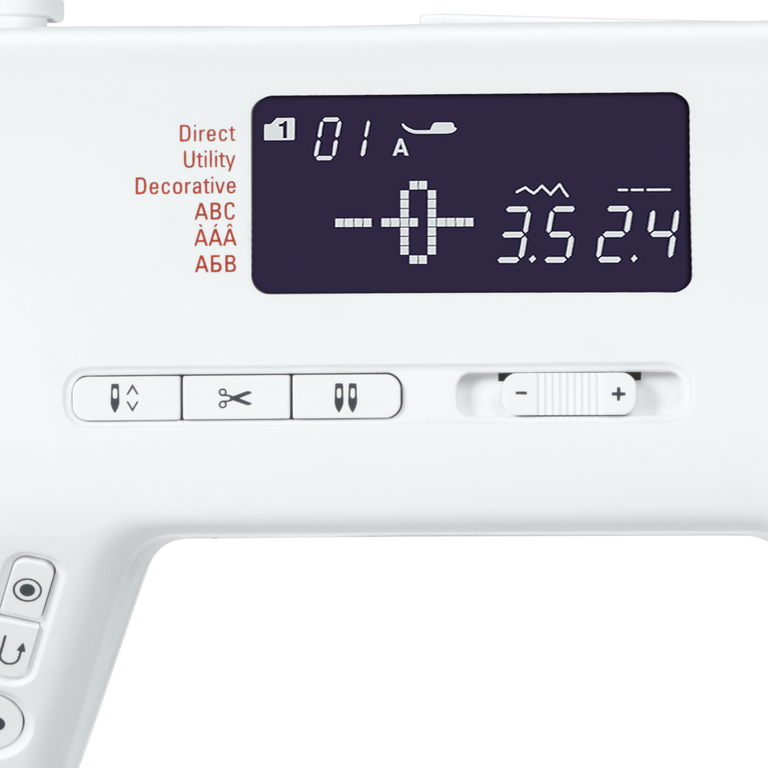
Automatic limitation for twin needles


When you change from a single to a twin needle, the "twin needle button" will help you adapt your needle to the presser foot so that neither needle will inadvertently hit the presser foot and break off. The "twin needle safety" function limits the stitch width so that the needle doesn't hit the presser foot.
null

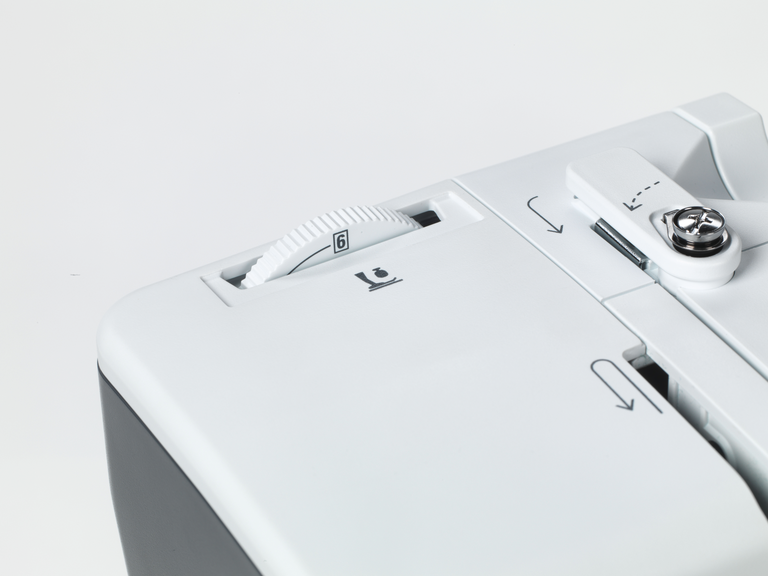
Adjusting the presser foot pressure to suit the material


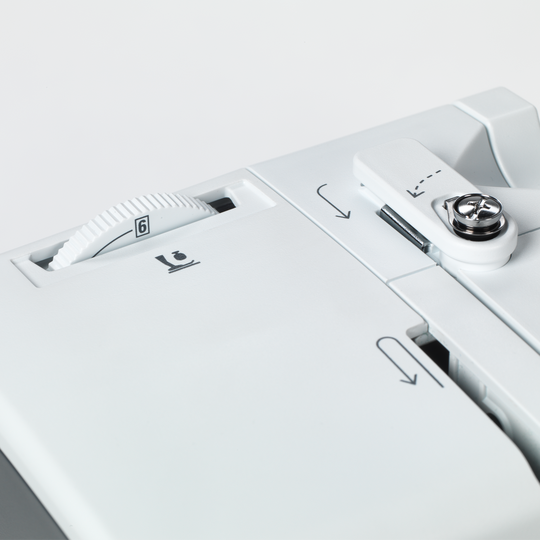
For some materials, such as lightweight or thin fabrics, it is advisable to adjust the presser foot pressure. Your bernette 38 offers this practical feature.
null

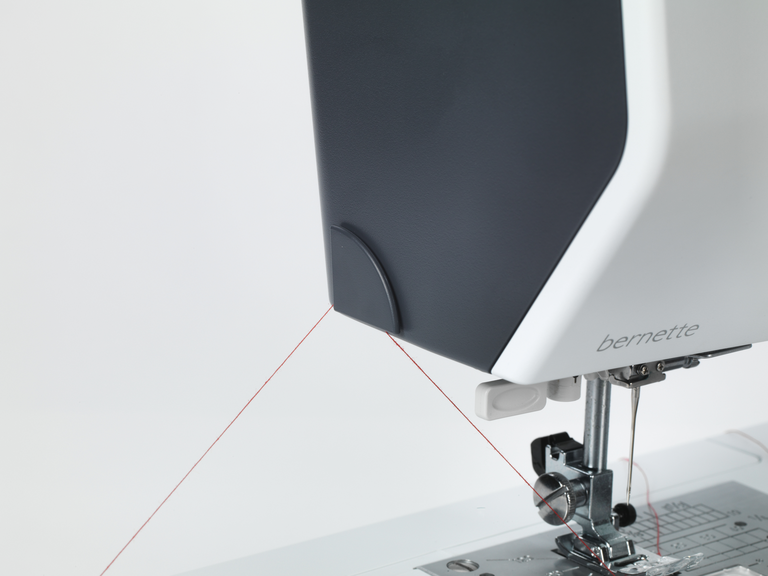
Automatic thread cutter and tie-off function


When you get to the end of a seam, the thread has to be tied off to prevent the seam unravelling. Normally, you would do this by making a quick backwards and forwards stitch. This is no longer necessary with the bernette 38, as it has an automatic tie-off function. Simply select the Tie-off button and the end of the seam will be tied off automatically. When you have finished your sewing project, press the button for the automatic thread cutter and you can pull your completed work out from under the needle without having to reach for the scissors.
null

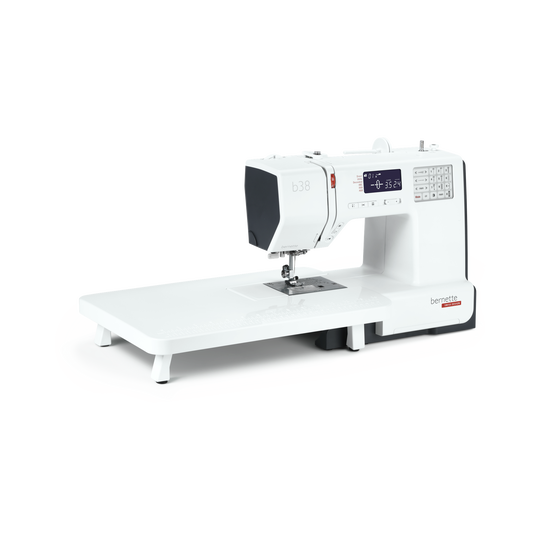
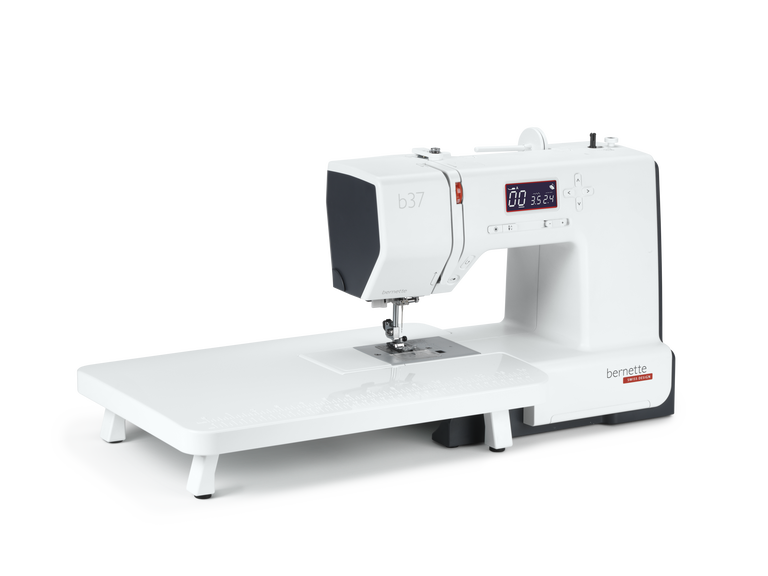
Extension table for large sewing projects included


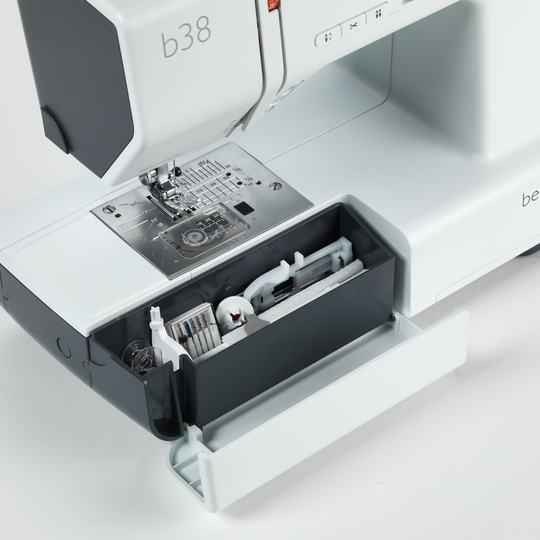
The extension table supplied with the bernette 38 is easy to attach and detach, and gives you more space for large sewing projects such as clothes, quilts or curtains.
null

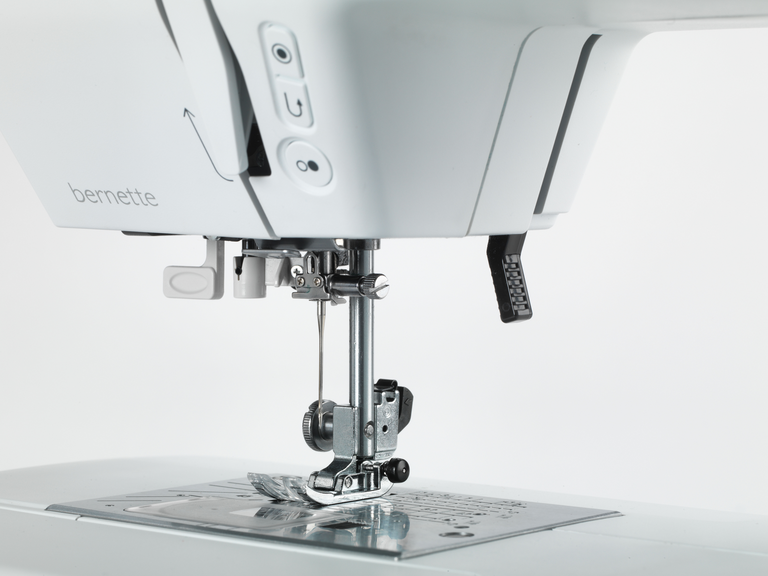
Eight presser feet (soles) included–the right presser foot for any application


With your bernette 38 you get eight presser feet and a stable presser foot shank. You can select the appropriate presser foot for whatever you want to sew. For example, you can choose the zigzag foot for zigzag stitches, the satin foot for your satin stitches and the buttonhole foot for your buttonholes. With the appropriate feet, you can accomplish your sewing projects quickly and with excellent stitch quality.


Features and Functions
bernette 38
Important
We reserve the right to make changes to the equipment and design.
Freearm length to the right of the needle [inch / mm]
170 mm
Automatic thread cutting system (upper and lower thread)
Machine Type
electronic
Adjust stitch length
Adjust stitch width
Adjustable Presser Foot Pressure
Mechanic
Start-stop button
Bobbin winder, top of machine
Electronic Foot Control
Measurements of the machine L / W / H [mm]
390 170 300
Weight of the machine [kg]
6,400 g
Freearm length to the right of the needle [inch / mm]
170 mm
Workspace height [inch / mm]
109 mm
Spool holder [number]
2
Main motor, Type
DC
Needle threading, semi-automatic
Automatic thread cutting system (upper and lower thread)
Hook system
Drop-in
bernette Two Level Presser Foot Lift
Screen position
centrally
Screen size [inch]
2.9 inch
Number of LEDs
1
Illumination above the needle
Slide speed control
Machine Type
electronic
Adjust stitch length
Adjust stitch width
Gesamtzahl der Knopflöcher
8
Buttonhole automatic with 3A feet (auto)
Needle positions (right / left) [number]
14
Presser foot recommended (display)
Sewing stitches and characters in total [number]
394
Sewing speed maximum [spm]
820 spm
Adjustable Upper Thread Tension
manual
Versenkbarer Transporteur
Presser foot system
Snap-on
Adjustable Presser Foot Pressure
Mechanic
Start-stop button
Quick Reverse button (hand operated securing)
Practical Stitches
30
Slide-on table
Dust brush
Needle assortment
Net for upper thread spools
Dust cover machine
Accessory box

Tutorials

b38 Tutorial – Selecting and combining stitches (6/7)
You will find additional information at http://www.mybernette.com In this tutorial video for your bernette 38, we show you how you can select stitches and combine them with each other. As soon as you switch on the sewing machine, all of the stitches are available to choose from on the display. The straight stitch is always selected first. If you would like to select a different stitch, you will find an overview in the accessories drawer. You can use the number of the respective stitch pattern to very easily switch to the corresponding mode. The selected stitch pattern can then be saved with the save button. Then you can select a second stitch pattern and then press the mirror image button and then the save button again. In the video, we show you exactly what you must do if you would like to combine several stitches and designs with your b38. You can sew a programmed combination once or several times and then have your bernette automatically sew up and trim the threads.
b38 Tutorial – Selecting and combining stitches (6/7)
b38 Tutorial – Starting to sew (3/7)
You will find additional information at http://www.mybernette.com How to begin sewing with your b38: In this video tutorial, we show you which stitch is automatically selected after switching on your bernette and make it easy for you to guide the fabric edge to be straight by using markings. To secure the seam, you can first make a few reverse stitches with the reverse sewing button. Then you can sew and adjust your sewing speed if necessary. When the sewing is done, the "Automatic sewing up" button and the automatic thread trimmer will help you. We also show you how to select the zigzag stitch and how the stitch width and length can be adjusted to your sewing needs. What stitch patterns can you use to neaten seams? How do you change the sewing foot? How do you ensure a straight guide along the edge of the fabric? The tutorial shows you how step by step.
b38 Tutorial – Starting to sew (3/7)
b38 + b37 Tutorial – How to sew on a button (5/7)
b38 + b37 Tutorials – Buttonholes (4/7)
b38 + b37 Tutorial – Bobbin winding and threading (2/7)
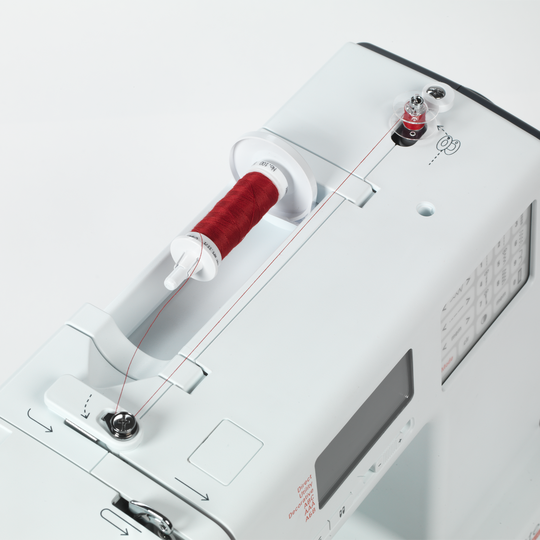
You will find additional information at http://www.mybernette.com How is the bobbin wound with your b38 or b37 and how is it threaded correctly? In this video tutorial, we show you how you very easily first insert the reel of thread and secure the thread guide spring washer. Next, you pull the thread into the bobbin, press the bobbin to the right and start the winding with the foot control or with the start / stop button. Then you can thread the upper thread, press the foot control and then raise the lower thread. With these step-by-step instructions, everything is very easy to understand so that you are perfectly prepared for your sewing project.
b38 + b37 Tutorial – Bobbin winding and threading (2/7)
b38 + b37 Tutorial – Getting ready to sew (1/7)
Discover the new bernette models! (short version)
For more information please visit: http://www.mybernette.com Do you want to be creative and sew your own things? Or alter and embellish your clothing? Then the new bernette models in the stylish two-color Swiss design are perfect for you! They are easy to use, have numerous functions with excellent stitch quality, and are durable as well as affordably priced. Experience creative sewing fun at a high level and don't settle for less.
Discover the new bernette models! (short version)