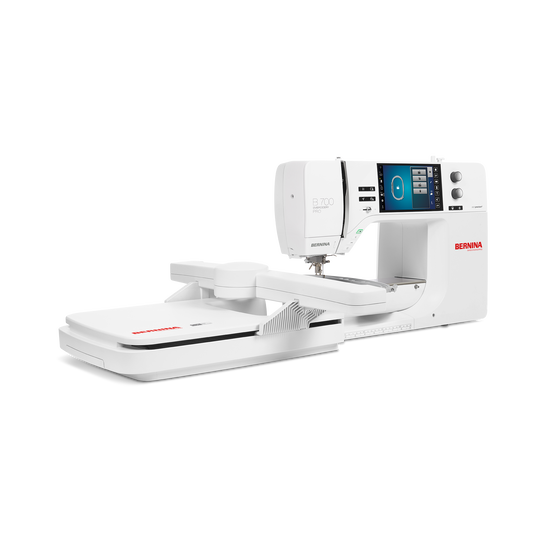
BERNINA 700 PRO with Embroidery Module
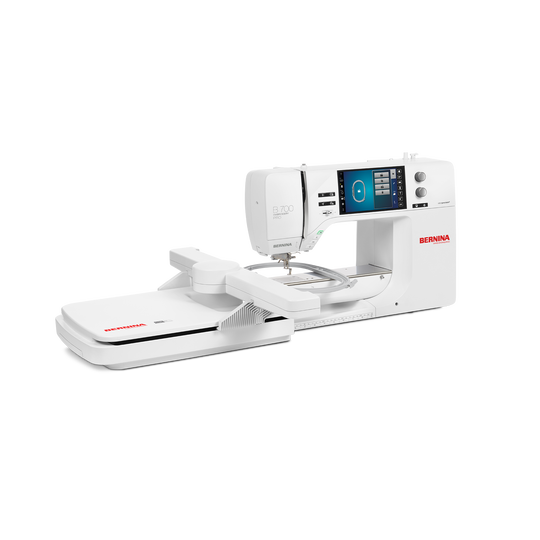
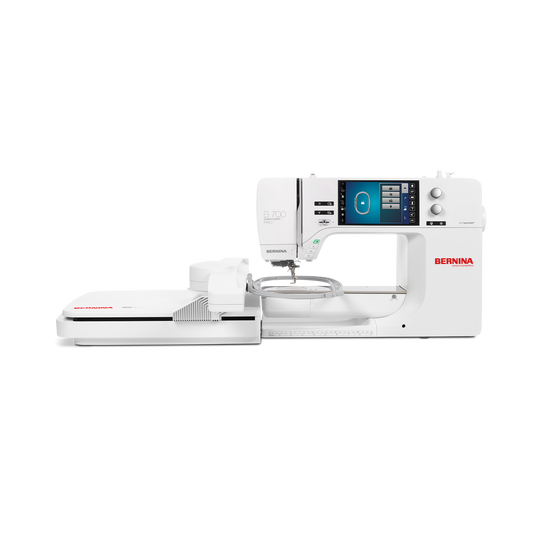
BERNINA 700 PRO with Embroidery Module
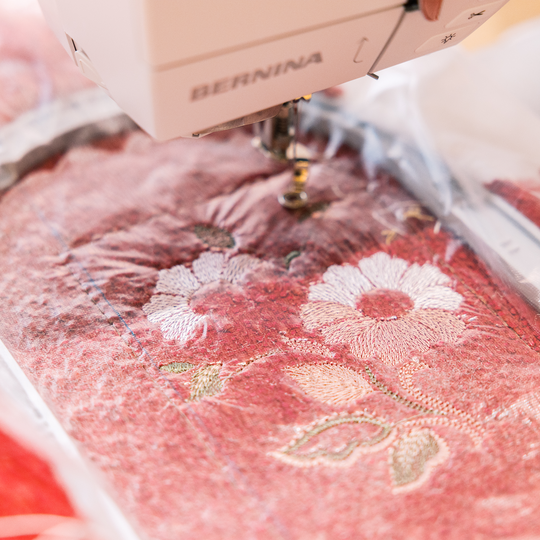
Item No. 8800711
3'995.00 CHF
Availability in online store:
  • This item is currently not available

BERNINA 700 PRO with Embroidery Module
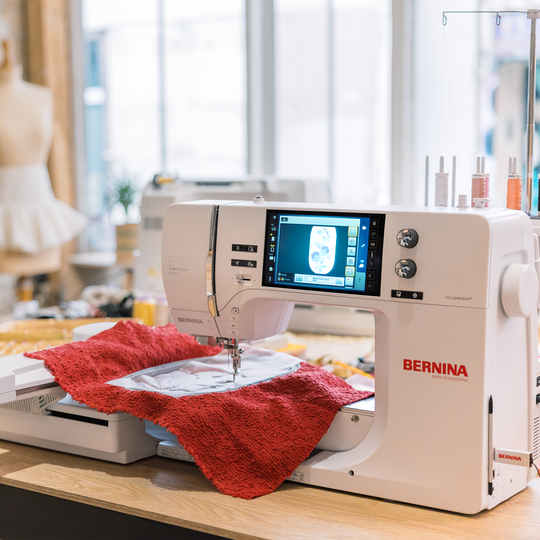
Item No. 8800711
BERNINA 700 PRO with Embroidery Module image number
Product Description


Description

The embroidery-only machine for designs up to 400 x 210 mm plus hoop recognition - for even more user-friendliness

Features

  • Large embroidery area up to 400 x 210 mm
  • Automatic Needle Threader
  • Accurate positioning with Pinpoint Laser
  • 4-Point Placement with Morphing
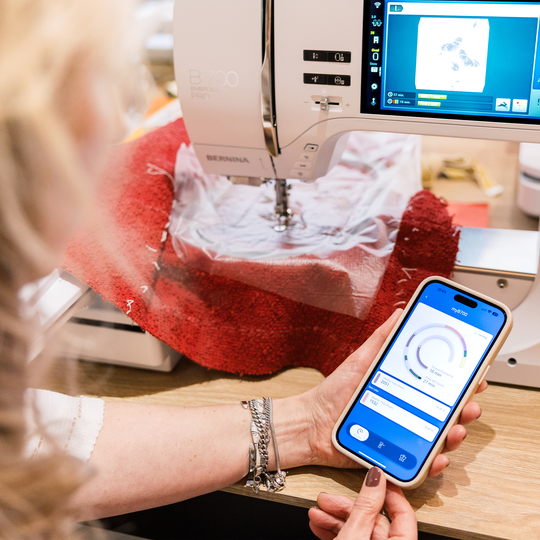
  • Monitor embroidery process via Stitchout App
null

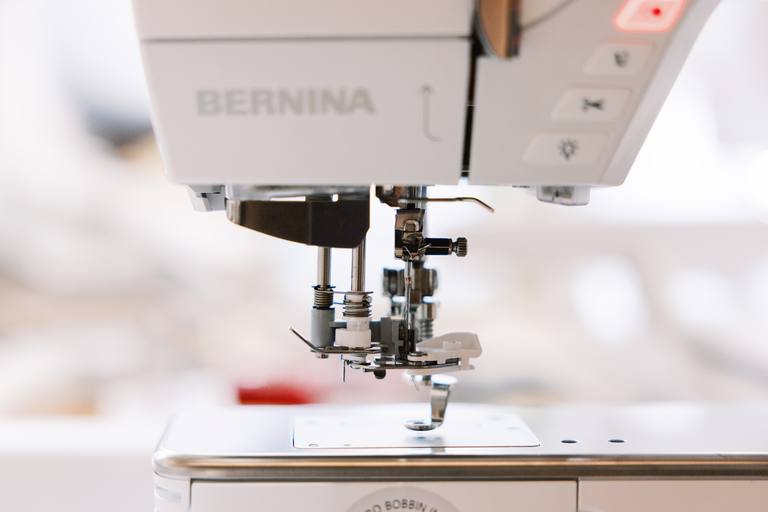
Thread the needle automatically

  • You are ready for sewing in a breeze
  • Simply push a button
  • Watch the machine thread the needle

The Automatic Needle Threader helps you get started with a different thread. From a needle size of 70, the upper thread can be automatically threaded into standard embroidery needles. Conveniently and quickly, every time!
null

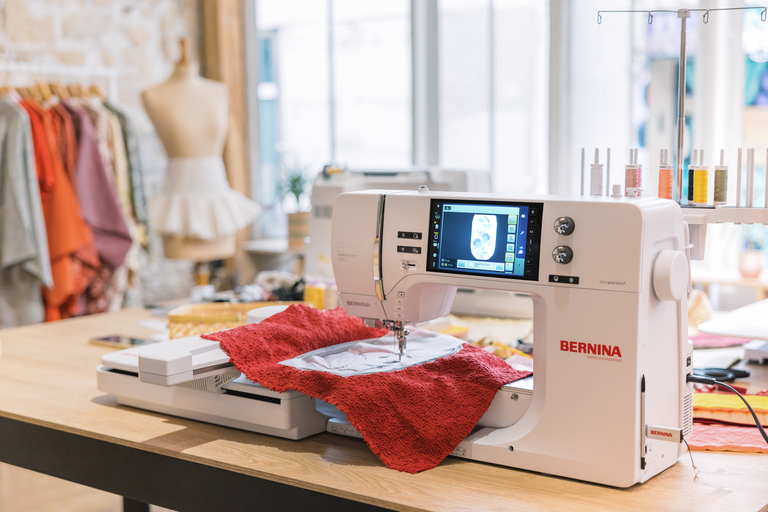
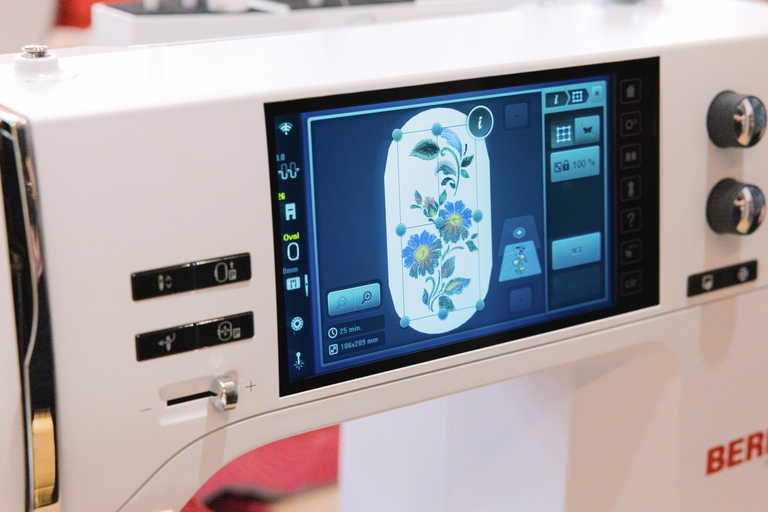
Enjoy maximum space

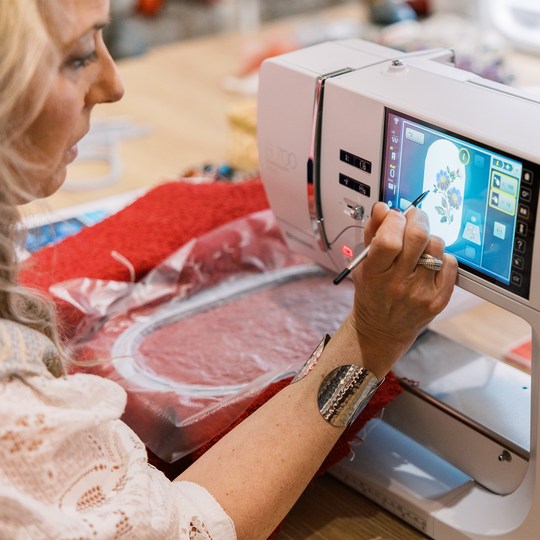
  • Extra large 7" color touch screen
  • Embroidery area of 400 x 210 mm
  • Built-in tutorials

The extra large touch screen allows you to operate the machine comfortably. Get direct tips and tricks or have short built-in tutorials show you important work steps. For each embroidery technique the Creative Consultant Embroidery helps you to choose the correct foot, needle, thread and stabilizer according to your fabric to achieve the best results.
null

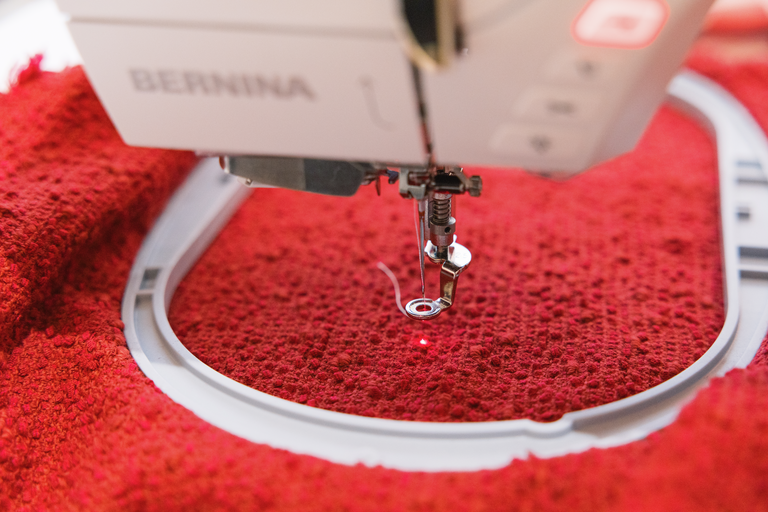
Pinpoint Laser

  • Works in every needle position
  • Indicates the exact needle entry point
  • Next generation precision

Enjoy pinpoint precision by seeing exactly where the needle will enter the fabric in every needle position. The BERNINA Pinpoint Laser marks your start and travel points as you embroider.
 

null

Place your designs to suit your project

  • 2-Point and 4-Point Placement
  • Place designs as they are or morph to fit
  • Perfect placement every time

Pinpoint Placement with 2-Point and 4-Point placement options allows you to easily place designs with utmost precision. Simply define four points on the fabric with the new 4-Point Placement and morph or proportionally fit the design to the area. Use Virtual Positioning to verify exact stitch points for ultimate precision.
null

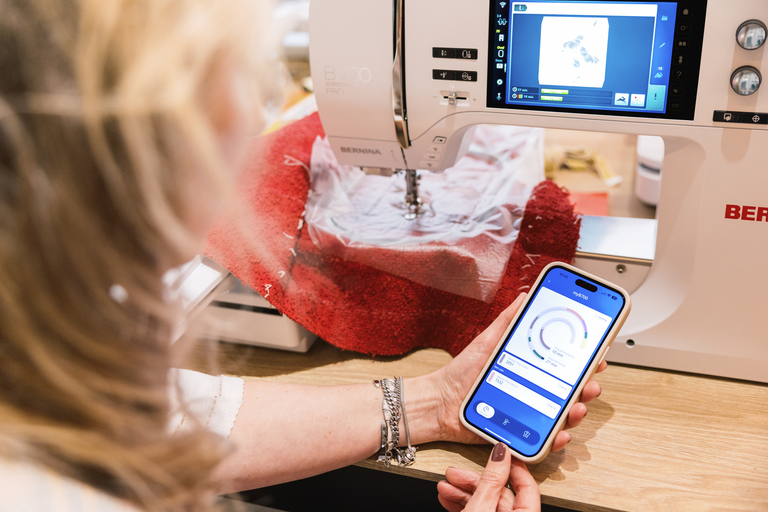
WiFi Connectivity and BERNINA Stitchout App

  • Design transfer from/to V9 Software
  • Monitor embroidery process via App
  • Real-time status updates remotely

Since WiFi is enabled on the B 700 PRO, you can transfer designs from your BERNINA Embroidery Software 9 (optional) directly to the machine, or vice versa. And thanks to the BERNINA Stitchout App, the embroidery process can be monitored on your smartphone remotely. The in-app notifications and real-time status updates will make your embroidery more convenient.
null

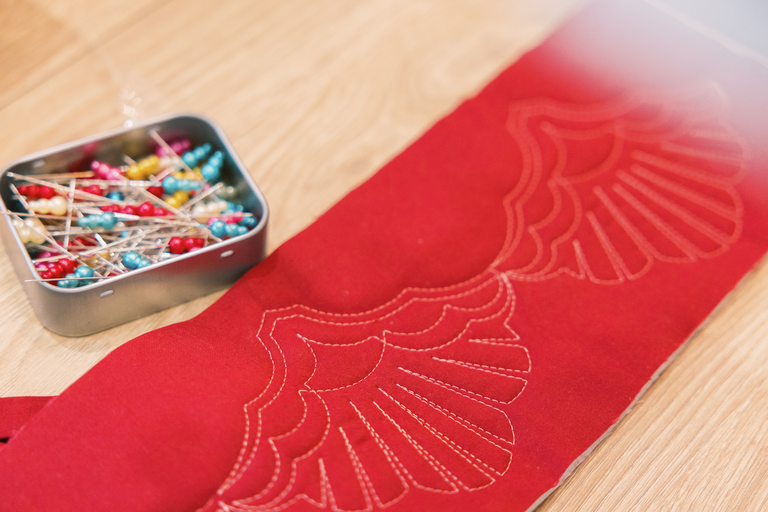
Customizable Quilt Designs

  • Quilt like a PRO
  • Modify stitches per inch
  • Unlimited scaling

The new Customizable Quilt Designs (.bqm) bring the functionality of professional longarm quilting to your embroidery machine. Unlimited scaling possibilities, the ability to modify the stitches per inch (SPI) and enhanced quilt securing functions enable you to achieve perfect computerized quilting on your embroidery machine.
null

Align designs as you wish

  • Both horizontally and vertically
  • Center, left, right, top, bottom
  • Align multiple lettering lines

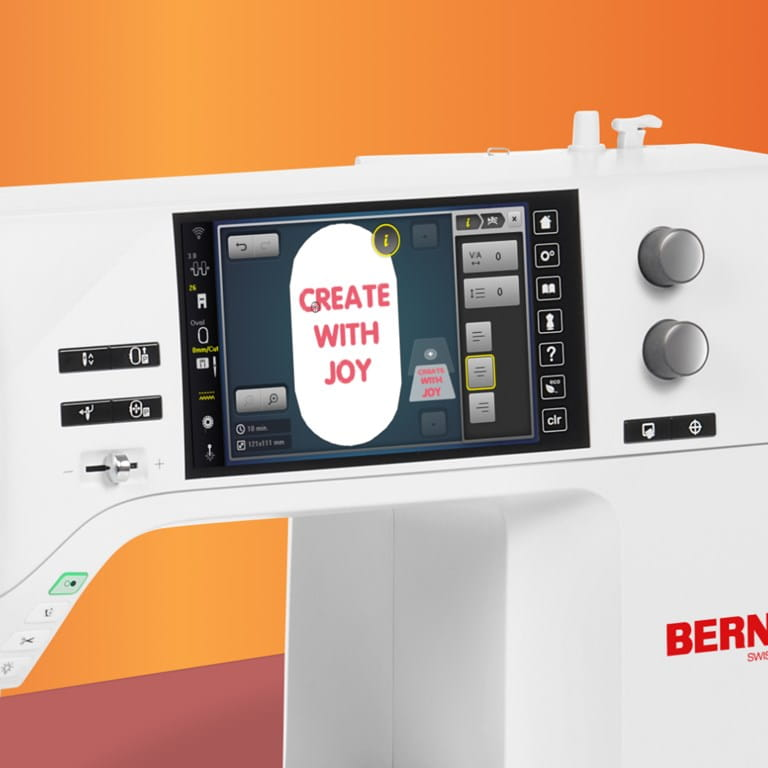
Easily align and distribute embroidery designs horizontally and vertically. Use Multi-line Lettering and Text Alignment to personalize your text placement. With the line break, lettering of up to 10 lines is possible.


null

Precise like a PRO!

  • Next generation stitch precision
  • Superior stitch quality
  • Even faster embroidery

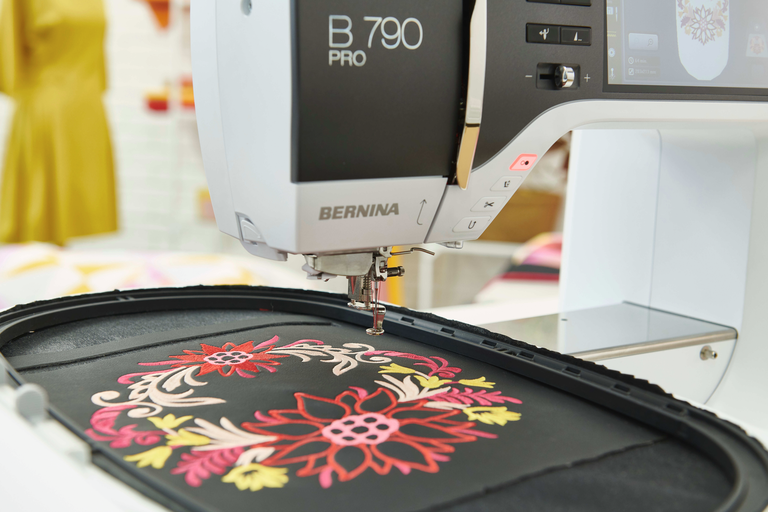
The B 700 PRO features the next generation BERNINA stitchprecision Technology that makes your embroidery experience quieter, more precise, and joyful. Swiss innovations allow for superior stitch quality and up to 33% higher SDT embroidery speed.
null

You imagine it.
You shape it.

  • Combine default formations
  • Arrange embroidery patterns
  • Any formation is possible

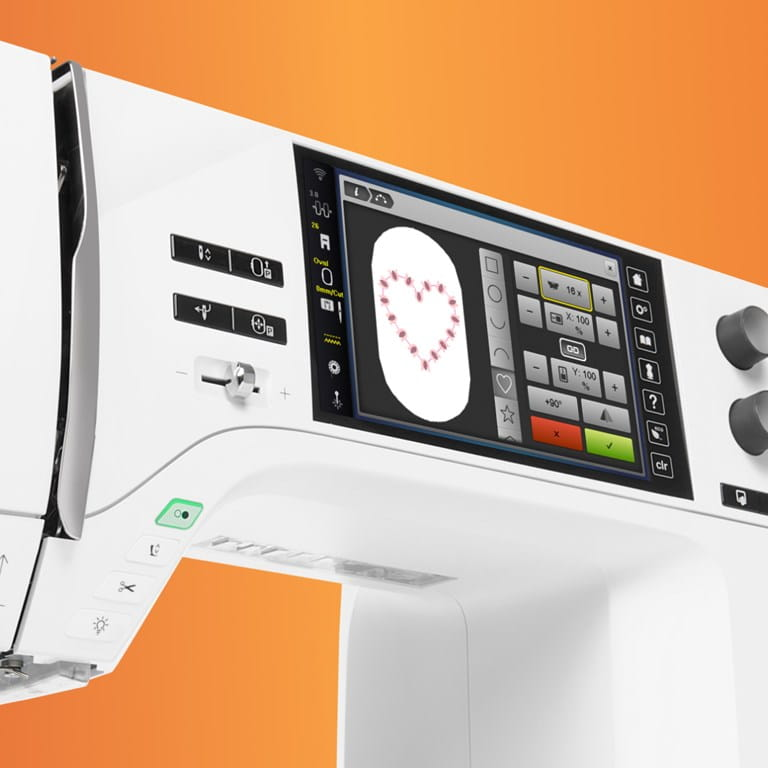
Multiply designs with one click and arrange them in a desired formation. Whether in a circle, square or heart, with the integrated Shape Designer new and unique embroidery designs emerge.
 

null

More editing possibilities

  • Embroider endlessly
  • Group & ungroup designs
  • Rearrange designs

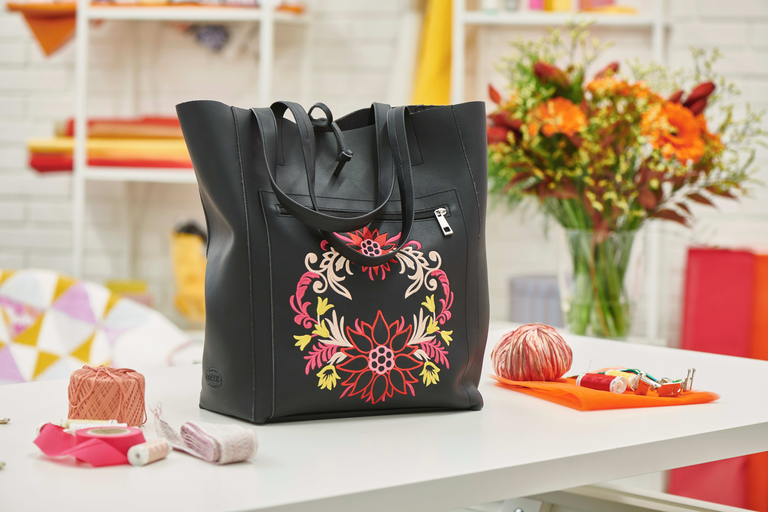
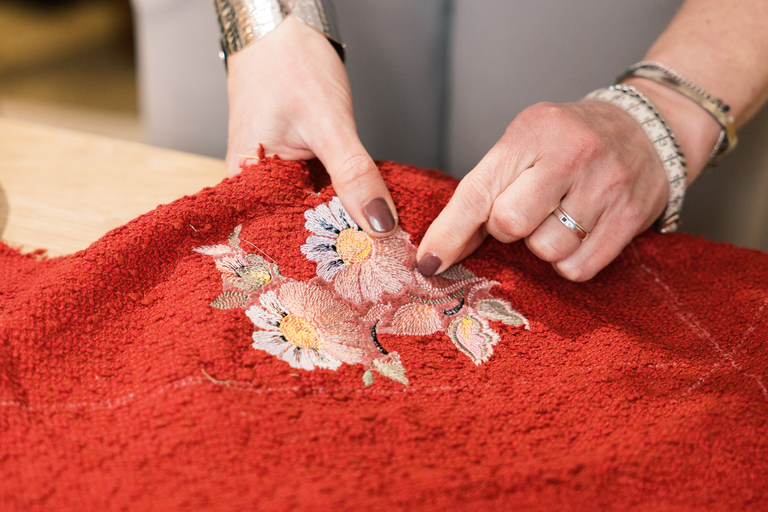
Undo or redo steps while editing or combining designs to return to your initial position. Change the stitchout sequence of design layers or use Rearrange in combination with Group & Ungroup for further editing possibilities. With the Endless Embroidery function, you can easily repeat and align embroider designs to make continuous borders.
null

Combine your designs creatively

  • Create curved lettering effects
  • Alter stitch density
  • Combine alphabets with embroidery

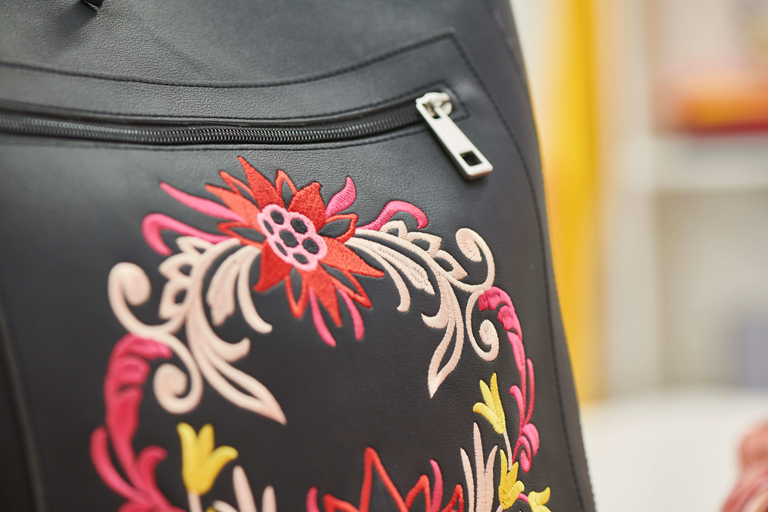
Choose from 500 built-in embroidery designs, 25 built-in embroidery alphabets and one large built-in monogram set.
null

Save time with smart features

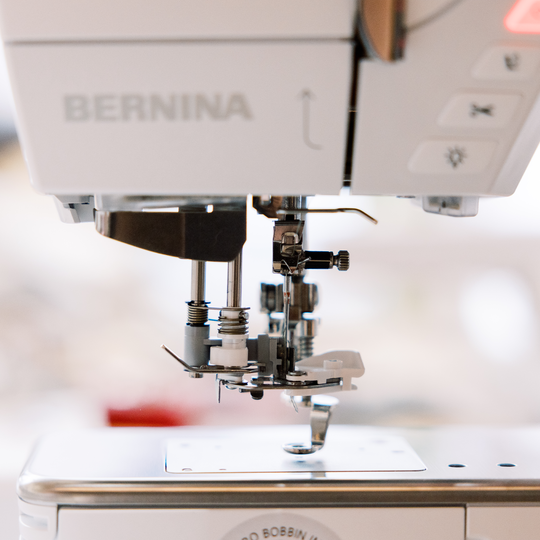
  • Easily access the front load Jumbo Bobbin
  • Re-thread without removing the hoop
  • Jump stitches are cut automatically

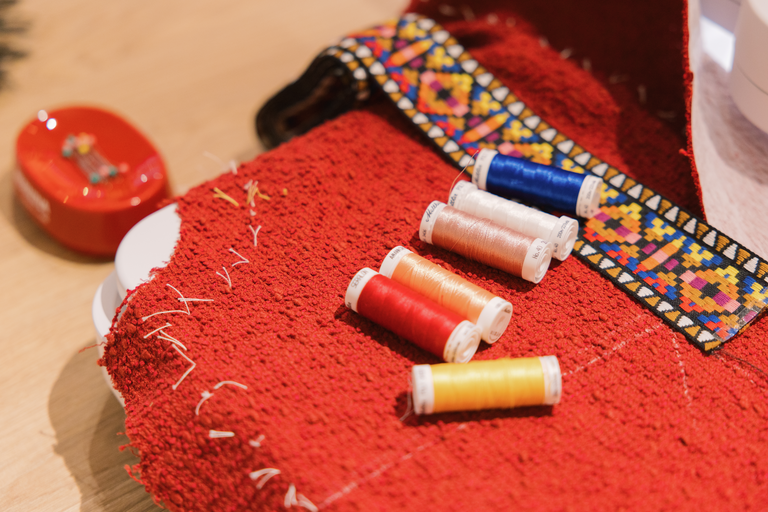
Embroider with fewer interruptions with the Jumbo Bobbin that holds more thread than standard bobbins. You can insert or change the bobbin from the front without having to remove the hoop. Moreover, you can set any length of jump stitches to be cut and thereby eliminate manual cutting.
null

Choose your favorite color

  • Color your design easily
  • Select your personal color scheme
  • Embroider your project in beautiful colors

With the Color Wheel, designs can be changed easily and coordinated to your favorite color scheme before you start embroidering.
null

Smart embroidery technology even smarter

  • Perfect becomes superb
  • Another increase in embroidery speed
  • Even better stitch quality

Thanks to the BERNINA stitchprecision2 Technology, the already enhanced BERNINA Embroidery Module with Smart Drive Technology (SDT) is even faster and the stitch quality even more superior.


Features and Functions

Bobbin winder, top of machine
Thread away motion
Setup- Display settings - Display brightness
Setup- Information - Needle minder
Weight of embroidery module [lbs/kg]
6,200 g
Weight of the machine [kg]
14,000 g
Freearm length to the right of the needle [inch / mm]
254 mm
Workspace height [inch / mm]
127 mm
Total memory [MB]
256 MB
Laser pointer
Spool holder [number]
2
Wireless technology embedded (internal)
Main motor, Type
DC
Separate bobbin winding motor
Hammer-mode for piercing force
Needle threading, automatic (Needle size Nm 70-120)
Automatic thread cutting system (upper and lower thread)
Adaptive thread tension, dynamic
Hook system
BERNINA
Presser foot lift, automatic
Screen position
centrally
Screen size [inch]
7 inch
Number of LEDs
30
Illumination above the needle
Slide speed control
Sensor upper thread control
Sensor bobbin thread control
USB-Anschluss (Host)
Freearm circumference in the needle position [mm]
275 mm
Delete by Swiping
Presser foot system
Full shank
Hopper mechanism
Start-stop button
Freearm embroidery
Read competition embroidery formats (stitch based)
Save design
Restore last embroidery position
Hoop recognition
Absolute check
Mega Hoop functionality (6 x 15.7 inch / 400 x 150mm)
Maxi Hoop functionality (8.3 x 15.7 inch / 400 x 210mm)
Jumbo Hoop functionality (10 x 15.7 inch / 400 x 260mm)
Midi Hoop Funktionalität (10,5 x 6,5 Zoll / 265 x 165mm)
Freearm Hoop functionality (5.7 x 10 inch / 145 x 255mm)
Small Freearm Hoop functionality ( )
Clamp Hoop S functionality (6.5 x 6.5 inch / 165 x 165mm )
Check box
Basting stitch inside hoop / around design
Embroidery sequence control
CutWork Tool support
Built-in Embroidery alphabets (horizontal&vertical=1)
20
Built-in Embroidery designs
500
Move pattern
Change design stitch order
Advanced design positioning assistant "Pinpoint Placement" or similar
Pinpoint Placement: lock scaling
4-Point Placement
Customizable quilting designs (BQM)
Resize pattern: proportional (limited to 80%-120%)
Resize pattern: non-proportional (limited to 80%-120%)
Stichdichte einstellen
Wordart
QWERTY keyboard
Multi Line text (as a group)
Combination of designs and lettering, embroidery
Arrange motifs in pre-defined shapes
Endless embroidery function
Group layers
Change thread colours
Monochrom
Color resequencing
Colour Wheel: change the colours of the design
Creative consultant, embroidery
Setup- Embroidery - centering the embroidery motif / restore the original position
Setup- Embroidery - Thread away motion on/off
Setup- Embroidery - inch/mm switch
Setup- Embroidery - set SPI for customizable quilt designs
Setup- Embroidery - Thread cutter by colour change on/off
Setup- Embroidery - Thread cutter - set length of the jump stitch
Setup- Embroidery - Securing stitches manually /automatically
Embroidery field max, effective space [inch / mm]
400 mm x 210 mm
Embroidery speed maximum [spm]
1,000 spm
Drag and drop, (swipe operation), embroidering
Embroidery design transfer between machine and Embroidery Software (from V9)
Embroidery Status monitor / Stitchout App
Dust brush
Dust cover machine
Accessory box

Tutorials

Tutorial on the BERNINA 790: Sewing buttonholes and sewing on buttons
Who says sewing buttonholes and sewing on buttons has to be a chore? A challenge successfully conquered with the BERNINA 790. Our instructions show you how easy it is to configure the size of the buttonhole by holding the button against the display and sewing the buttonhole in a single run, how you can set-up your BERNINA 790 for buttonhole sewing in a few easy steps and how to ensure your buttonholes and buttons are placed exactly to plan. This video tutorial will also give you the lowdown on which sewing feet you can use, plus, there is also the option of storing your configured settings permanently in the memory of your BERNINA 790, to be retrieved later at will. For more information on BERNINA products, a wealth of instructions and free embroidery designs and sewing patterns for your textile creations check out www.bernina.com. Please also note the additional video instructions in this YouTube playlist with tutorials!
Tutorial on the BERNINA 790: Sewing buttonholes and sewing on buttons
How to use the BERNINA Pinpoint Laser on the BERNINA 790 PRO
Tutorial on the BERNINA 720, 740 and 770 QE: Combining letters and stitches
Getting started: Bobbin Winding and Threading on the BERNINA 790 PRO
http://www.bernina.com/bernina790pro | To make getting started with your new BERNINA sewing machine particularly easy, this video shows you the first important steps, from winding the bobbin to threading using the Automatic Needle Threader of the B 790 PRO. The Automatic Needle Threader helps you get started, conveniently and quickly, every single time. This video shows in detail how to use it and how to prepare your machine for sewing. Find out more about the BERNINA 790 PRO and lots of instructions and free patterns for your textile creations at http://www.bernina.com/b790pro – or have your local specialist retailer show you one of our sewing machines. Also take a look at the other video tutorials in this YouTube playlist!
Getting started: Bobbin Winding and Threading on the BERNINA 790 PRO
Using the BERNINA Stitchout App with the BERNINA 790 PRO
http://www.bernina.com/bernina790pro | WiFi allows you to transfer embroidery designs from your BERNINA Embroidery Software 9 (optional) directly to the B 790 PRO, or the other way around. Thanks to the BERNINA Stitchout App, the embroidery process can be monitored on your smartphone. The B 790 PRO connects with the app allowing you to monitor the status of your embroidery stitchout from any room in your house. The app notifies you when the machine needs your direct attention, like thread colour change, thread breakage or when the design is finished. This video tutorial shows you in detail how to use the BERNINA Stitchout App with the BERNINA 790 PRO. Find out more about the BERNINA 790 PRO and lots of instructions and free patterns for your textile creations at http://www.bernina.com/b790pro – or have your local specialist retailer show you one of our sewing machines. Also take a look at the other video tutorials in this YouTube playlist!
Using the BERNINA Stitchout App with the BERNINA 790 PRO
Multi-line Lettering and aligning embroidery designs with the BERNINA 790 PRO
Using the Group & Ungroup Function on the BERNINA 790 PRO
Using the 2-Point Placement function on the BERNINA 790 PRO
How to customize BQM Quilt Designs with the BERNINA 790 PRO
File transfer between BERNINA 790 PRO and BERNINA Embroidery Software 9
How to position and morph embroidery designs with 4-Point Placement on the BERNINA 790 PRO
How to clean and oil the BERNINA 790 PRO
http://www.bernina.com/bernina790pro | This video shows how to clean and oil the BERNINA 790 PRO sewing and embroidery machine. You sewing machine should be cleaned and oiled regularly. In case of intensive use, such as prolonged sewing, it may need to be oiled daily. Find out more about the BERNINA 790 PRO and lots of instructions and free patterns for your textile creations at http://www.bernina.com/b790pro – or have your local specialist retailer show you one of our sewing machines. Also take a look at the other video tutorials in this YouTube playlist!
How to clean and oil the BERNINA 790 PRO