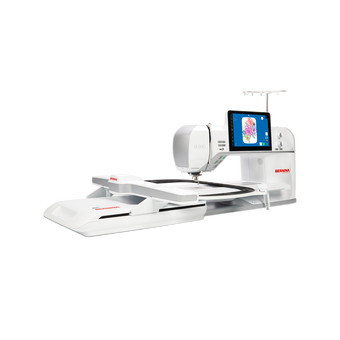
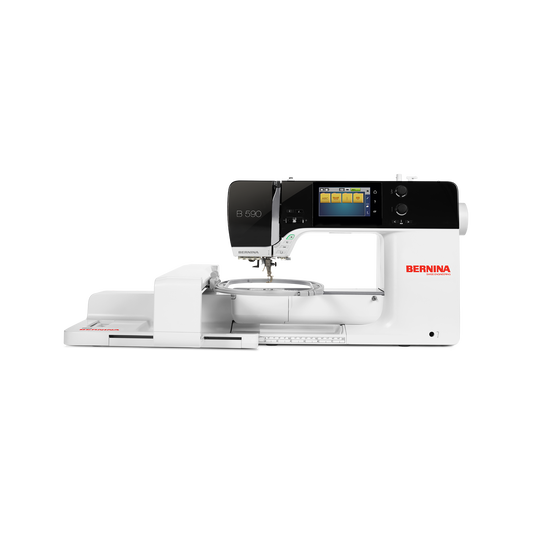
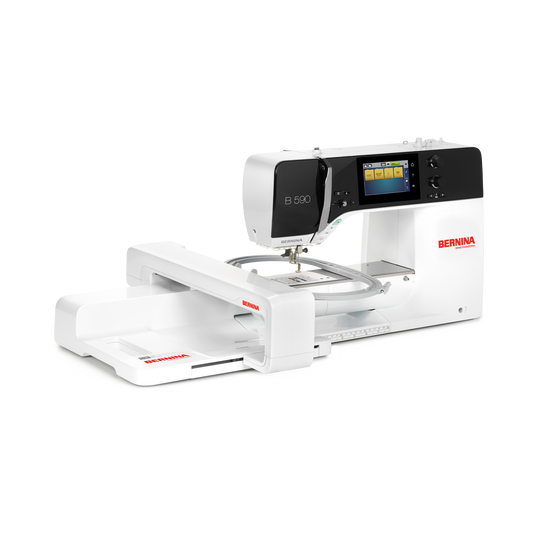
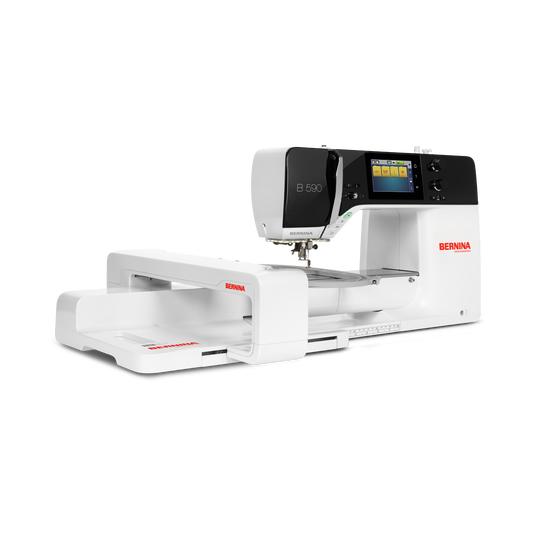
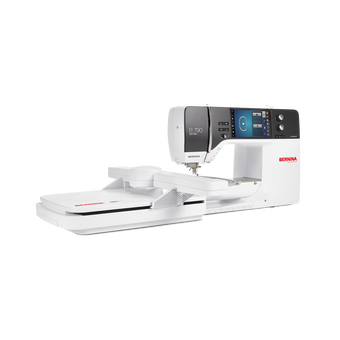
BERNINA 590 with Embroidery Module
4'595.00 CHF
Availability in online store:
-
In Stock
Selected Store
Your shopping cart
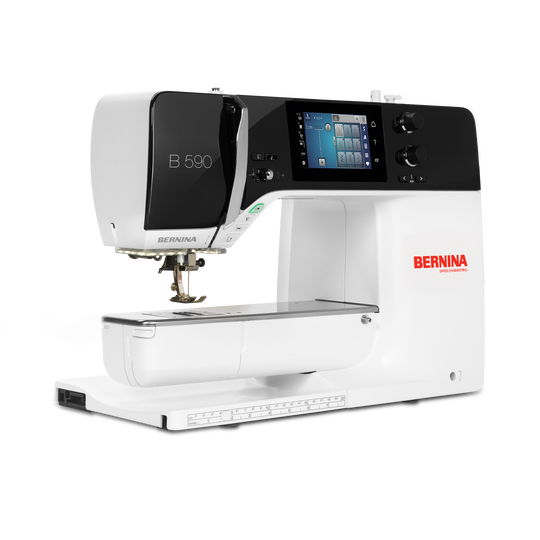
BERNINA 590 with Embroidery Module
Item No.
8800503
Product Description
Description
Sewing, Quilting and Embroidering: the all-rounder with integrated sewing consultant and positioning functions
Features
- High power for unusual materials
- Sew & quilt lots of layers super fast
- Handle bigger projects with ease
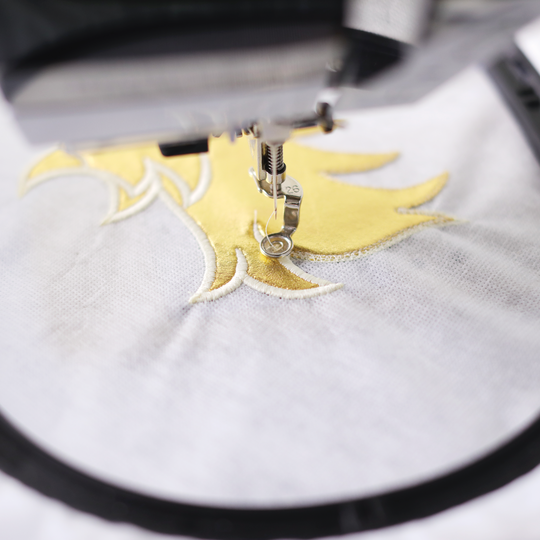
- Achieve finest embroidery results
- Easy positioning of embroidery designs
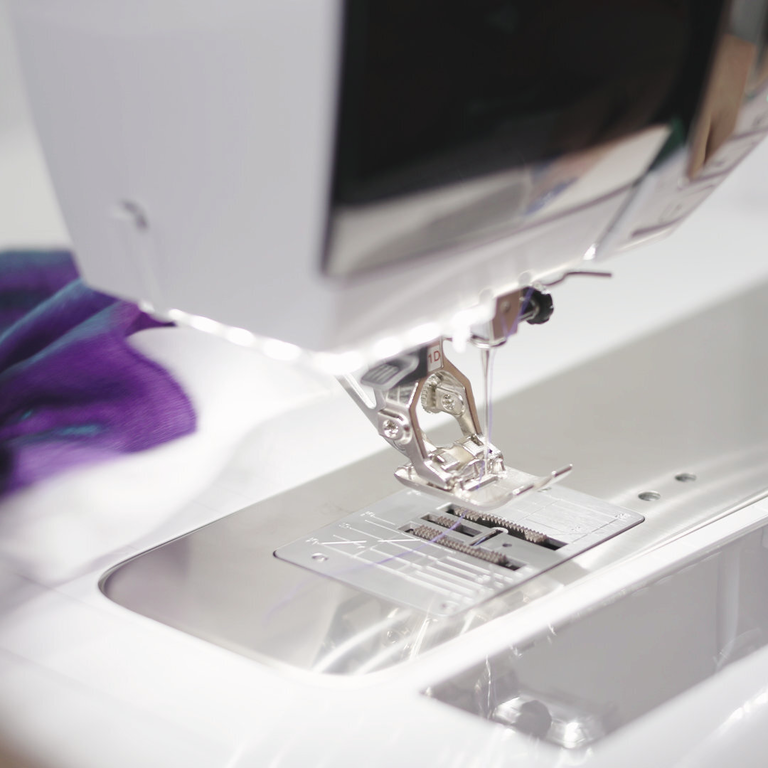
Automatic features save time
- No manual thread cutting
- Press a button to lift the foot
- Press a button to cut your thread
The automatic thread cutter operates three steps in one: cuts the thread, lifts the needle, and raises the presser foot.
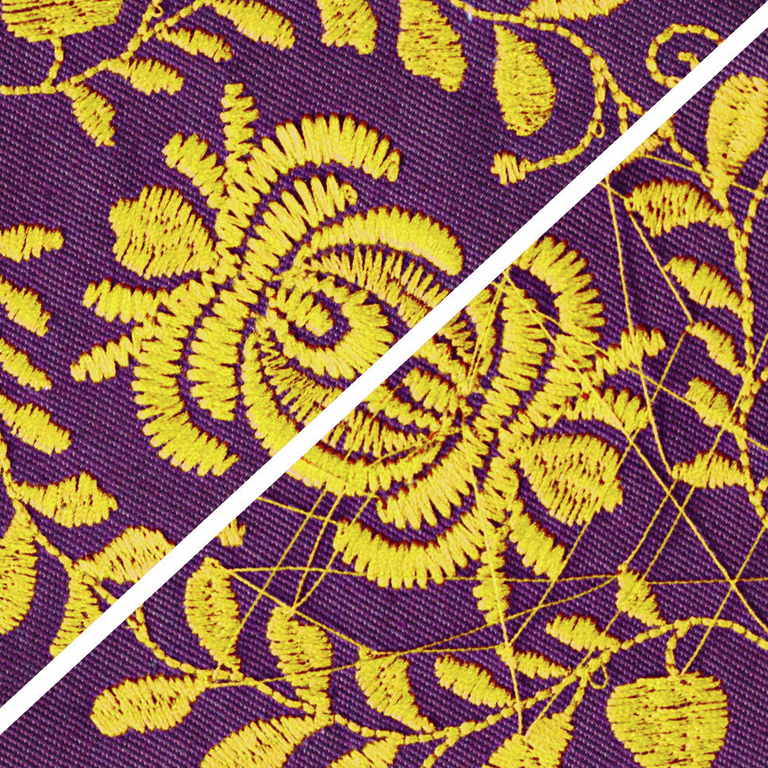
Perfection is the new standard
- No manual trimming on the top side
- Manage thread cuts easily
- Invisible Secure for perfect results
Thanks to the Thread Away Mode and Invisible & Smart Secure, clean embroidery results on the top are yours with the B 590 E.
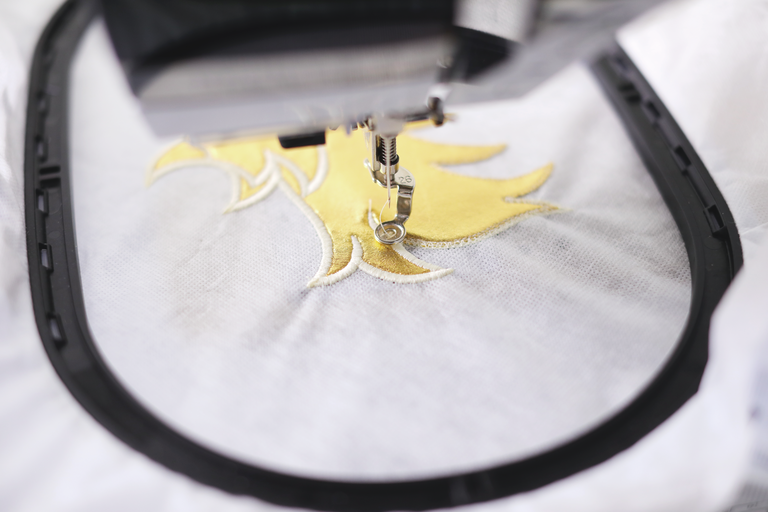
Easy design positioning
- Position your design easily and exactly
- No need to use the template anymore
- Perfect results in short times
Use Pinpoint Placement to position your design precisely: select two points and match them with the markings on the hooped fabric.
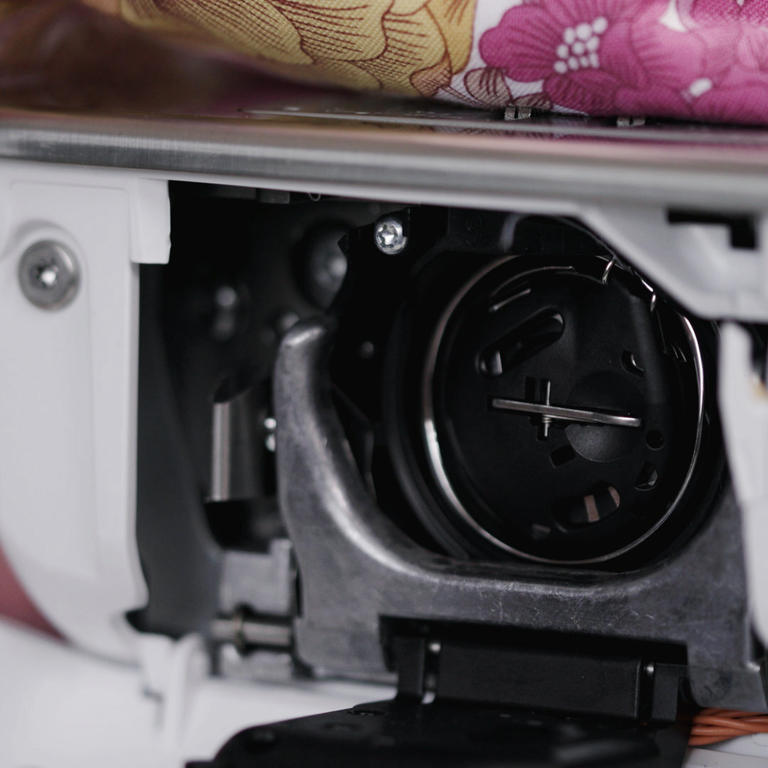
Sew quieter, faster, longer, better
- Achieve perfect stitches fast & quietly
- Sew longer with the Jumbo bobbin
- Frontload the bobbin with new thread
The BERNINA Hook keeps the stitches consistent and precise with a maximum speed of 1,000 stitches per minute.
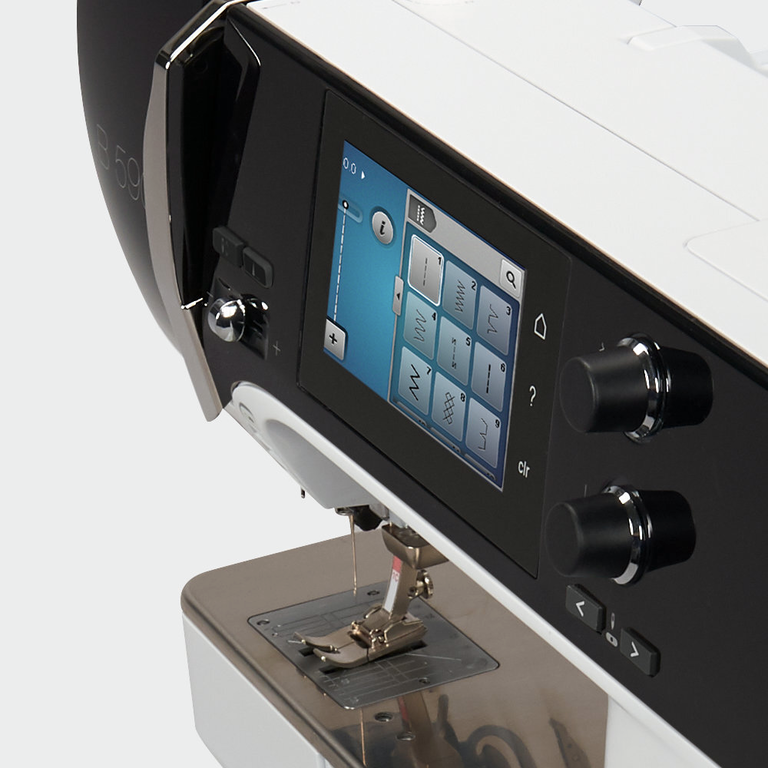
Enjoy full comfort & perfect results
- Large easy-to-navigate touch screen
- One click to switch to embroidery mode
- On-screen support when needed
The Sewing and Embroidery Consultants offer direct on-screen support and answer your questions whenever you need them.
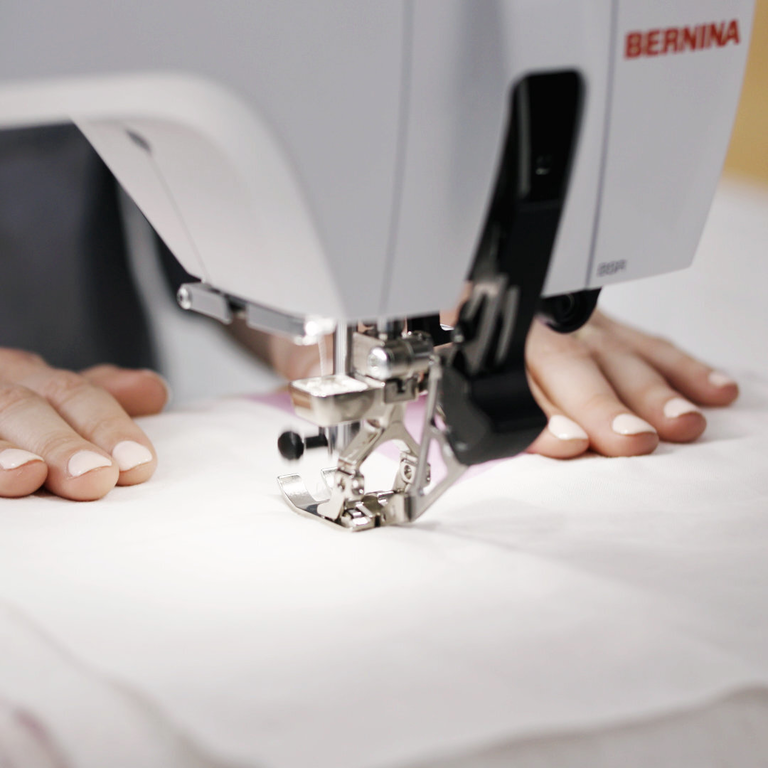
Sew chiffon & leather like a pro
- Handle all kinds of material with ease
- Superb fabric feed on top and bottom
- Excellent for slippery or fine materials
The innovative BERNINA Dual Feed feeds the fabric evenly from above and below. It is easy to engage and tucks away when not in use.
Features and Functions
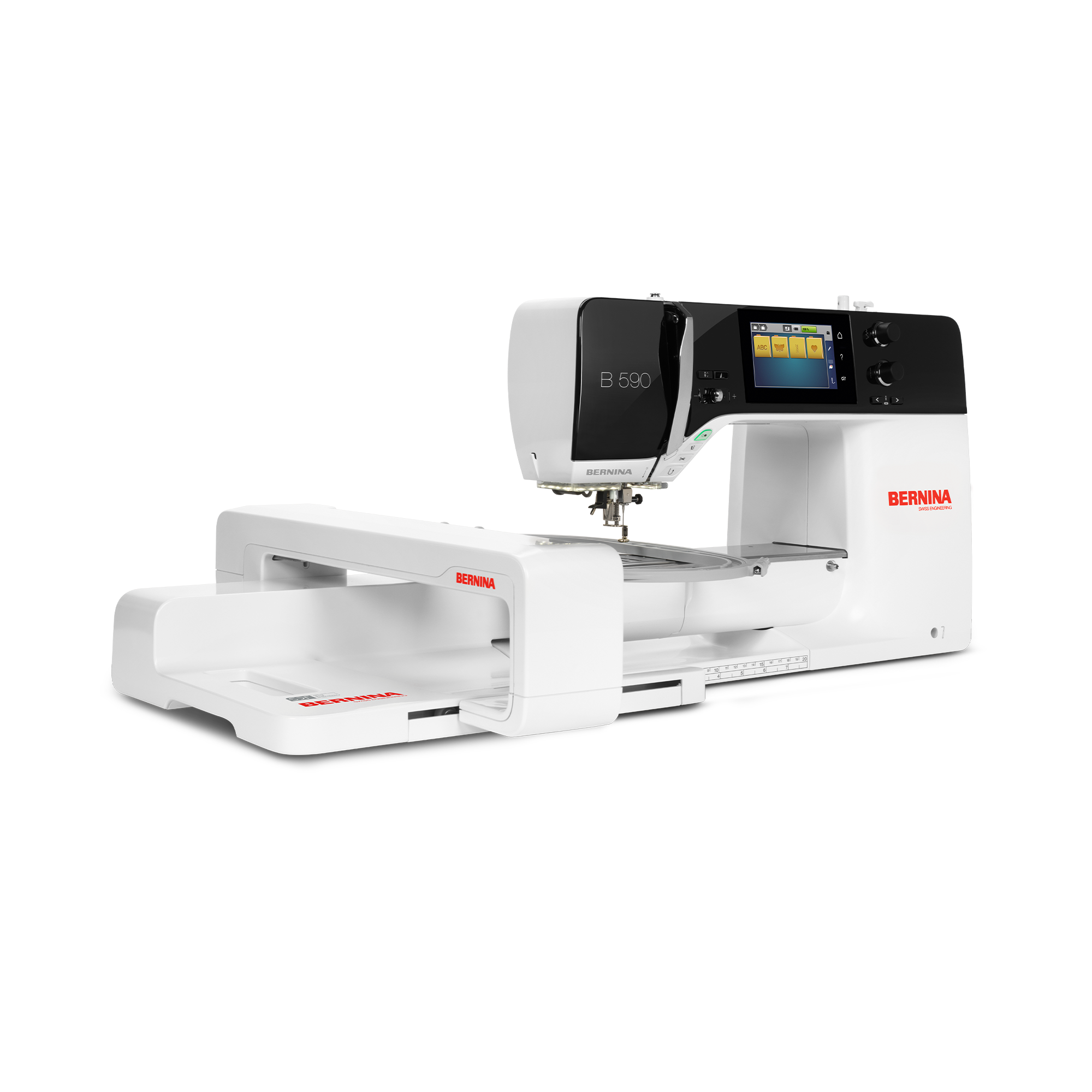
Important
We reserve the right to make changes to the equipment and design.
BDF / Dual Feed, integrated
Freearm length to the right of the needle [inch / mm]
215.8 mm
Sensor bobbin thread control
Start-stop button
Advanced design positioning assistant "Pinpoint Placement" or similar
Endless embroidery function
Creative consultant, embroidery
Embroidery field max, effective space [inch / mm]
165 mm x 265 mm
Knee lever connection (FHS)
Bobbin winder, top of machine
Nadelstopp oben/unten, permanent (oben/unten)
Thread away motion
Setup- Sewing - foot control function settings
Setup- Display settings - Display brightness
Setup- Information - Needle minder
Foot control with back-kick
Weight of embroidery module [lbs/kg]
4,000 g
Weight of the machine [kg]
11,000 g
Freearm length to the right of the needle [inch / mm]
215.8 mm
Workspace height [inch / mm]
109.22 mm
Total memory [MB]
256 MB
Spool holder [number]
2
Main motor, Type
DC
Separate bobbin winding motor
Hammer-mode for piercing force
Needle threading, semi-automatic
Automatic thread cutting system (upper and lower thread)
Adaptive thread tension, dynamic
Hook system
BERNINA
Presser foot lift, automatic
Screen position
centrally
Screen size [inch]
4.3 inch
ECO function
Number of LEDs
16
Illumination above the needle
Slide speed control
Sensor upper thread control
Sensor bobbin thread control
USB-Anschluss (Host)
Adjust stitch length
Balance forward / reverse feed
Pattern end
Adjust stitch width
Triple Stitch
Reverse sewing, permanent
Backstepping, permanent
Pattern elongation
Long stitch function
Gesamtzahl der Knopflöcher
16
Buttonhole manual-multistep (man)
Buttonhole automatic with 3A feet (auto)
Button measuring function on screen
Buttonhole slit width adjustment
Basting stitch no. 21 (with bast-matic)
Securing stitch (stitch #5)
Needle positions (right / left) [number]
11
Memory (Kurzzeitspeicher)
Save settings of current stitch (permanent)
Add current stitch (personal program)
Import / export of stitches and stitch combination via USB (EXP format)
Presser foot recommended (display)
Save combination
Sewing stitches and characters in total [number]
1774
Presser foot selection
BSR functionality
BSR mode1
BSR speed (max spm)
1,000 spm
BSR mode 2
Creative consultant Sewing
Freearm circumference in the needle position [mm]
276 mm
Sewing speed maximum [spm]
1,000 spm
Delete by Swiping
Fit to window
Presser foot system
Full shank
Hopper mechanism
Pivot / hover function
Start-stop button
Quick Reverse button (hand operated securing)
Practical Stitches
38
Quilting Stitches
60
Button Sew-On Program
1
Darning Programs
2
Freearm embroidery
Read competition embroidery formats (stitch based)
Save design
Restore last embroidery position
Hoop recognition
Absolute check
Mega Hoop functionality (6 x 15.7 inch / 400 x 150mm)
Midi Hoop Funktionalität (10,5 x 6,5 Zoll / 265 x 165mm)
Freearm Hoop functionality (5.7 x 10 inch / 145 x 255mm)
Clamp Hoop S functionality (6.5 x 6.5 inch / 165 x 165mm )
Check box
Basting stitch inside hoop / around design
Embroidery sequence control
CutWork Tool support
Built-in Embroidery alphabets (horizontal&vertical=1)
8
Built-in Embroidery designs
275
Move pattern
Sewing stitches in embroidery mode
Change design stitch order
Advanced design positioning assistant "Pinpoint Placement" or similar
Resize pattern: proportional (limited to 80%-120%)
Resize pattern: non-proportional (limited to 80%-120%)
Stichdichte einstellen
Wordart
Combination of designs and lettering, embroidery
Endless embroidery function
Group layers
Change thread colours
Monochrom
Color resequencing
Colour Wheel: change the colours of the design
Creative consultant, embroidery
Setup- Embroidery - centering the embroidery motif / restore the original position
Setup- Embroidery - Thread away motion on/off
Setup- Embroidery - inch/mm switch
Setup- Embroidery - Thread cutter by colour change on/off
Setup- Embroidery - Thread cutter - set length of the jump stitch
Setup- Embroidery - Securing stitches manually /automatically
Embroidery field max, effective space [inch / mm]
165 mm x 265 mm
Embroidery speed maximum [spm]
1,000 spm
Drag and drop, (swipe operation), embroidering
Slide-on table
Free Hand System (FHS) knee lifter
Dust brush
Needle assortment
Dust cover machine
Accessory box
Tutorials
Please accept performance cookies to show the video
Sewing tutorial: decorative stitches on the B 535, B 540, B 570 QE and B 590 (video tutorial)
http://www.bernina.com/new5series | With your BERNINA sewing machine you can quickly and easily save and then automatically sew any sequence of letters with combined decorative stitches. This video tutorial shows how it works: If offers step by step instructions on how to input the desired letters, how to change between uppercase and lowercase, make corrections to your text, as well as add decorative and sewing stitches. Your BERNINA then sews the input pattern automatically. Do you want to save your input pattern for future use? This video shows how easy this is to do and how to retrieve your saved stitch combination.
Find out more about BERNINA products and lots of instructions and free patterns for your textile creations at http://www.bernina.com – or have your local specialist retailer show you one of our sewing machines.
Also take a look at the other video tutorials in this YouTube playlist!
Please note that not all the models mentioned in the title have all of the functions shown in the video. Rights reserved relating to changes with regard to model functions and equipment.
Sewing tutorial: decorative stitches on the B 535, B 540, B 570 QE and B 590 (video tutorial)
Sewing tutorial: Buttonholes with the B 535, B 540, B 570 QE and B 590
Sewing tutorial: changing and saving stitches with the B 535, B 540, B 570 QE and B 590
Please accept performance cookies to show the video
Embroidery tutorial: grouping and ungrouping designs with the B 500 and B 590
http://www.bernina.com/new5series | The BERNINA 500 and 590 allow you to group and ungroup embroidery patterns. In this tutorial we show you how easy it is to do so and how this can benefit your embroidery work. By grouping and ungrouping embroidery patterns in different layers, you can, for example, simply delete individual patterns or change the order of embroidery pattern combinations. This function is particularly helpful with embroidered names because you can easily move individual characters to adjust the space between letters.
Find out more about BERNINA products and lots of instructions and free patterns for your textile creations at http://www.bernina.com – or have your local specialist retailer show you one of our sewing machines.
Also take a look at the other video tutorials in this YouTube playlist!
Please note that not all the models mentioned in the title have all of the functions shown in the video. Rights reserved relating to changes with regard to model functions and equipment.
Embroidery tutorial: grouping and ungrouping designs with the B 500 and B 590
Embroidery tutorial: first steps with the B 500, B 535, B 540, B 570 Q and B 590
Embroidery tutorial: Pinpoint Placement of embroidery designs with the B 500 and B 590
Embroidery tutorial: endless embroidery with the Mega Hoop and B 500 and B 590
Embroidery tutorial: editing designs with the B 500, B 535, B 540, B 570 QE and B 590
Please accept performance cookies to show the video
Sewing tutorial: Screen functions of the B 500, B 535, B 540, B 570 Q and B 590
http://www.bernina.com/new5series | In this tutorial we take a look at all the areas and functions of your sewing machine’s screen. You will see where the upper thread tension or presser foot tension is displayed and adjusted, how to enlarge the display of one area of the screen, and how to display and change the various stitches on your BERNINA sewing machine. We will also show you how the “Help” function assists you when you are unsure of something and how you can very easily reset stitches and most functions.
Find out more about BERNINA products and lots of instructions and free patterns for your textile creations at http://www.bernina.com – or have your local specialist retailer show you one of our sewing machines.
Also take a look at the other video tutorials in this YouTube playlist!
Please note that not all the models mentioned in the title have all of the functions shown in the video. Rights reserved relating to changes with regard to model functions and equipment.
Sewing tutorial: Screen functions of the B 500, B 535, B 540, B 570 Q and B 590
Sewing tutorial: first steps with the B 500, B 535, B 540, B 570 Q and B 590
Please accept performance cookies to show the video
Cleaning and oiling the B 435, B 475 QE, B 480 and B 485
http://www.bernina.com/4series | For better sewing results and smooth sewing, it is necessary to clean and oil your BERNINA sewing machine on a regular basis. Watch this video to learn how to properly maintain your machine by cleaning and oiling the hook and the hook race. The thread catcher needs to be cleaned frequently, too! This video shows you how to go about this.
You can find out more about BERNINA products and lots of instructions and free patterns for your textile creations at http://www.bernina.com – or have your local specialist retailer show you one of our sewing machines.
Please also take a look at the other video tutorials in this YouTube playlist! Once you've watched all videos in our playlist, you will be ready to get started with your sewing projects, using the full potential of your BERNINA 4 Series machines. Happy stitching!
Please note that not all the models mentioned in the title have all of the functions shown in the video. Rights reserved relating to changes with regard to model functions and equipment.
Cleaning and oiling the B 435, B 475 QE, B 480 and B 485
Please accept performance cookies to show the video
Sewing tutorial: quilting with the B 535, B 540, B 570 QE and B 590
http://www.bernina.com/new5series | Presser foot # 97 is perfectly suited to patchworking. In these video instructions you will see how to attach the presser foot and align the fabric edges correctly. With the help of the BERNINA Dual Feed, the fabric is transported from above and below at the same time, which means that you will require a presser foot with the “D” designation. In this video we also show you how to adjust the presser foot to particularly thick fabric and how you can easily do free-motion quilting with the help of the BERNINA Stitch Regulator. When free-motion sewing, the stitching speed automatically adapts to the speed that the fabric is moving. Choose from: Mode 1 where the sewing machine sews continuously and mode 2 where it only sews when the fabric is moved.
For more information on the BERNINA patchwork foot 97, please watch this video: https://www.youtube.com/watch?v=-04idswIN5g
Find out more about BERNINA products and lots of instructions and free patterns for your textile creations at http://www.bernina.com – or have your local specialist retailer show you one of our sewing machines.
Also take a look at the other video tutorials in this YouTube playlist!
Please note that not all the models mentioned in the title have all of the functions shown in the video. Rights reserved relating to changes with regard to model functions and equipment.
Sewing tutorial: quilting with the B 535, B 540, B 570 QE and B 590