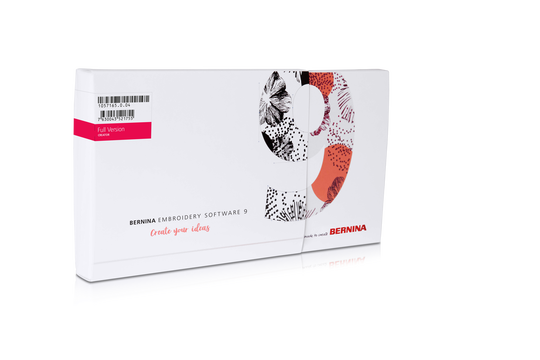
BERNINA Embroidery Software 9 Creator
-
In Stock
Selected Store
Product Description
Description
BERNINA Embroidery Software 9 Creator offers everything that you need for entering the world of embroidery. It offers 60 lettering & monogramming fonts and WiFi-functionality.
Features
- Auto and manual digitizing
- Editing incl. color management and Cutwork
- 384 built-in designs & 60 fonts
- Machine connection
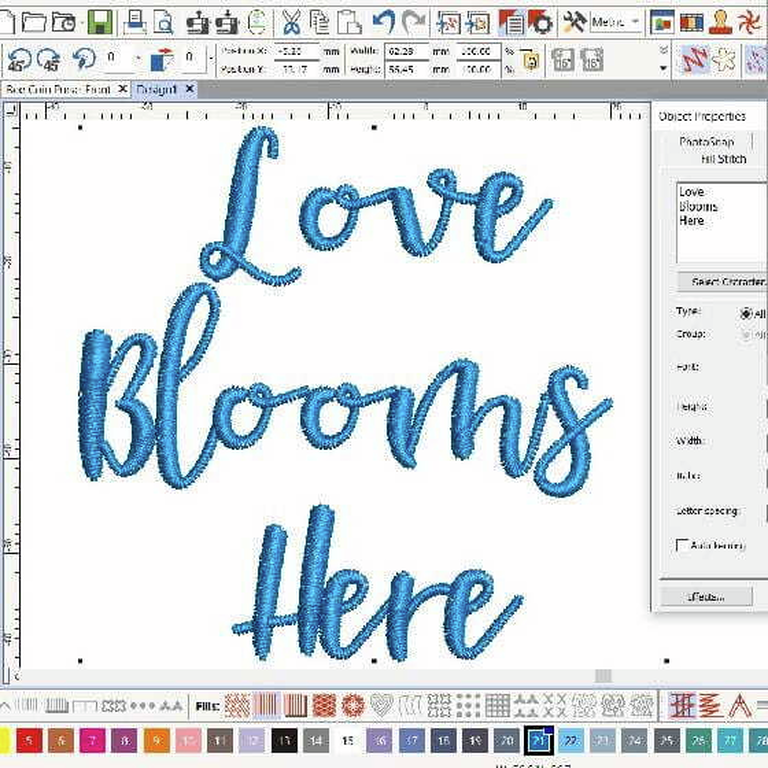
Choose from many font designs
- 60 different fonts
- Suggested size is already included
- Add even own fonts
You will get 60 fonts – with some modern handwritten style fonts included. To ensure the best quality, the recommended size for each font is displayed in the dialog box. And there are even more improvements: The font preview size is now changeable from small to large. The font selection window shows recently used fonts at the bottom for more ease of use.
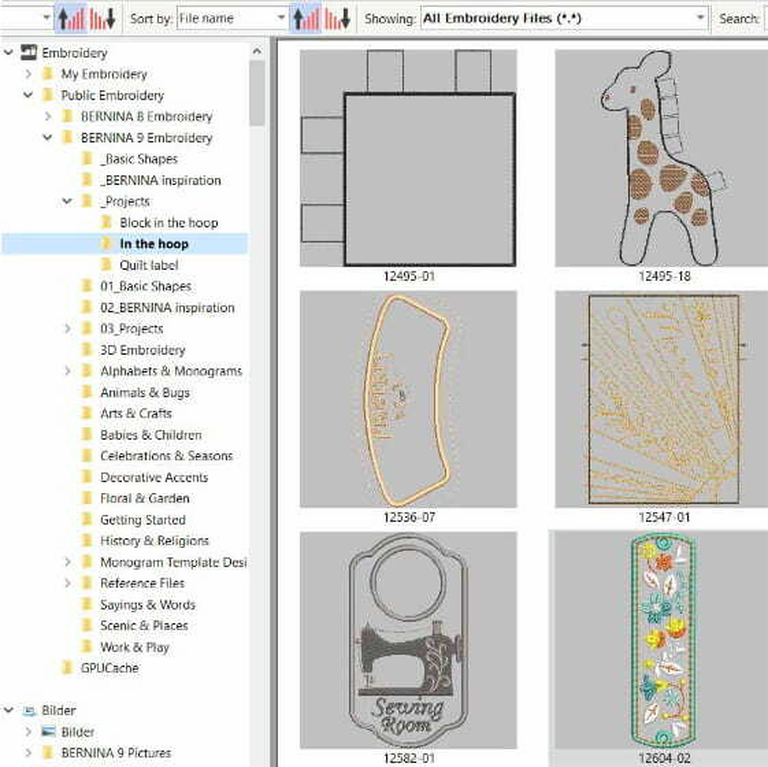
Manage your designs in the design library
- Browse through various designs
- Load your designs into the library
- From library to WiFi Device in one click
This powerful integrated design library ensures quick access to all designs and provides enhanced design management. It makes it easy to browse, group and search for designs or get inspired. From here you can also directly send your designs to the BERNINA WiFi Device for stitch-out.
Easy installation
- Improved installation process
- Easy and flexible!
- Use software on multiple computers
Installing BERNINA Embroidery Software 9 has never been easier or more flexible thanks to the improved installation process. In a snap, the software is installed on your computer. Plus, you can use the software on multiple computers just by signing in and out.
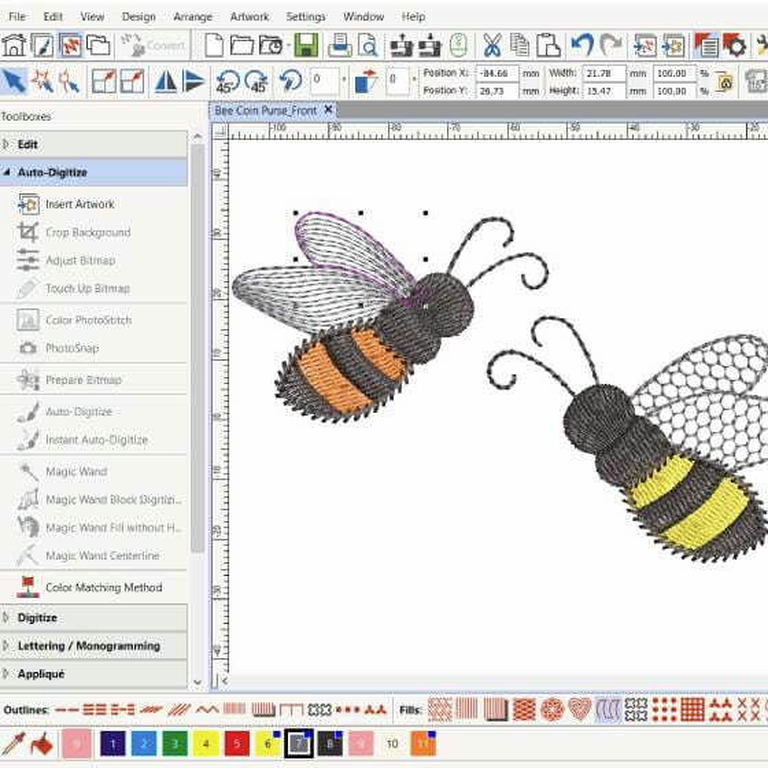
Customize anything you want
- Alter embroidery designs limitlessly
- Special fill effects, change colors, etc.
- New Branching and Weld tools
Alter an embroidery design according to your desires and without limits. The Full Editing feature offers the new Branching and Weld tools. With the Branching tool you don’t have to think about the most efficient stitching sequence and connectors as this function does it for you. Digitizers often want to combine or weld objects into a single object which is easy with the new Weld tool.
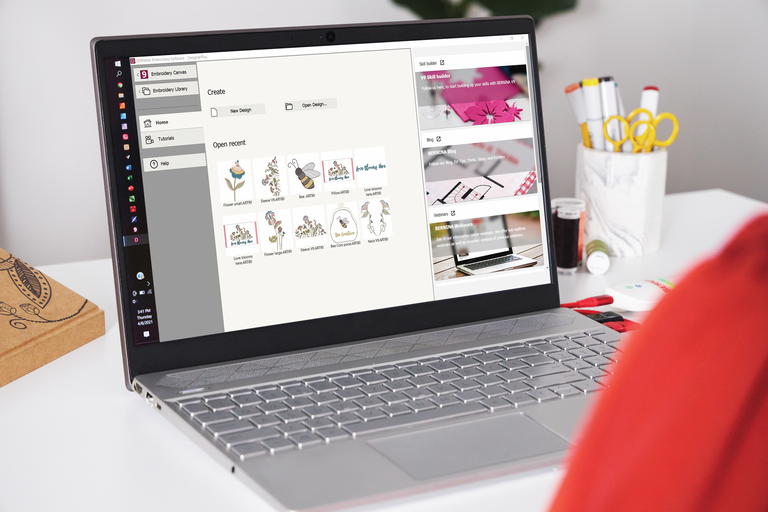
Neat and smart home screen
- With helpful tutorials
- Direct access to the online help
- Browse through new projects
Upon opening BERNINA Embroidery Software 9 you will notice an informative and interactive home screen that offers links to tutorials, new projects and resources.
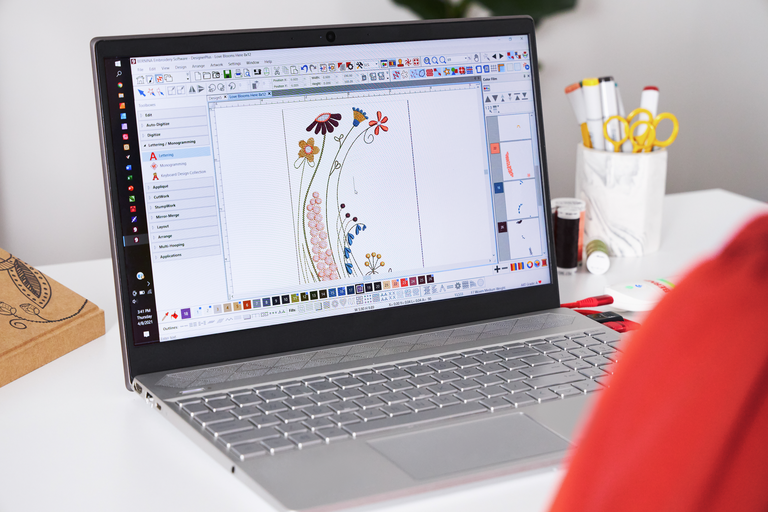
Clear interface and improved features
- Intuitive and easy to manage
- Small or large icons for a perfect view
- Open more than one design at a time
All the incredible software features are easy to use and navigate with the user-friendly interface. The menu is intuitive and easy to manage. You have the choice between small or large icons for a perfect view and the tool names and functions can be displayed if desired. Open more than one design at a time and easily switch between designs.
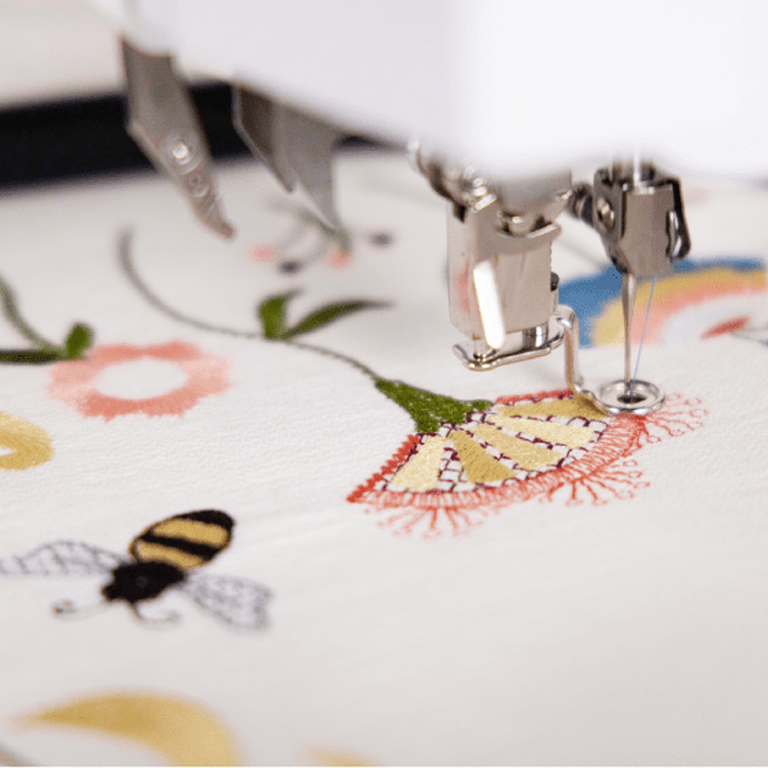
Easy positioning
- Move and rotate the design
- For a perfect embroidery placement
- Advanced preview options
The positioning feature makes it easy to place designs where you want them. Just set the design worksheet and add a template to your preview, then move and rotate the design within the hoop and use the advanced print preview options. Use the hoop template and basting stitch markers for the exact positioning.
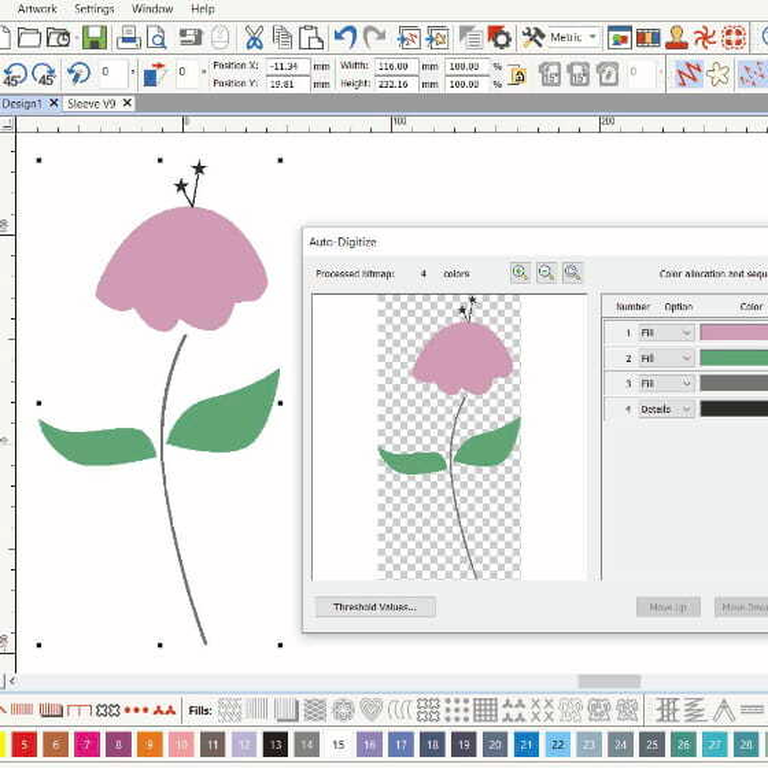
Your favorite image as embroidery design
- Updated auto-digitizing
- Enhanced manual digitizing
- Few clicks, ready to stitch!
Take artwork and turn it into an embroidery design – all done by using the powerful, updated Auto-Digitizing and Manual Digitizing tools. In just a few clicks your artwork is ready to stitch. With Manual Digitizing you can create your embroidery design from a sketch and digitize it manually. This allows even more flexibility right from the beginning.
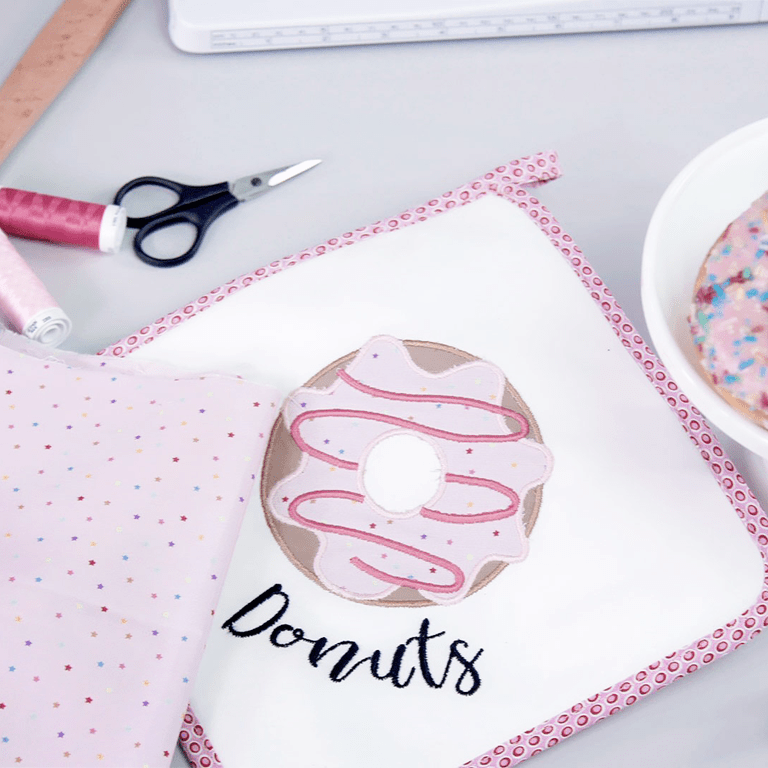
One-of-a-kind appliqués
- With just one click
- Convert any closed shape
- Create appliqué even with holes
Enjoy the extended tools to create appliqué and convert any shape into an appliqué design with just one click. Even creating appliqué with holes inside is possible with ease. Want to cut the fabric with the CutWork tool or a cutting machine?
No problem as you can save an extra cutting file directly from the embroidery canvas.
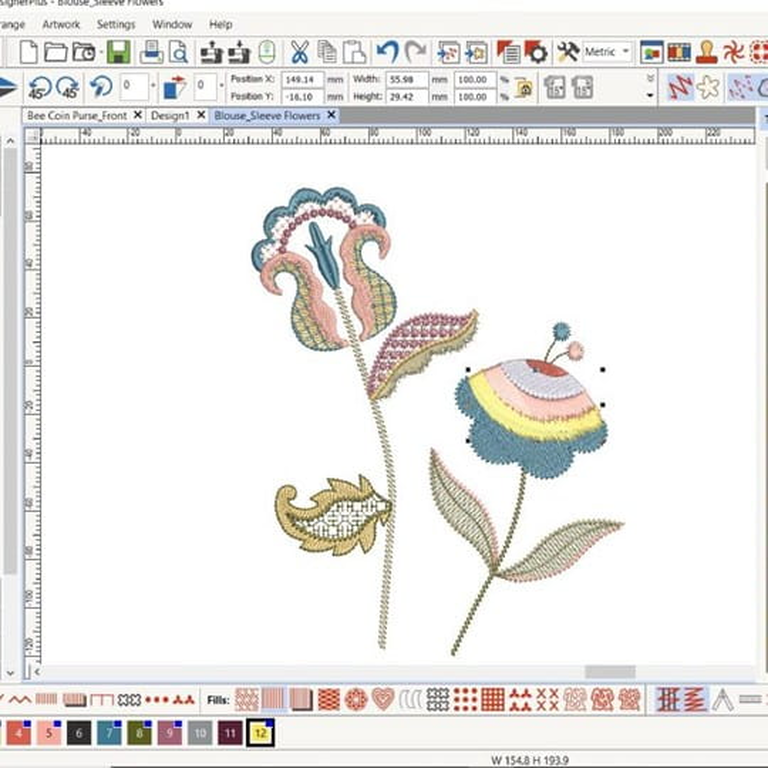
Color management
- Pick your color in the Color wheel
- Huge color palette (56 + 3 appliqué)
- Fill objects as you wish
Palette positions are numbered for easy reference within the Color Management system and the color wheel features a range of color options. It has never been easier to pick the right color and fill objects with the help of the numerous colors within the palette (56 + 3 appliqué). The chosen colors are tagged with a blue marker.
Tutorials
Couldn't find the right accessory?
Contact your BERNINA Store directly – we'll be happy to help.