bernette 79 Harry Potter
bernette 79 Harry Potter
Article n° : 5227900006
2'295.00 CHF
Disponibilité en ligne:
  • Disponible

bernette 79 Harry Potter
Article n° : 5227900006
bernette 79 Harry Potter image number
Description du produit


Description

Coudre et broder avec magie


Attributs

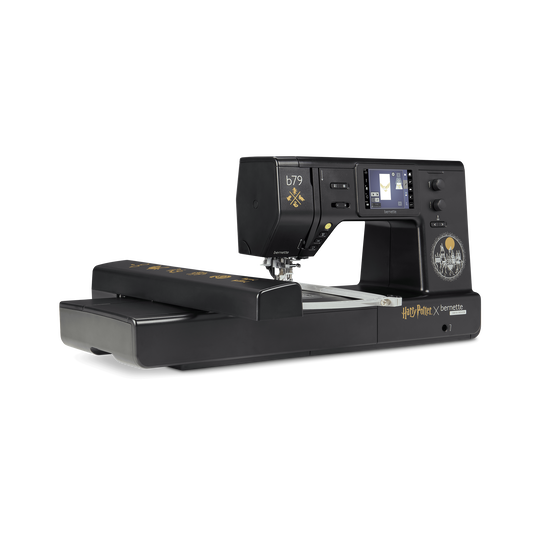
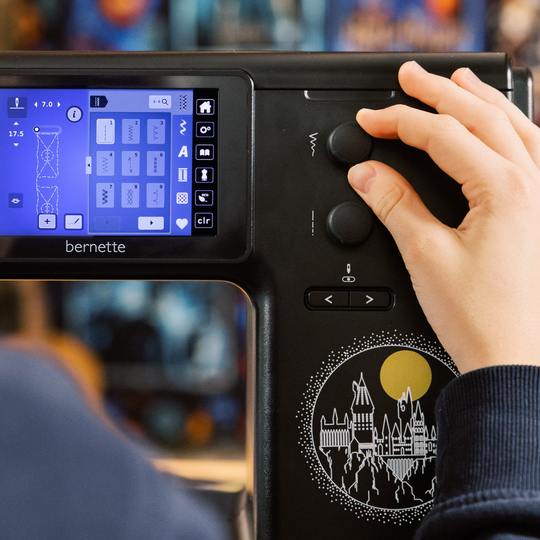
  • Un design exclusif Harry Potter avec des détails intégrés avec une attention particulière
  • Au total, 500 points, dont 5 points décoratifs Harry Potter exclusifs
  • 250 motifs de broderie préinstallés, dont 42 motifs Harry Potter
  • 10 motifs de broderie Harry Potter exclusifs supplémentaires
  • Surface de broderie généreuse jusqu’à 260 × 160mm
null

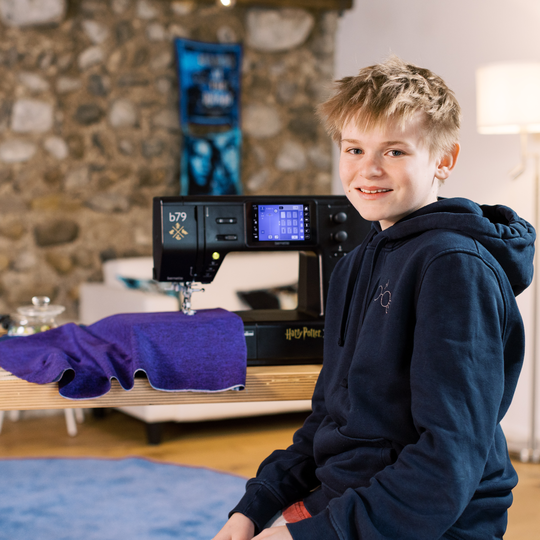
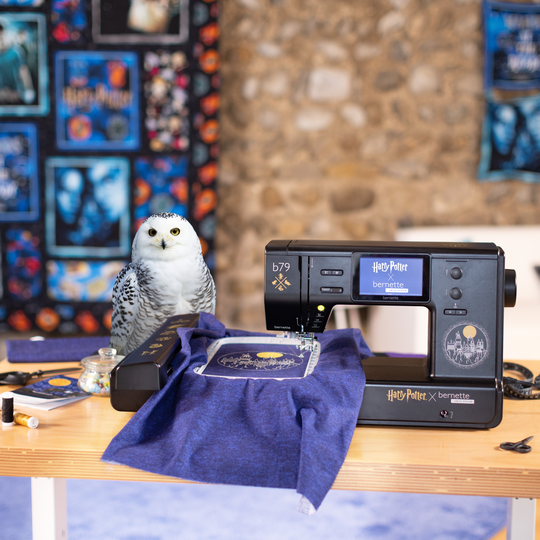
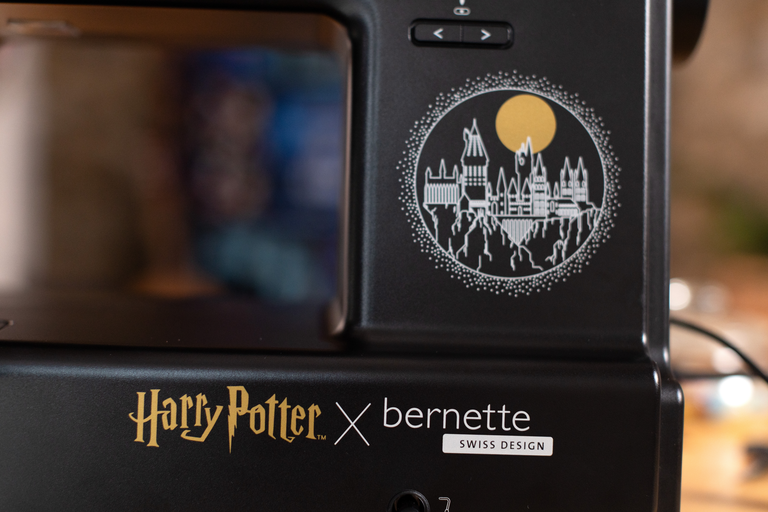
Design magique pour les vrais fans de Harry Potter


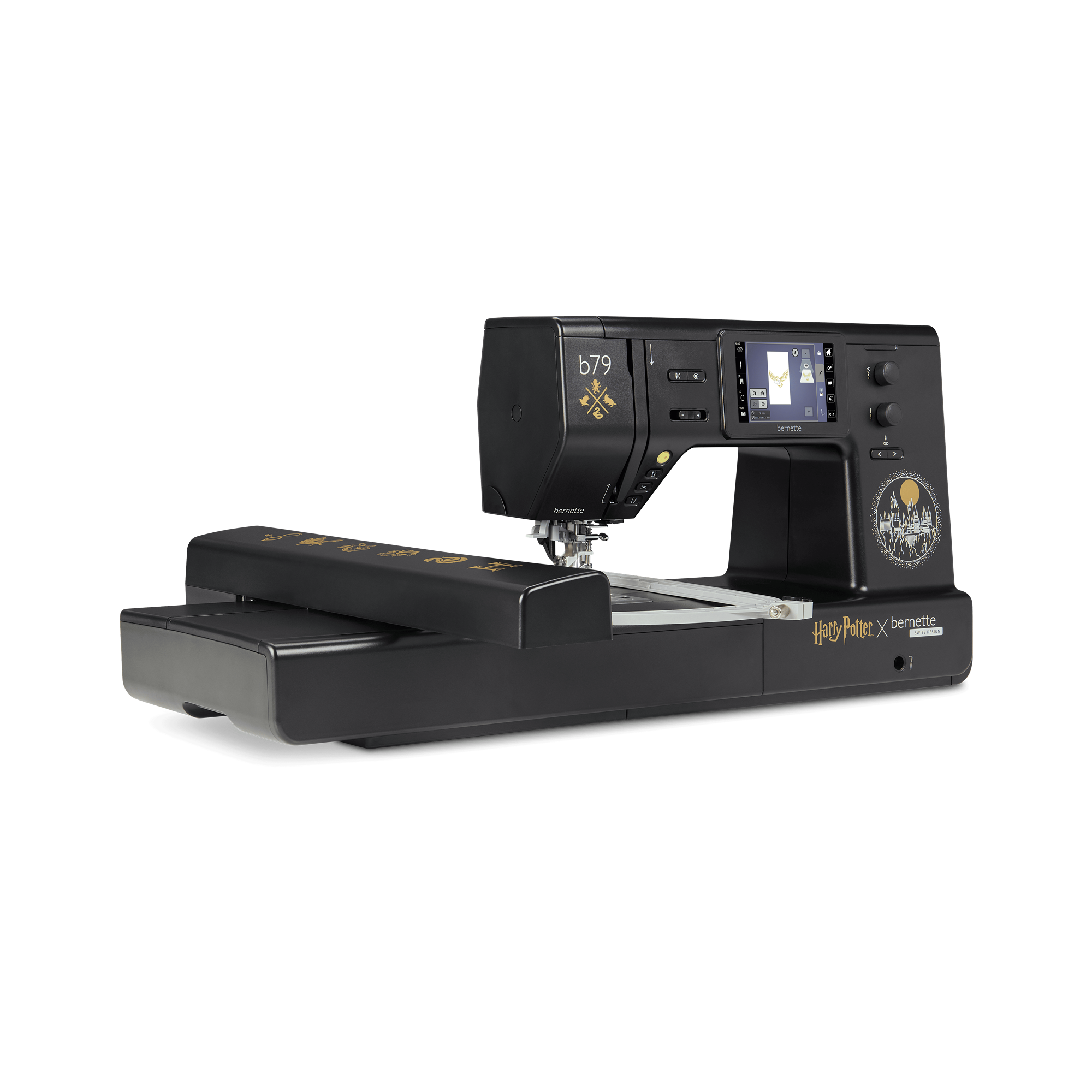
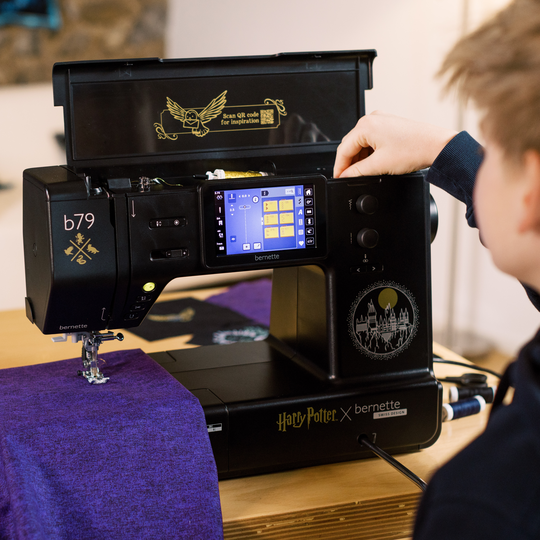
Fais entrer le monde de Harry Potter dans ton atelier de couture et laisse le participer à chacun de tes projets. Des détails de design élaborés sur et dans la machine attendent que tu les découvres.

Chaque séance avec la b79 Harry Potter se transforme en escapade dans ton univers magique bien à toi.

null

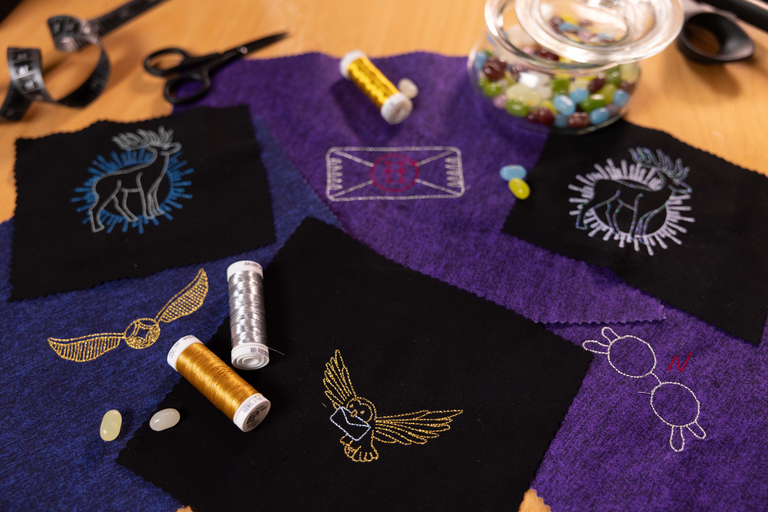
52 modèles de broderie Harry Potter


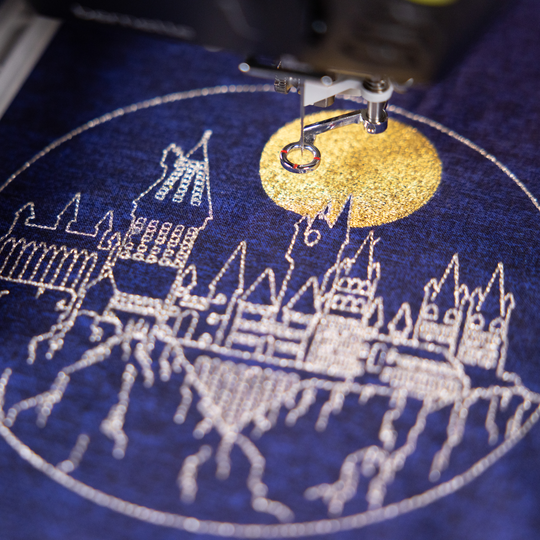
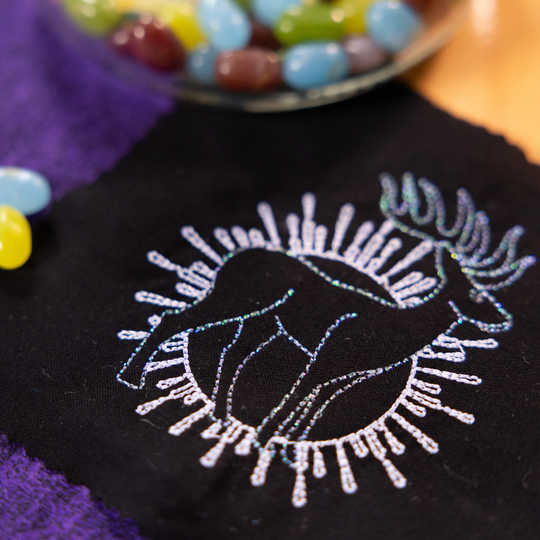
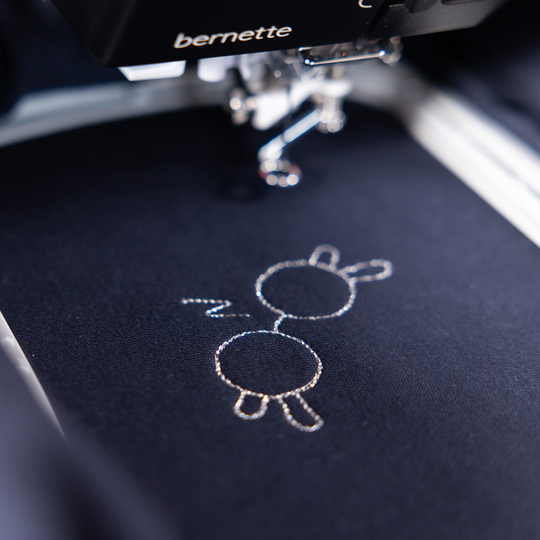
10 motifs de broderie Harry Potter exclusifs donnent en un tour de main une touche de Hogwarts à tes projets. Ces motifs créent des accents subtils mais à fort impact sur des sweats à capuche, des t-shirts ou des objets décoratifs. Même les petits projets se parent ainsi rapidement d’une touche magique. Ces motifs de broderie se trouvent exclusivement sur la bernette 79 Harry Potter et font de chaque ouvrage quelque chose de tout à fait unique.
La magie ne s’arrête pas au bout de dix motifs. 42 autres motifs de broderie Harry Potter préinstallés, issus de la bibliothèque OESD, t’offrent encore plus d’espace pour des aventures créatives.

null

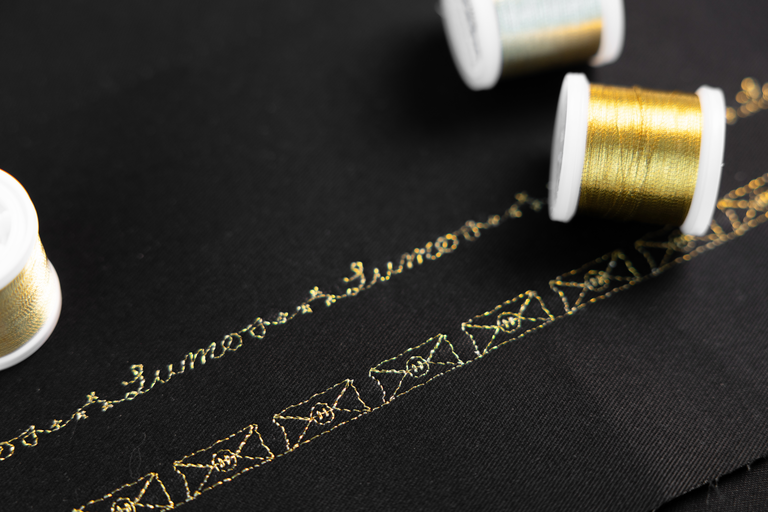
5 points décoratifs Harry Potter exclusifs


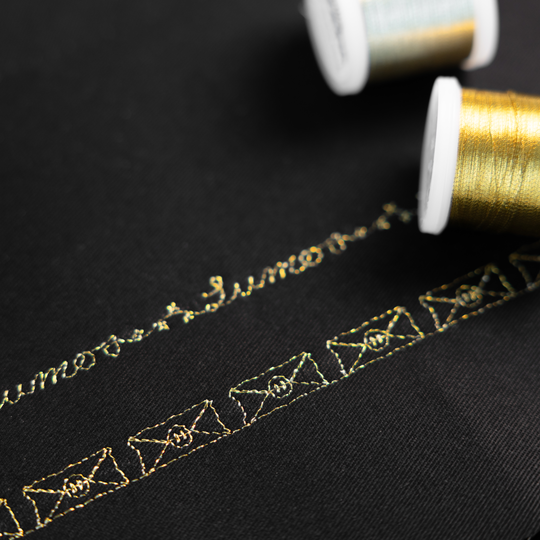
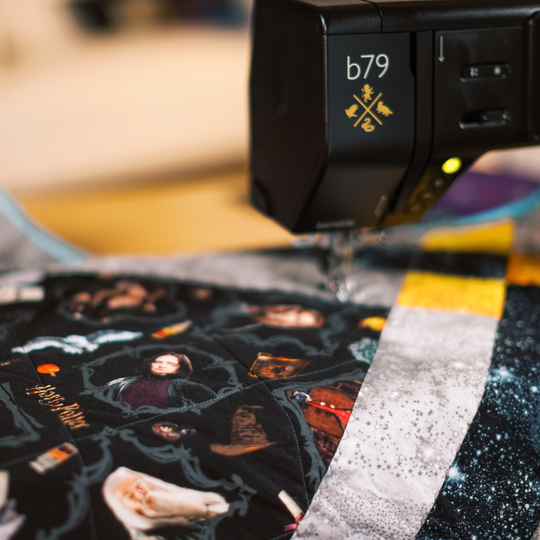
Ces cinq motifs décoratifs ne sont pas une simple option qu’on trouve partout, mais un atout supplémentaire de la b79 Harry Potter. Que tu souhaites mettre des ourlets en valeur de façon créative, souligner des bords ou donner à ton quilting une texture à l’effet magique, ces points décoratifs accrochent subtilement le regard.

Sur ta b79 Harry Potter, tu peux combiner à ton goût les points décoratifs directement à l’écran et donner ainsi à chaque projet un caractère incomparable.

null

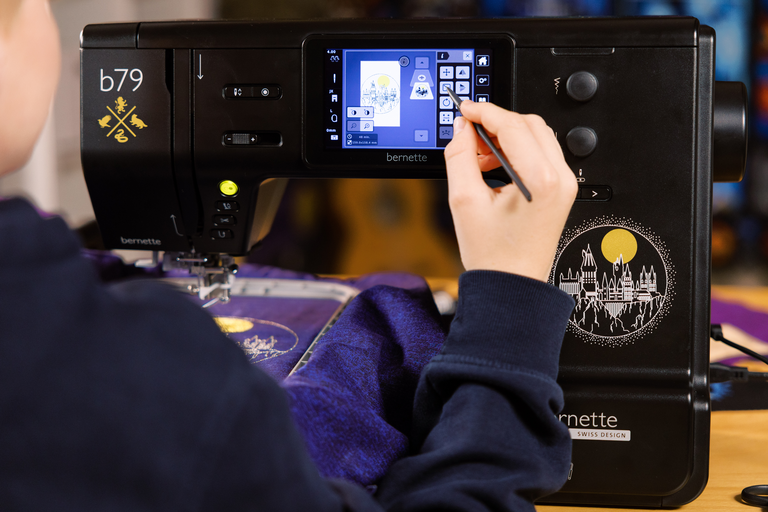
Être créatif directement à l’écran


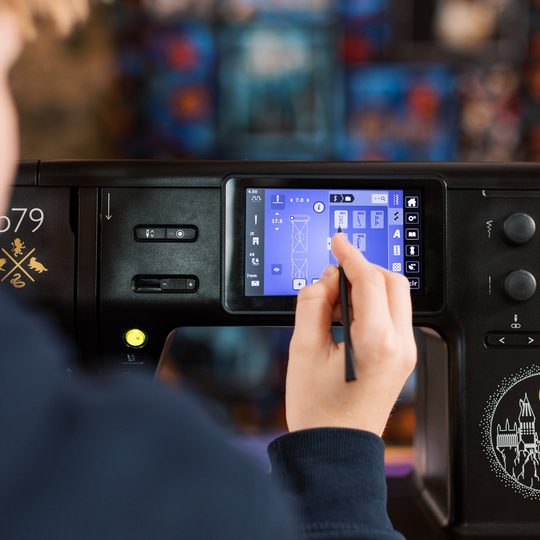
Sur l’écran tactile couleur de 5 pouces, tu adaptes les motifs et les points à ton projet. Tourner, mettre en miroir et combiner se fait en toute simplicité, jusqu’à ce que tout calque parfaitement ton idée.

null

3 cadres de broderie inclus


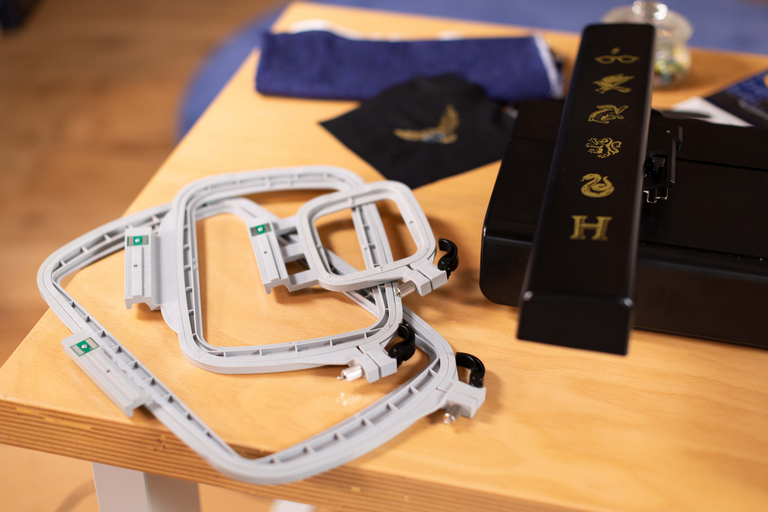
Grâce aux cadres de broderie disponibles en trois tailles, tu es paré(e) pour chaque projet. Des motifs compacts aux grandes broderies jusqu’à 260 × 160 mm, tout est possible, y compris la reconnaissance automatique du cadre directement sur l’écran tactile


Caractéristiques

bernette 79 Harry Potter
Important
Nous nous réservons le droit d'apporter des modifications à l'équipement et à la conception.
système mains libres bernette (FHS)
Longueur du bras libre à droite de l’aiguille [pouces / mm]
230 mm
Système de coupe automatique du fil (fil supérieur et inférieur)
Avancement biface bernette
Position de l'écran
au niveau central
Capteur de détection de plaque à aiguille
Capteur contrôle du fil supérieur
Capteur de contrôle du fil de canette
Concepteur de points intégré à la machine
Lecture des formats de broderie de compétition (basés sur le point)
Sauvegarder le motif
Alphabets de broderie intégrés (horizontal&vertical=1)
6
Motifs de broderie intégrés
213
Setup- Broderie - Activation/désactivation du coupe-fil par changement de couleur
Raccord du levier de genou (FHS)
Rembobineur de canette, haut de la machine
Nadelstopp oben/unten, permanent (oben/unten)
La griffe d'entraînement descend automatiquement (quilting, broderie)
Centre d’aide
Setup - Couture - Réglages de la fonction de contrôle du pied
Setup- Réglages de l'affichage - Luminosité de l'affichage
système mains libres bernette (FHS)
Dimensions de la machine L / l / H [mm]
509 200 315
Dimensions du module de broderie L / l / H [mm]
710 475 315
Poids du module de broderie [lbs/kg]
3.650 g
Poids de la machine [kg]
9,800 g
Longueur du bras libre à droite de l’aiguille [pouces / mm]
230 mm
Hauteur de la zone de travail [inch / mm]
125 mm
Mémoire totale [MB]
16,000 MB
Porte-bobine [nombre]
2
Moteur principal, Type
DC
Mode marteau pour la force de perforation
Enfilage semi-automatique de l'aiguille
Système de coupe automatique du fil (fil supérieur et inférieur)
tension de fil adaptative, dynamique
Système de crochet
Drop-in
Avancement biface bernette
Levage automatique du pied-de-biche
Position de l'écran
au niveau central
Taille de l’écran (pouces)
5 inch
Fonction ECO
Nombre de LED
4
Éclairage au-dessus de l'aiguille
Régulateur de vitesse
Capteur de détection de plaque à aiguille
Capteur contrôle du fil supérieur
Capteur de contrôle du fil de canette
USB-Anschluss (Host)
Réglage de la longueur de point
Fin de motif
Réglage de la largeur de point
Couture continue en marche arrière
Augmenter la longueur d'un motif
Déformer
Gesamtzahl der Knopflöcher
16
Boutonnière automatique avec pieds 3A (auto)
Point de bâti n° 21 (avec bast-matic)
Point de fixation (point n°5)
Positions de l'aiguille (droite/gauche) [nombre]
15
Memory (Kurzzeitspeicher)
Ajouter le point actuel (programme personnel)
Concepteur de points intégré à la machine
Pied presseur recommandé (affichage)
Sauvegarder la combinaison
Duplication d'un point dans une combinaison
Points de couture et caractères au total [nombre]
499
Sélection du pied-de-biche
Conseiller créatif de couture
Setup- Sewing - auto securing settings (Paramètres de couture - sécurisation automatique)
Circonférence du bras libre dans la position de l'aiguille [mm]
295 mm
Vitesse max. de couture [points/minute]
1,000 spm
Système de pied-de-biche
Snap-on
Fonction pivot / survol
Touche Marche/Arrêt
Touche de marche en arrière (points d’arrêt manuels)
Lecture des formats de broderie de compétition (basés sur le point)
Sauvegarder le motif
Rétablir la dernière position de la broderie
Reconnaissance du cadre
Absolute Check
Case à cocher
Point de bâti à l'intérieur du cadre / autour du motif
Contrôle de la séquence de broderie
CutWork Tool support
Alphabets de broderie intégrés (horizontal&vertical=1)
6
Motifs de broderie intégrés
213
Déplacer
Redimensionner le motif : proportionnelle (limitée à 80%-120%)
Stichdichte einstellen
Wordart
Combination of designs and lettering, embroidery
Changer les couleurs de fil
Monochrom
Setup- Broderie - Activation/désactivation du coupe-fil par changement de couleur
Setup- Broderie - Sécuriser les points manuellement/automatiquement
Vitesse de broderie maximale [points/minute]
850 spm
Table rallonge
Brosse à poussière
Assortiment d'aiguilles
Filet pour les bobines de fil supérieures
housse anti‑poussière pour la machine
Boîte d’accessoires

Tutorials

b79 Tutorial – Stitch Designer (6/11)
https://www.mybernette.com/ ¦ With the Stitch Designer of your bernette 79 you can easily change existing stitch patterns or even create your own stitch patterns. This tutorial video will show you how to do it step by step. In the first part of the video, you'll see how to edit an existing stitch pattern in the Stitch Designer. We'll show you how to select and move the stitching points and how to add new points. Then the video also shows you how to draw a whole new stitch pattern. For straight-line patterns, you can activate a grid so that your points are automatically placed on the grid points. Of course, all stitches you have created or modified in the Stitch Designer can also be stored in the "Personal Memory" for later use.
b79 Tutorial – Stitch Designer (6/11)
b70 DECO + b79 Tutorial – Embroidering with the CutWork Tool (11/11)
b70 DECO + b79 Tutorial – Combine embroidery motifs (10/11)
b70 DECO + b79 Tutorial – Prepare for embroidery (8/11)
b77 + b79 Tutorial – Buttonholes (7/11)
https://www.mybernette.com/ ¦ Buttonholes are really easy to sew with your bernette 77 or bernette 79. You can see the necessary steps in this tutorial video. The button slides into the button holder, which is then closed together firmly. Then you attach the buttonhole foot and pull the button lever down as far as possible. Now you're ready to sew a test buttonhole on another piece of fabric. Your bernette sewing machine stops automatically when it's done. You can then carefully cut the buttonhole from both ends to the middle and check the buttonhole size. If necessary, you adjust the buttonhole length a little, then mark the position of the buttonhole on your fabric and sew the desired buttonhole.
b77 + b79 Tutorial – Buttonholes (7/11)
b77 + b79 Tutorial – Starting to Sew (2/11)
b77 + b79 Tutorial – Presser feet and their usage (3/11)
https://www.mybernette.com/ ¦ Which presser foot is used for which stitch? As soon as you have selected a suitable utility stitch on your bernette 77 or bernette 79, you will see in the presser foot display menu which presser foot can be used. The tutorial video shows you how easy it is to change the presser foot sole: just lift the presser foot, press on the front edge and remove the previous sole. Then you can attach the new presser foot sole so that it snaps into place. Does your selected presser foot have an opening at the back? Then engage the dual feed so that the fabric can be guided through the machine evenly from above and below. In the video, we also show you the different presser feet and their special applications: There is the zigzag foot DA, which is suitable for most sewing. The embroidery foot JK is for applications and decorative stitches. Also, there is the zipper foot RB, the buttonhole foot RJ, the button sewing foot RC, a blindstitch foot DM for barely visible hems, the overlock foot and the embroidery foot RX for freehand embroidery and darning. Additional presser feet are available as optional accessories.
b77 + b79 Tutorial – Presser feet and their usage (3/11)
b77 + b79 Tutorial – Combining stitch patterns (5/11)
https://www.mybernette.com/ ¦ With your bernette 77 or bernette 79, you can combine different letter and decorative stitch patterns and then have them stitched in one go as a stitch combination. In this tutorial video, you'll learn how to easily select and edit the stitch pattern you want to use. You can sew your stitch pattern once or even several times. Securing stitches are added automatically at the end. In your "Personal Memory", your collected pattern combination can also be stored permanently. This will allow you to recall and reuse your saved combination at any time.
b77 + b79 Tutorial – Combining stitch patterns (5/11)
b70 DECO + b77 + b79 Tutorial – bobbin winding and threading (1/11)
https://www.mybernette.com/ ¦ Before you start your new sewing or embroidery project with your bernette 70 DECO, b77 or b79, you first need to wind and insert the bobbin and thread the machine. In this tutorial video, we'll show you how easy it is. All you have to do is insert the spool and secure it with the appropriate spool cap. In the video you can see exactly how to guide the thread along the dashed markings through the hole in the bobbin. Then you can start winding the bobbin. If desired, you can adjust the bobbin winding speed. Afterwards, the video shows you how to insert the bobbin the right way and thread the upper thread using the needle threader.
b70 DECO + b77 + b79 Tutorial – bobbin winding and threading (1/11)
The new bernette 70 Series - lots of features at an attractive price
https://www.mybernette.com ¦ Do you want to get creative and sew your own clothes, quilts, or accessories or individually decorate with embroidery? Then the models in the bernette 70 Series are just right for you! They are easy to use, have lots of functions, have a high stitch quality, and are also durable and attractively priced. You have the choice of a sewing machine, an embroidery machine, or a combined machine that can do both. Experience creative sewing enjoyment at the highest level.
The new bernette 70 Series - lots of features at an attractive price