bernette 79 Harry Potter
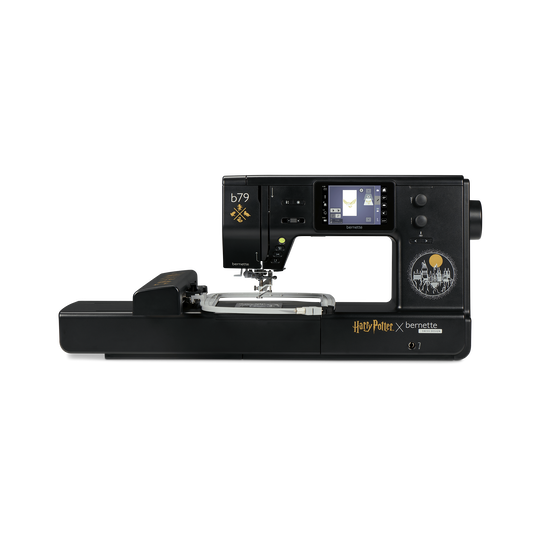
bernette 79 Harry Potter
N. articolo 5227900006
2'295.00 CHF
Disponibilità nel negozio online:
  • Disponibile

bernette 79 Harry Potter
N. articolo 5227900006
bernette 79 Harry Potter image number
Descrizione del prodotto


Descrizione

Cucire e ricamare magicamente


Caratteristiche

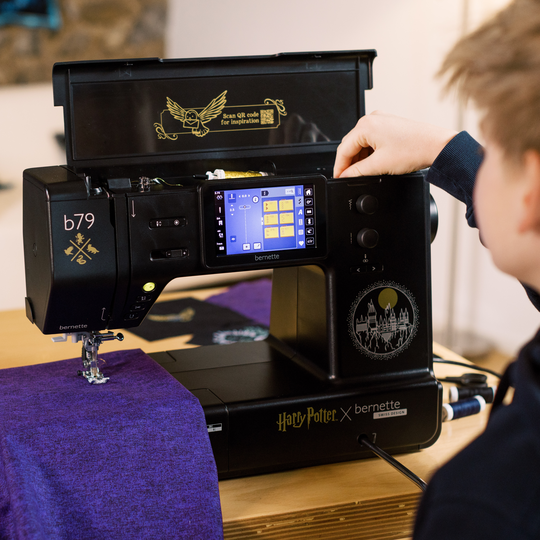
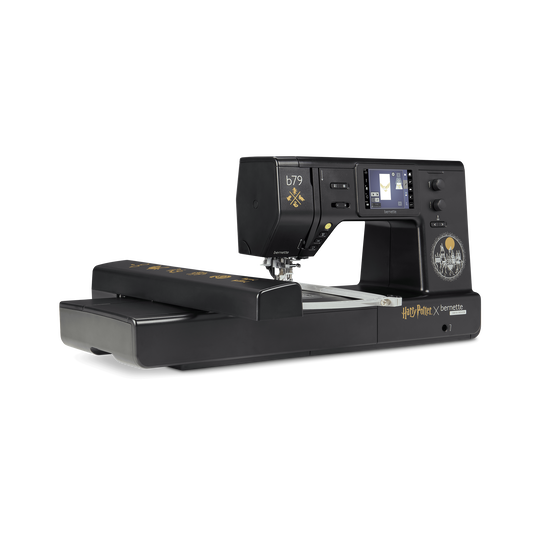
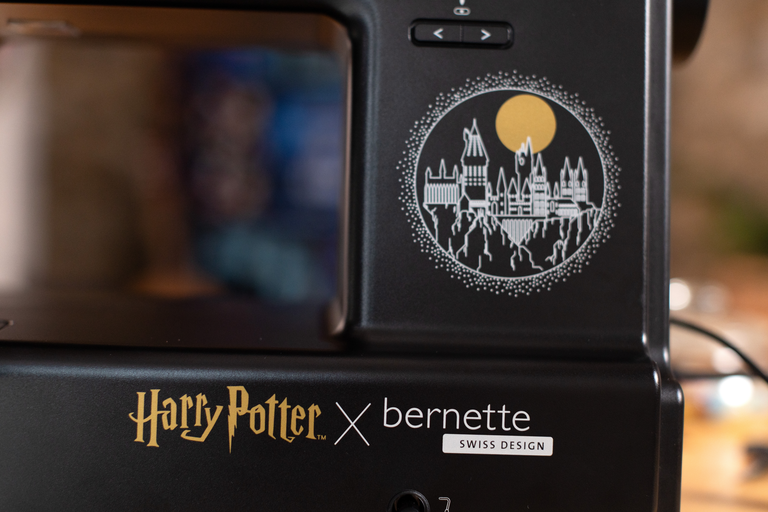
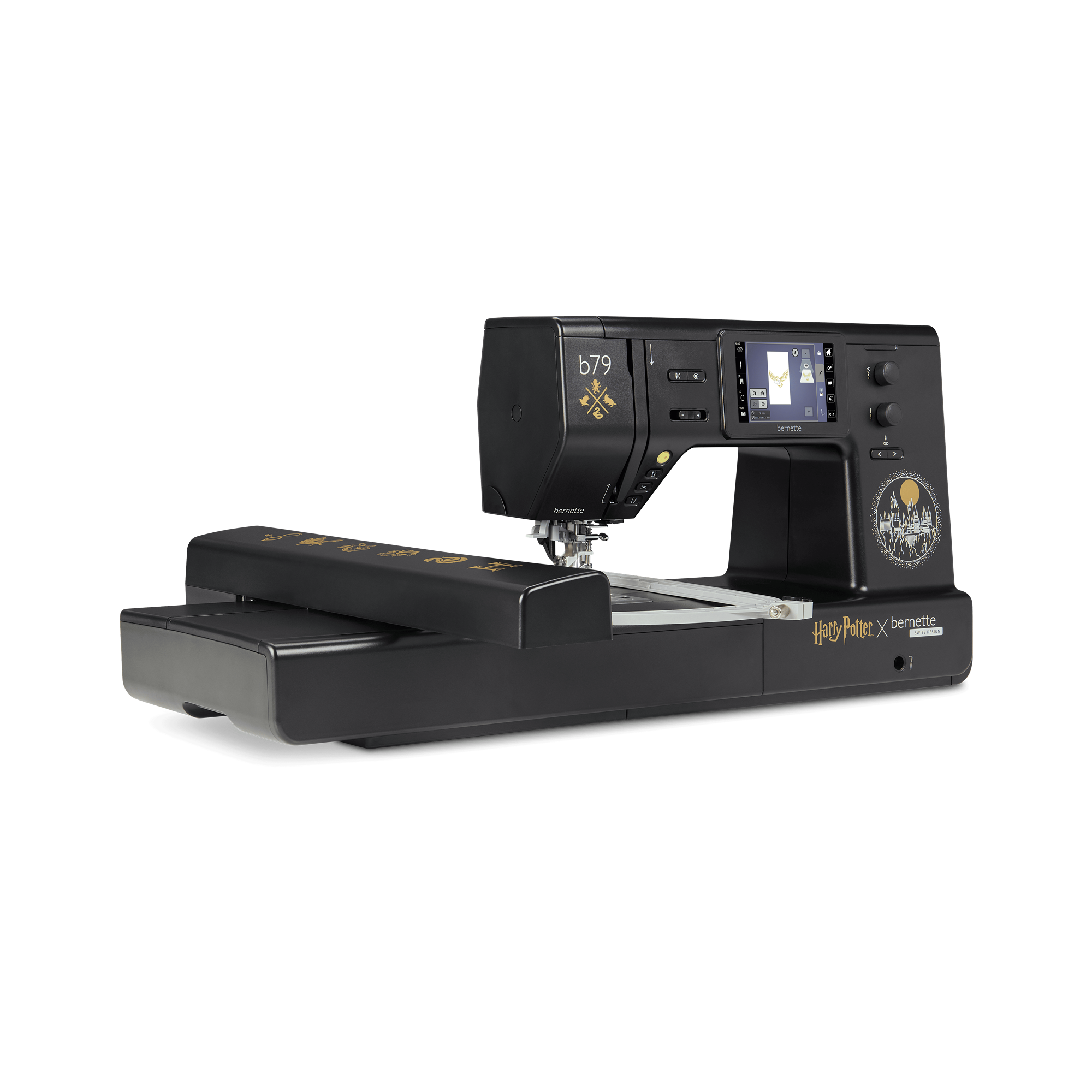
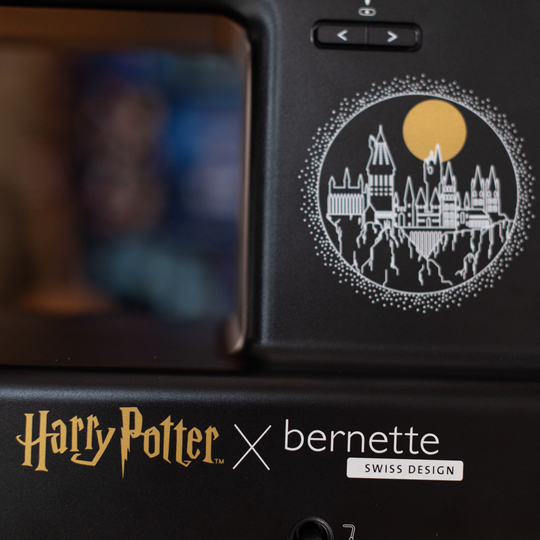
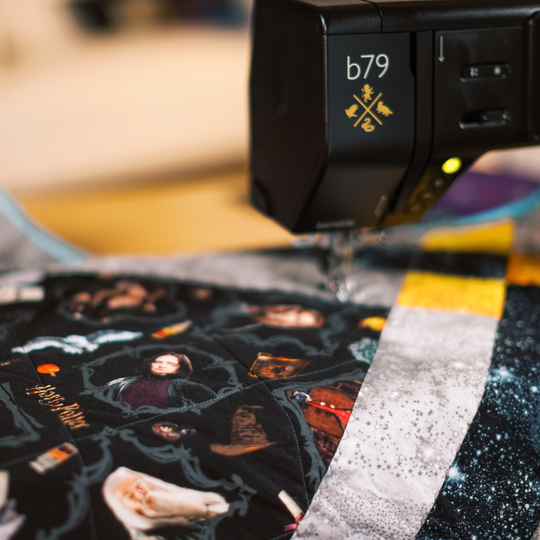
  • Esclusivo design della macchina in stile Harry Potter con dettagli accuratamente integrati
  • 500 tipologie di punti in totale, tra cui 5 esclusivi punti decorativi Harry Potter
  • 250 motivi di ricamo preinstallati con 42 design Harry Potter
  • 10 altri motivi di ricamo Harry Potter esclusivi
  • Generosa superficie di ricamo fino a 260 x 160 mm
null

Design magico per veri appassionati di Harry Potter


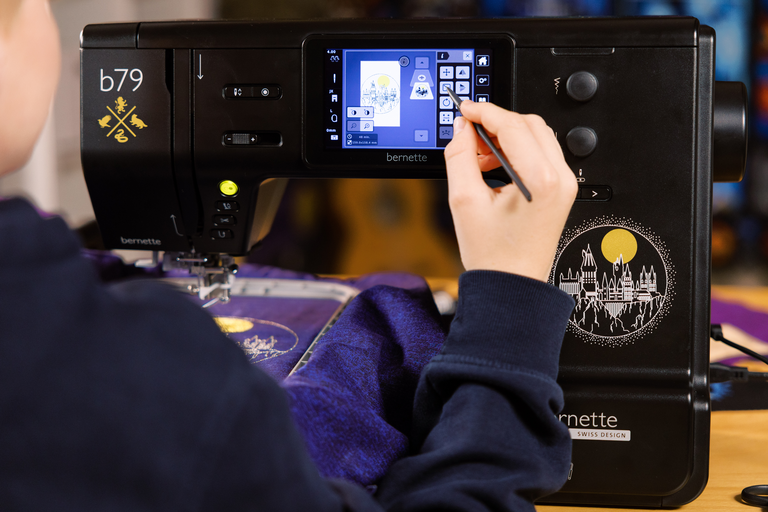
Porta il mondo di Harry Potter nella tua stanza del cucito e lasciati accompagnare dalla magia ad ogni progetto. Accurati dettagli di design sia sopra la macchina che al suo interno non aspettano altro che essere scoperti da te.

Così, ogni volta che lavorerai con la b79 Harry Potter potrai fuggire per un po' nel tuo mondo magico personale. 

null

52 ricami di Harry Potter


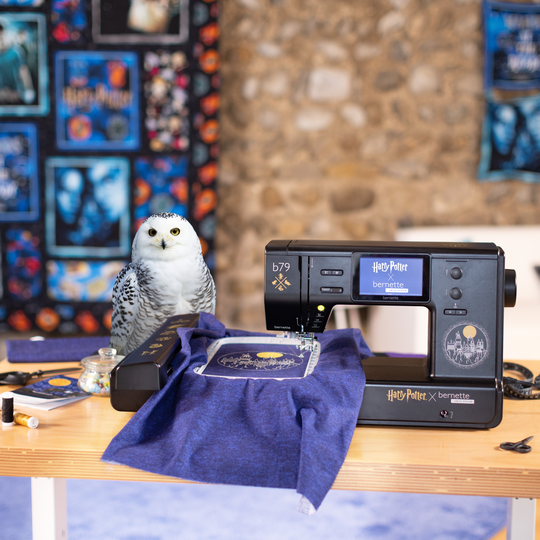
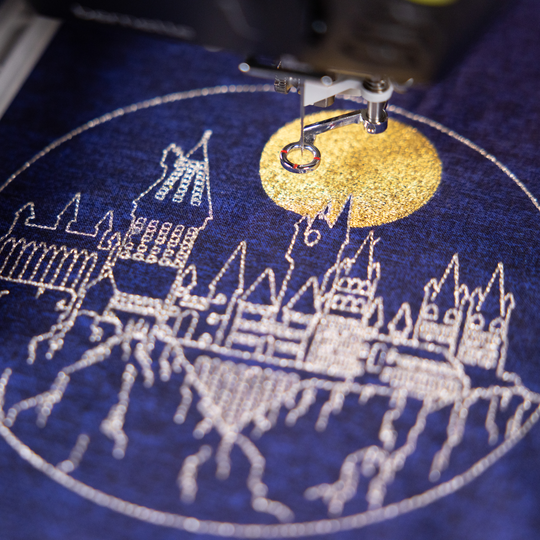
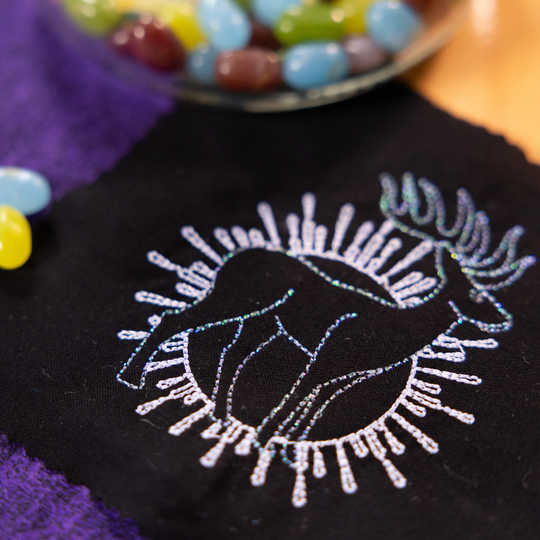
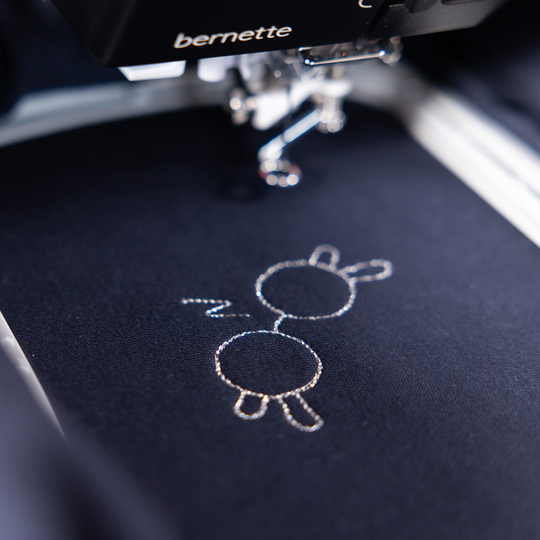
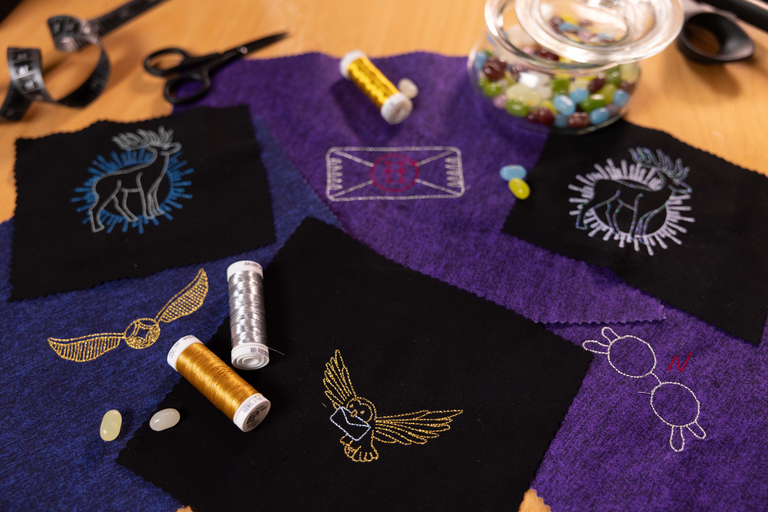
10 motivi di ricamo Harry Potter esclusivi donano all'istante ai tuoi progetti un tocco di Hogwarts. I design regalano discreti highlight di grande effetto a felpe con cappuccio, T-shirt o articoli decorativi. In questo modo, potrai aggiungere rapidamente un tocco di magia anche ai piccoli progetti. Questi motivi di ricamo, disponibili esclusivamente sulla bernette 79 Harry Potter, trasformano ogni lavoro in qualcosa di davvero speciale. 

Ma la magia non finisce con dieci motivi. 42 altri motivi di ricamo Harry Potter preinstallati sulla libreria OESD ti daranno ancora più occasioni per vivere avventure creative. 

null

5 punti decorativi Harry Potter esclusivi


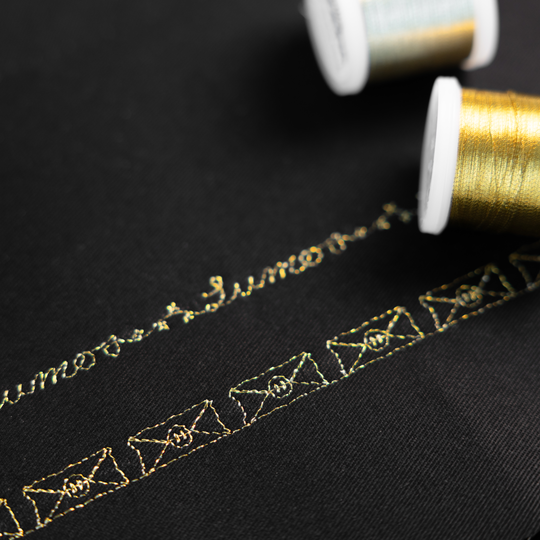
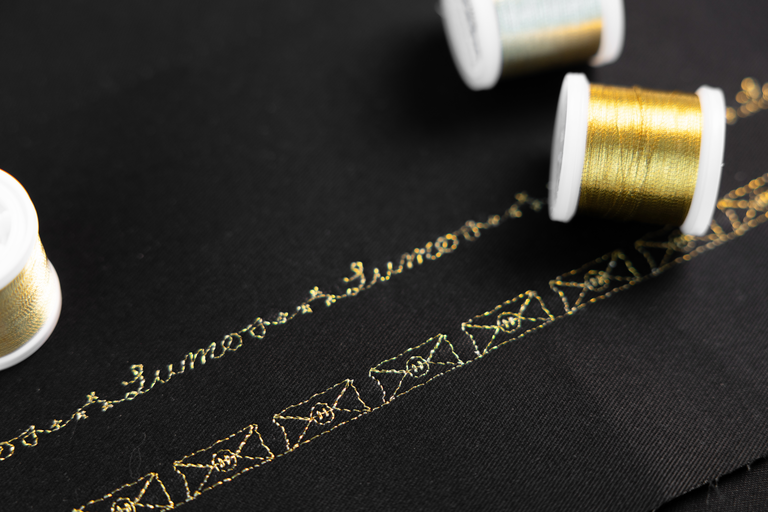
Questi cinque punti decorativi non sono un piccolo extra che si trova ovunque, ma un altro highlight della b79 Harry Potter. Se desideri mettere in scena orli creativi, accentuare bordi o donare alle tue trapunte una texture dall'effetto magico, questi punti decorativi catturano lo sguardo in modo discreto.

Sulla tua b79 Harry Potter puoi combinare i punti decorativi direttamente sullo schermo secondo i tuoi gusti, rendendo ogni progetto inconfondibile.

null

Creatività direttamente sullo schermo


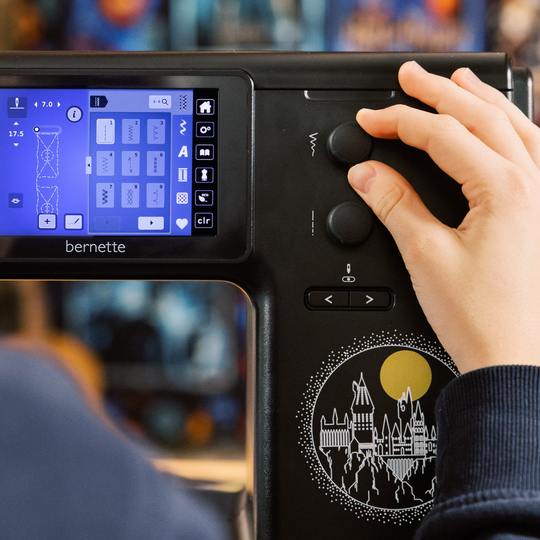
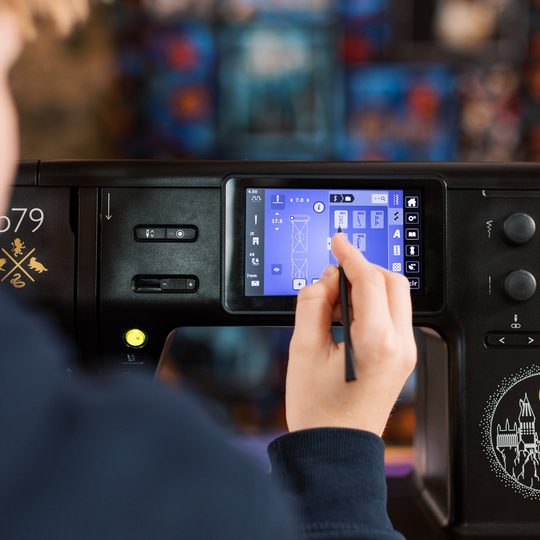
Sul touchscreen da 5" a colori puoi modificare motivi e punti in modo intuitivo secondo il tuo progetto. Ruotare, specchiare e combinare i disegni è un gioco da ragazzi, fino a quando tutto riflette in modo ottimale la tua idea.

null

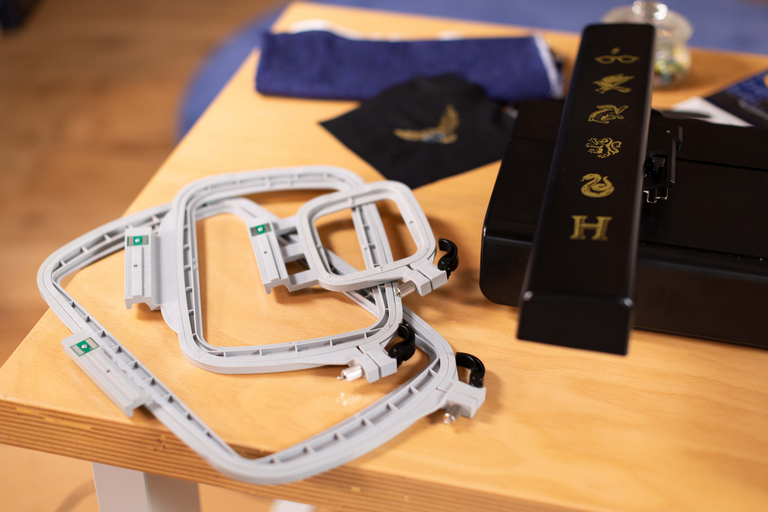
3 telai per ricamo inclusi


Con il telaio per ricamo in tre misure puoi affrontare qualsiasi progetto. Dai disegni compatti agli ampi motivi fino a 260 x 160 mm tutto è possibile, incluso il riconoscimento automatico del telaio per ricamo direttamente sul touchscreen.


Funzioni

bernette 79 Harry Potter
Importante
Ci riserviamo il diritto di effettuare modifiche all'attrezzatura e al design.
Sistema mani libere (FHS) bernette
Lunghezza del braccio libero a destra dell'ago [pollici / mm].
230 mm
Sistema di taglio automatico del filo (filo superiore e inferiore)
Doppio Trasporto bernette
Posizione dello schermo
centralmente
Sensore di rilevamento della placca ago
Sensore controllo filettatura superiore
Sensore controllo filo spolina
Progettista di punti integrato nella macchina
Leggere i formati di ricamo della concorrenza (basati sui punti)
Salva il design
Alfabeti da ricamo incorporati (orizzontale&verticale=1)
6
Motivo di ricamo integrato
213
Impostazioni- Ricamo - Attivazione/disattivazione del tagliafilo per cambio colore
Collegamento della leva a ginocchio (FHS)
Avvolgitore della bobina, parte superiore della macchina
Nadelstopp oben/unten, permanent (oben/unten)
La griffa scende automaticamente (quilting, ricamo)
Centro di assistenza
Impostazioni - Cucitura - Impostazioni delle funzioni del comando a pedale
Impostazioni - Impostazioni del display - Luminosità del display
Sistema mani libere (FHS) bernette
Misure della macchina L / L / H [mm]
509 200 315
Misure del modulo di ricamo L / L / A [mm]
710 475 315
Peso del modulo da ricamo [lbs/kg]
3,650 g
Peso della macchina [kg]
9,800 g
Lunghezza del braccio libero a destra dell'ago [pollici / mm].
230 mm
Altezza dello spazio di lavoro [pollici / mm]
125 mm
Memoria totale [MB]
16,000 MB
Porta bobina [numero]
2
Motore principale, tipo
DC
Modalità a martello per la forza di perforazione
Infilatura dell'ago, semiautomatica
Sistema di taglio automatico del filo (filo superiore e inferiore)
Tensione del filo adattativa, dinamica
Sistema crochet
Drop-in
Doppio Trasporto bernette
Sollevamento del piedino, automatico
Posizione dello schermo
centralmente
Dimensioni dello schermo [pollici]
5 inch
Funzione ECO
Numero di LED
4
Illuminazione sopra l'ago
Regolatore di velocità
Sensore di rilevamento della placca ago
Sensore controllo filettatura superiore
Sensore controllo filo spolina
USB-Anschluss (Host)
Regolare la lunghezza del punto
Fine disegno
Regolare la larghezza del punto
Cucire permanentemente indietro
Allungamento motivo
Distorcere
Gesamtzahl der Knopflöcher
16
Asola automatica con piedini 3A (auto)
Punto d'imbastitura n. 21 (con bast-matic)
Punto di sicurezza (punto #5)
Posizioni ago (destra / sinistra) [numero]
15
Memory (Kurzzeitspeicher)
Aggiungere il punto corrente (programma personale)
Progettista di punti integrato nella macchina
Piedino consigliato (display)
Salva combinazione
Punto duplicato in combinazione
Punti di cucitura e caratteri in totale [numero]
499
Selezione del piedino
Guida al cucito
Impostazioni- Cucitura - impostazioni di fissaggio automatico
Circonferenza del braccio libero nella posizione dell'ago [mm].
295 mm
Velocità di cucitura massima [spm]
1,000 spm
Sistema piedino
Snap-on
Funzione pivot / hover
Pulsante di avvio-arresto
Pulsante di inversione rapida (fissaggio a mano)
Leggere i formati di ricamo della concorrenza (basati sui punti)
Salva il design
Ripristino dell'ultima posizione del ricamo
Riconoscimento del telaio
Controllo assoluto
Casella di controllo
Punto d'imbastitura all'interno del telaio / intorno al disegno
Controllo assoluto del ricamo
CutWork Tool support
Alfabeti da ricamo incorporati (orizzontale&verticale=1)
6
Motivo di ricamo integrato
213
Spostare
Ridimensionare il modello: proporzionale (limitato all'80%-120%)
Stichdichte einstellen
WordArt
Combinazione di disegni e scritte, ricamo
Cambiare i colori del filo
Monochrom
Impostazioni- Ricamo - Attivazione/disattivazione del tagliafilo per cambio colore
Impostazioni - Ricamo - Fissare i punti manualmente/automaticamente
Velocità di ricamo massima [spm]
850 spm
Piano supplementare
Spazzola per polvere
Assortimento aghi
Rete per rocchetti di filo superiori
Macchina parapolvere
Scatola per accessori

Tutorials

b79 Tutorial – Stitch Designer (6/11)
https://www.mybernette.com/ ¦ With the Stitch Designer of your bernette 79 you can easily change existing stitch patterns or even create your own stitch patterns. This tutorial video will show you how to do it step by step. In the first part of the video, you'll see how to edit an existing stitch pattern in the Stitch Designer. We'll show you how to select and move the stitching points and how to add new points. Then the video also shows you how to draw a whole new stitch pattern. For straight-line patterns, you can activate a grid so that your points are automatically placed on the grid points. Of course, all stitches you have created or modified in the Stitch Designer can also be stored in the "Personal Memory" for later use.
b79 Tutorial – Stitch Designer (6/11)
b70 DECO + b79 Tutorial – Embroidering with the CutWork Tool (11/11)
b70 DECO + b79 Tutorial – Combine embroidery motifs (10/11)
b70 DECO + b79 Tutorial – Prepare for embroidery (8/11)
b77 + b79 Tutorial – Buttonholes (7/11)
https://www.mybernette.com/ ¦ Buttonholes are really easy to sew with your bernette 77 or bernette 79. You can see the necessary steps in this tutorial video. The button slides into the button holder, which is then closed together firmly. Then you attach the buttonhole foot and pull the button lever down as far as possible. Now you're ready to sew a test buttonhole on another piece of fabric. Your bernette sewing machine stops automatically when it's done. You can then carefully cut the buttonhole from both ends to the middle and check the buttonhole size. If necessary, you adjust the buttonhole length a little, then mark the position of the buttonhole on your fabric and sew the desired buttonhole.
b77 + b79 Tutorial – Buttonholes (7/11)
b77 + b79 Tutorial – Starting to Sew (2/11)
b77 + b79 Tutorial – Presser feet and their usage (3/11)
https://www.mybernette.com/ ¦ Which presser foot is used for which stitch? As soon as you have selected a suitable utility stitch on your bernette 77 or bernette 79, you will see in the presser foot display menu which presser foot can be used. The tutorial video shows you how easy it is to change the presser foot sole: just lift the presser foot, press on the front edge and remove the previous sole. Then you can attach the new presser foot sole so that it snaps into place. Does your selected presser foot have an opening at the back? Then engage the dual feed so that the fabric can be guided through the machine evenly from above and below. In the video, we also show you the different presser feet and their special applications: There is the zigzag foot DA, which is suitable for most sewing. The embroidery foot JK is for applications and decorative stitches. Also, there is the zipper foot RB, the buttonhole foot RJ, the button sewing foot RC, a blindstitch foot DM for barely visible hems, the overlock foot and the embroidery foot RX for freehand embroidery and darning. Additional presser feet are available as optional accessories.
b77 + b79 Tutorial – Presser feet and their usage (3/11)
b77 + b79 Tutorial – Combining stitch patterns (5/11)
https://www.mybernette.com/ ¦ With your bernette 77 or bernette 79, you can combine different letter and decorative stitch patterns and then have them stitched in one go as a stitch combination. In this tutorial video, you'll learn how to easily select and edit the stitch pattern you want to use. You can sew your stitch pattern once or even several times. Securing stitches are added automatically at the end. In your "Personal Memory", your collected pattern combination can also be stored permanently. This will allow you to recall and reuse your saved combination at any time.
b77 + b79 Tutorial – Combining stitch patterns (5/11)
b70 DECO + b77 + b79 Tutorial – bobbin winding and threading (1/11)
https://www.mybernette.com/ ¦ Before you start your new sewing or embroidery project with your bernette 70 DECO, b77 or b79, you first need to wind and insert the bobbin and thread the machine. In this tutorial video, we'll show you how easy it is. All you have to do is insert the spool and secure it with the appropriate spool cap. In the video you can see exactly how to guide the thread along the dashed markings through the hole in the bobbin. Then you can start winding the bobbin. If desired, you can adjust the bobbin winding speed. Afterwards, the video shows you how to insert the bobbin the right way and thread the upper thread using the needle threader.
b70 DECO + b77 + b79 Tutorial – bobbin winding and threading (1/11)
The new bernette 70 Series - lots of features at an attractive price
https://www.mybernette.com ¦ Do you want to get creative and sew your own clothes, quilts, or accessories or individually decorate with embroidery? Then the models in the bernette 70 Series are just right for you! They are easy to use, have lots of functions, have a high stitch quality, and are also durable and attractively priced. You have the choice of a sewing machine, an embroidery machine, or a combined machine that can do both. Experience creative sewing enjoyment at the highest level.
The new bernette 70 Series - lots of features at an attractive price