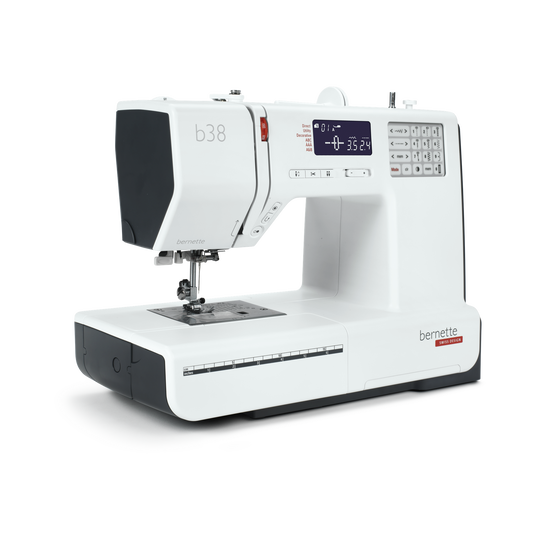
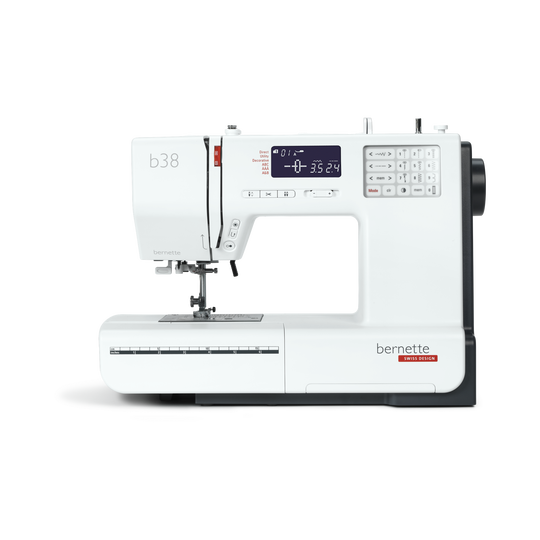
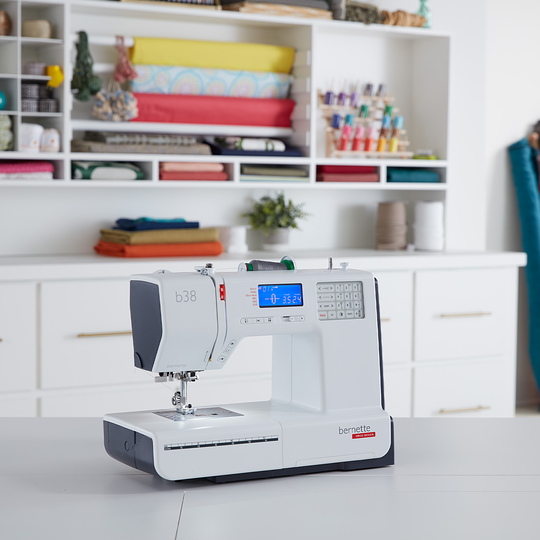
bernette 38
Art. Nr. 5260008006
715.00 CHF
Verfügbarkeit im Online Shop:
  • Verfügbar

bernette 38
Art. Nr. 5260008006
bernette 38 image number

Produktbeschreibung


Beschreibung

Deine Nähmaschine mit kompaktem Display, die den Faden auf Knopfdruck schneidet


Besonderheiten

  • Automatischer Fadenabschneider
  • Verstellbarer Nähfussdruck
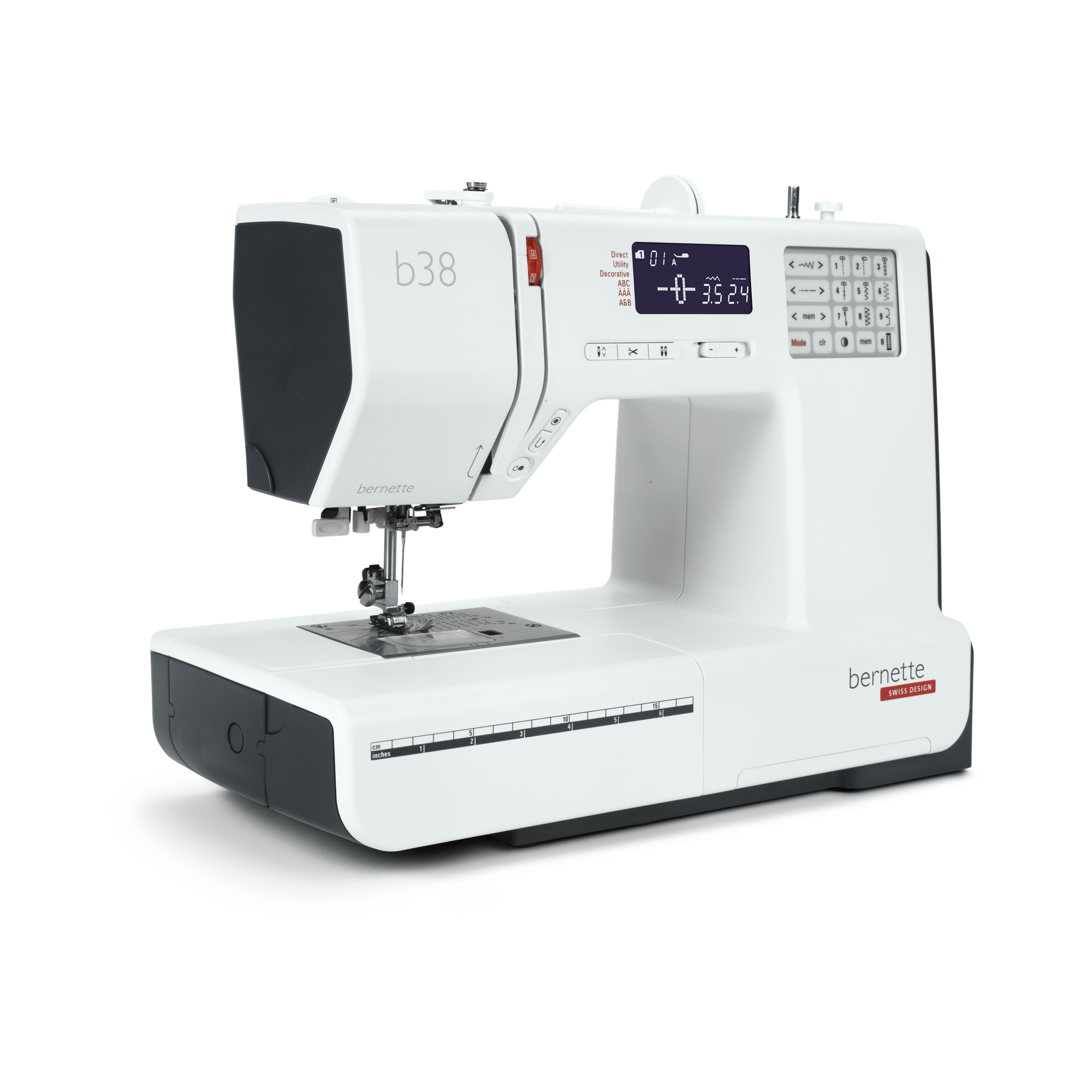
  • 394 Stiche insgesamt, darunter 67 Zierstiche und 8 Knopflöcher
  • Drei Alphabete
  • Speicherfunktion für Stichkombinationen
null

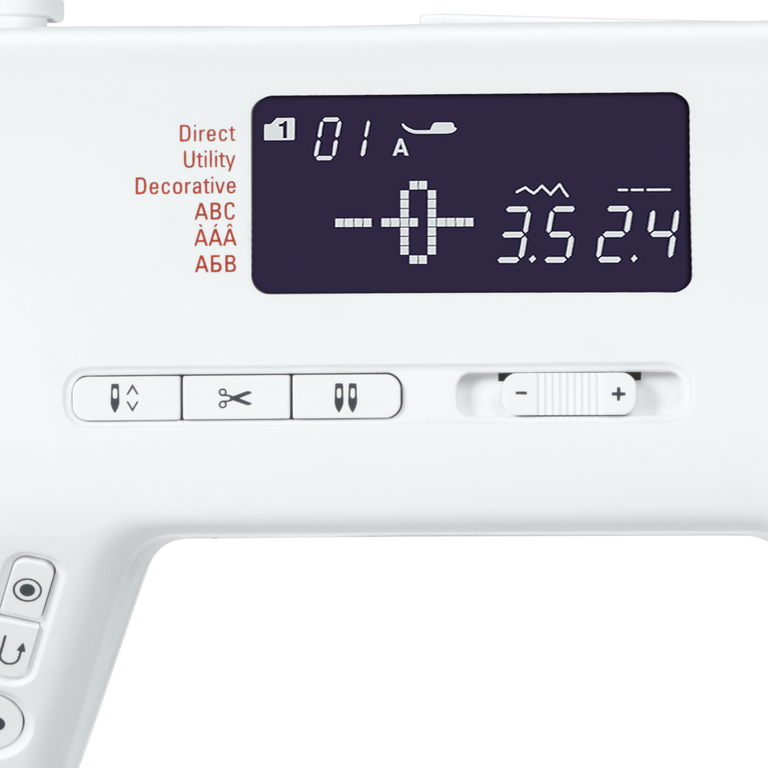
Automatische Limitierung der Zwillingsnadel


Wenn Du von einer einfachen Nadel zu einer Zwillingsnadel wechselst, hilft Dir die „Zwillingsnadel-Taste“ dabei, Deine Nadel so auf den Nähfuss abzustimmen, dass keine der beiden Nadeln ausversehen beim Nähen den Nähfuss trifft und abbricht. Die Funktion „Zwillingsnadelsicherheit“ limitiert die Stichbreite, damit die Nadeln nicht auf den Nähfuss treffen.
null

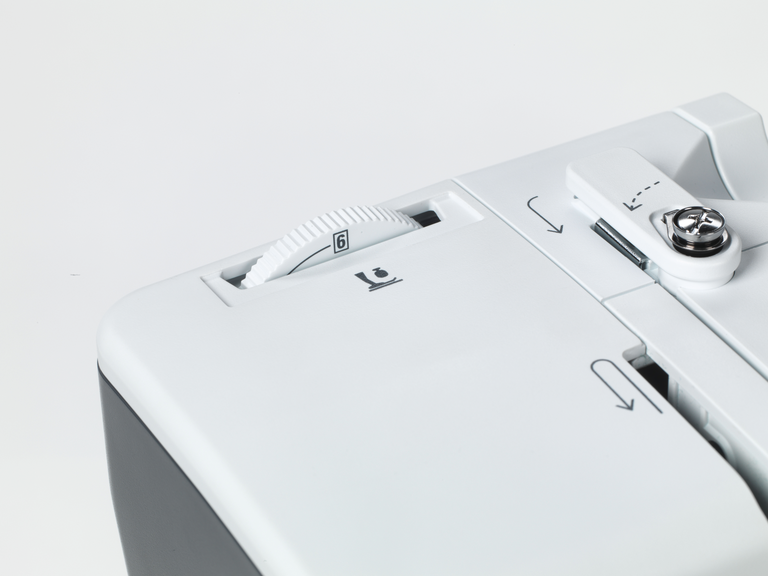
Nähfussdruck dem Material anpassen


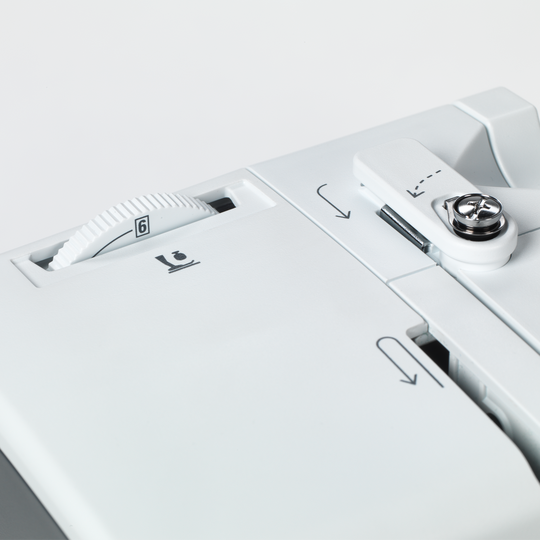
Für einige Materialien, wie zum Beispiel für leichte und dünne Stoffe, ist es ratsam, den Nähfussdruck individuell anzupassen. Deine bernette 38 verfügt über diese praktische Funktion.
null

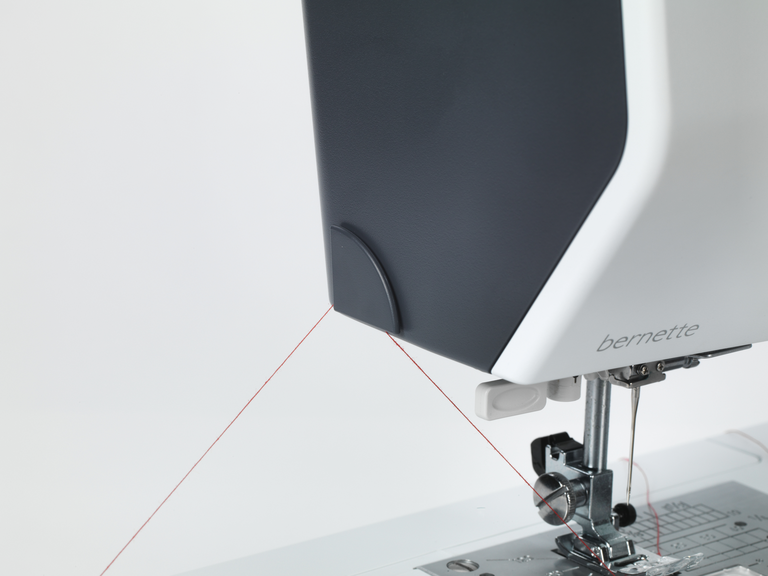
Automatischer Fadenabschneider und Vernäh-Funktion


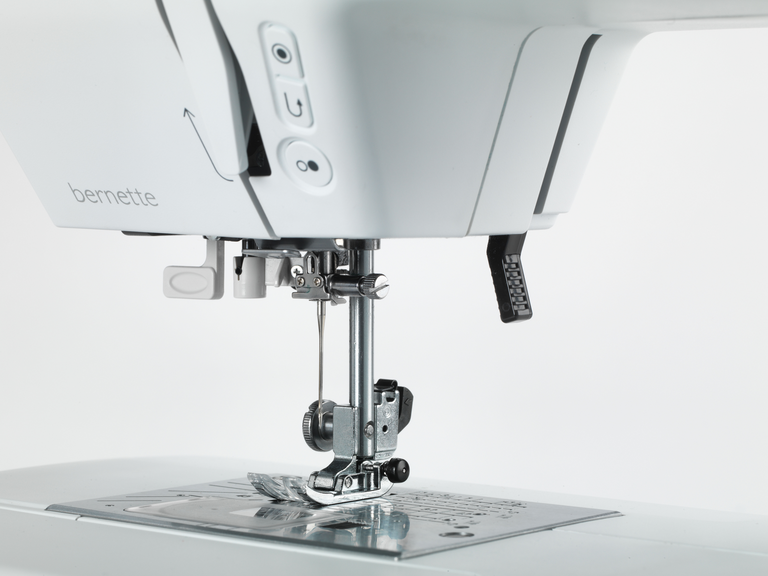
Wenn Du am Ende einer Naht angekommen bist, musst Du am Ende den Faden vernähen, damit sich die Naht nicht wieder löst. Üblicherweise näht man dafür einmal kurz rückwärts und wieder vorwärts. Mit der bernette 38 kannst Du Dir das jedoch sparen, denn sie verfügt über eine automatische Vernähfunktion. Einfach die Vernäh-Taste anwählen und das Nahtende wird automatisch vernäht. Wenn Du fertig bist mit Deinem Nähprojekt, drückst Du die Taste für den automatischen Fadenabschneider und kannst Dein Nähprojekt ohne Einsatz einer Schere unter der Nadel heraus ziehen.
null

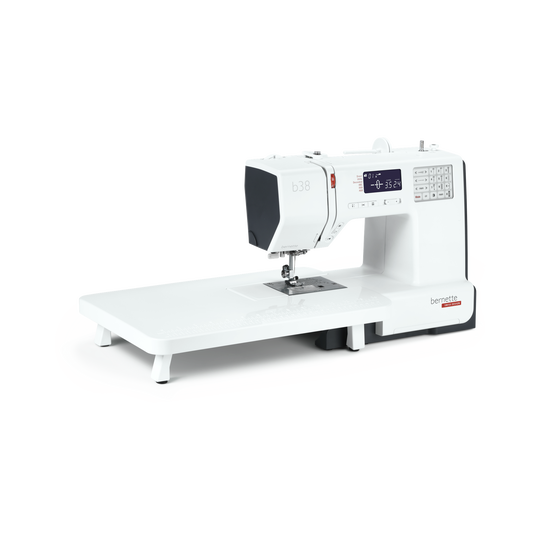
Anschiebetisch für grosse Nähprojekte inklusive


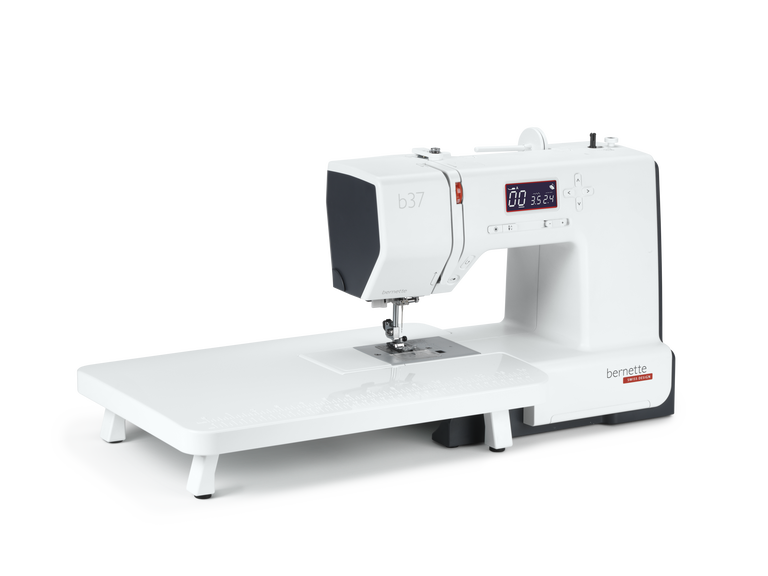
Der mitgelieferte Anschiebetisch lässt sich einfach an Deiner bernette 38 Nähmaschine befestigen und lösen und bietet Dir mehr Platz für grosse Nähprojekte wie zum Beispiel Kleidung, Quilts oder Vorhänge.
null

Acht Nähfüsse (Sohlen) inklusive – Für jede Anwendung den passenden Nähfuss


Mit Deiner bernette 38 erhältst Du acht Nähfusssohlen und einen stabilen Nähfussschaft. Je nachdem was Du nähen willst, kannst Du den passenden Nähfuss auswählen. So wählst Du zum Beispiel für Deine Zickzack-Stiche den Zickzackfuss, für die Satinstiche den passenden Satinfuss und für das Knopfloch den Knopflochschlittenfuss aus. Mit den passenden Füssen gelingen Dir Deine Nähprojekte schnell und in guter Stichqualität.


Merkmale & Funktionen
bernette 38
Wichtig
Änderungen bezüglich Ausstattung und Ausführung bleiben vorbehalten.
Freiarmlänge rechts von der Nadel [Zoll / mm]
170 mm
Automatisches Fadenschneidesystem (Ober- und Unterfaden)
Maschinentyp
elektronisch
Stichlänge anpassen
Stichbreite anpassen
Einstellbarer Nähfussdruck
Mechanisch
Start-/Stopp-Taste
Unterfadenspuler, oben auf der Maschine
Elektronischer Fussanlasser
Abmessungen der Maschine L / B / H [mm]
390 170 300
Gewicht Maschine [kg]
6,400 g
Freiarmlänge rechts von der Nadel [Zoll / mm]
170 mm
Höhe des Arbeitsbereichs [Zoll / mm]
109 mm
Spulenhalter [Nummer]
2
Hauptmotor, Typ
DC
Nadel halbautomatisch einfädeln
Automatisches Fadenschneidesystem (Ober- und Unterfaden)
Greifersystem
Drop-in
bernette Zweistufige Nähfussanhebung
Position des Bildschirms
zentral
Bildschirmgrösse [Zoll]
2.9 inch
Anzahl der LEDs
1
Beleuchtung über der Nadel
Geschwindigkeitsregler
Maschinentyp
elektronisch
Stichlänge anpassen
Stichbreite anpassen
Gesamtzahl der Knopflöcher
8
Knopflochautomatik mit 3A-Füssen (auto)
Nadelpositionen (rechts / links) [Anzahl]
14
Nähfuss empfohlen (Anzeige)
Nähstiche und Zeichen insgesamt [Anzahl]
394
Maximale Nähgeschwindigkeit [spm]
820 spm
Verstellbare Oberfadenspannung
manuell
Versenkbarer Transporteur
Nähfuss-System
Snap-on
Einstellbarer Nähfussdruck
Mechanisch
Start-/Stopp-Taste
Rückwärts-Taste (manuelles Vernähne)
Nutzstiche
30
Anschiebetisch
Staubpinsel
Nadelsortiment
Netz für Oberfadenspulen
Staubschutzhauben
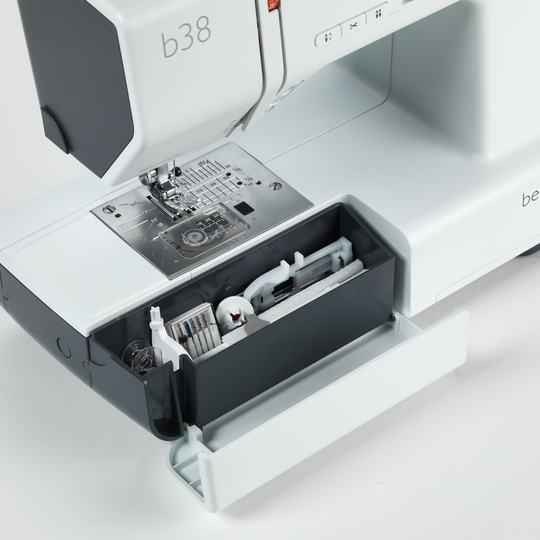
Zubehörbox

Tutorials

b38 Tutorial – Selecting and combining stitches (6/7)
You will find additional information at http://www.mybernette.com In this tutorial video for your bernette 38, we show you how you can select stitches and combine them with each other. As soon as you switch on the sewing machine, all of the stitches are available to choose from on the display. The straight stitch is always selected first. If you would like to select a different stitch, you will find an overview in the accessories drawer. You can use the number of the respective stitch pattern to very easily switch to the corresponding mode. The selected stitch pattern can then be saved with the save button. Then you can select a second stitch pattern and then press the mirror image button and then the save button again. In the video, we show you exactly what you must do if you would like to combine several stitches and designs with your b38. You can sew a programmed combination once or several times and then have your bernette automatically sew up and trim the threads.
b38 Tutorial – Selecting and combining stitches (6/7)
b38 Tutorial – Starting to sew (3/7)
You will find additional information at http://www.mybernette.com How to begin sewing with your b38: In this video tutorial, we show you which stitch is automatically selected after switching on your bernette and make it easy for you to guide the fabric edge to be straight by using markings. To secure the seam, you can first make a few reverse stitches with the reverse sewing button. Then you can sew and adjust your sewing speed if necessary. When the sewing is done, the "Automatic sewing up" button and the automatic thread trimmer will help you. We also show you how to select the zigzag stitch and how the stitch width and length can be adjusted to your sewing needs. What stitch patterns can you use to neaten seams? How do you change the sewing foot? How do you ensure a straight guide along the edge of the fabric? The tutorial shows you how step by step.
b38 Tutorial – Starting to sew (3/7)
b38 + b37 Tutorial – How to sew on a button (5/7)
b38 + b37 Tutorials – Buttonholes (4/7)
b38 + b37 Tutorial – Bobbin winding and threading (2/7)
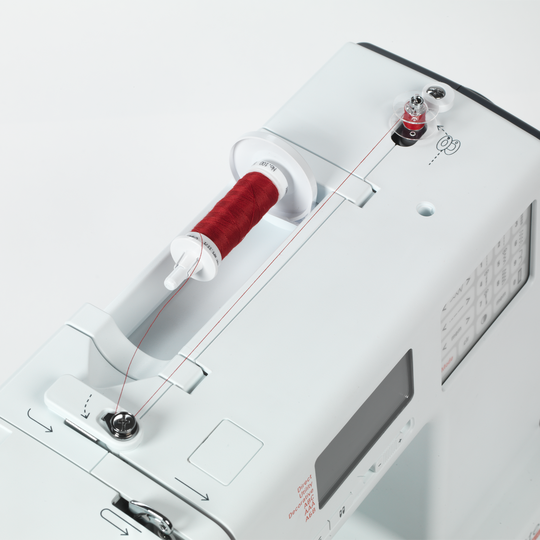
You will find additional information at http://www.mybernette.com How is the bobbin wound with your b38 or b37 and how is it threaded correctly? In this video tutorial, we show you how you very easily first insert the reel of thread and secure the thread guide spring washer. Next, you pull the thread into the bobbin, press the bobbin to the right and start the winding with the foot control or with the start / stop button. Then you can thread the upper thread, press the foot control and then raise the lower thread. With these step-by-step instructions, everything is very easy to understand so that you are perfectly prepared for your sewing project.
b38 + b37 Tutorial – Bobbin winding and threading (2/7)
b38 + b37 Tutorial – Getting ready to sew (1/7)
Discover the new bernette models! (short version)
For more information please visit: http://www.mybernette.com Do you want to be creative and sew your own things? Or alter and embellish your clothing? Then the new bernette models in the stylish two-color Swiss design are perfect for you! They are easy to use, have numerous functions with excellent stitch quality, and are durable as well as affordably priced. Experience creative sewing fun at a high level and don't settle for less.
Discover the new bernette models! (short version)