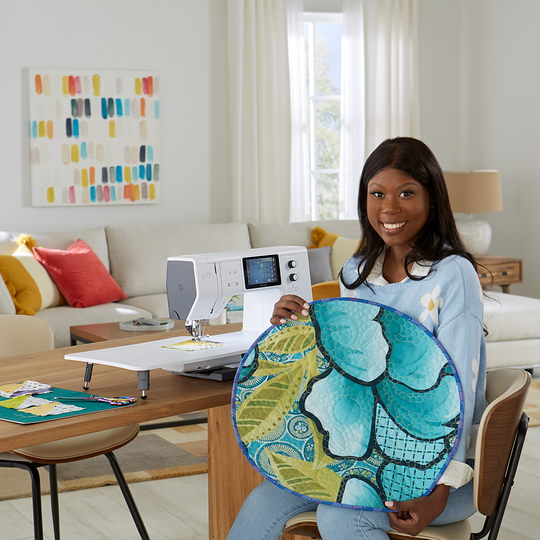
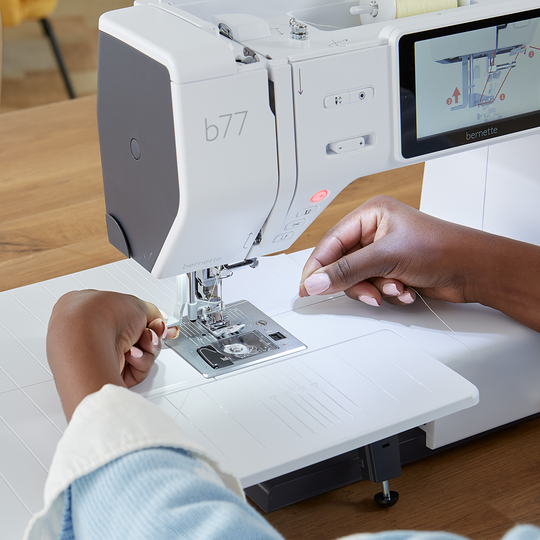
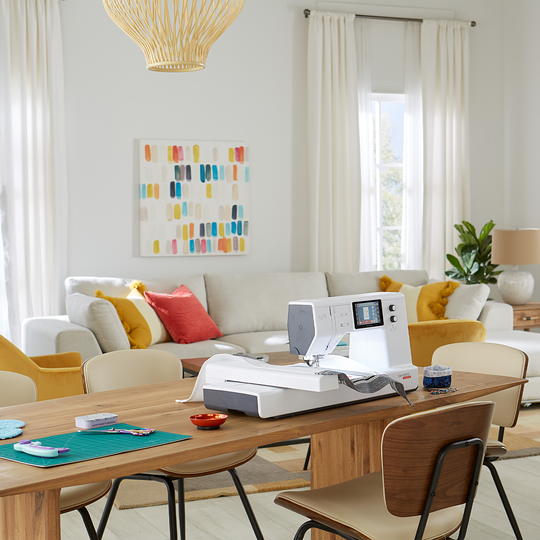
bernette 77
Art. Nr. 5220077006
1'295.00 CHF
Verfügbarkeit im Online Shop:
  • Verfügbar

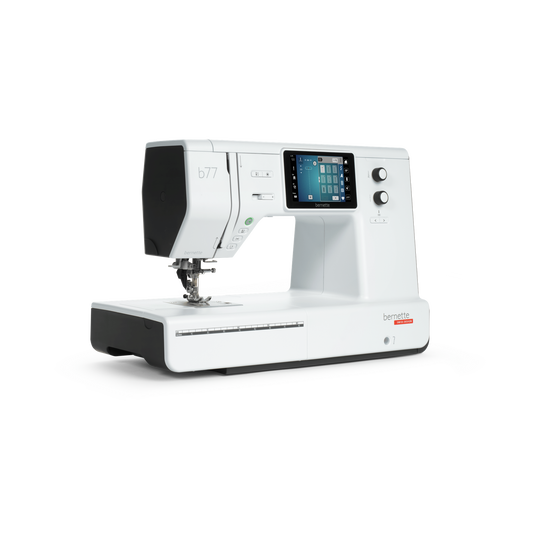
bernette 77
Art. Nr. 5220077006
bernette 77 image number

Produktbeschreibung


Beschreibung

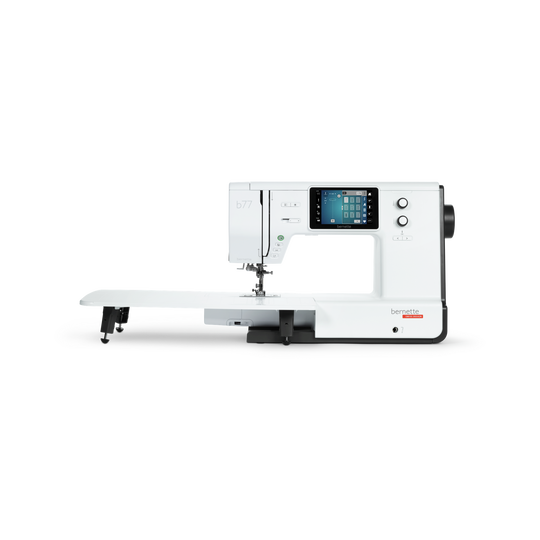
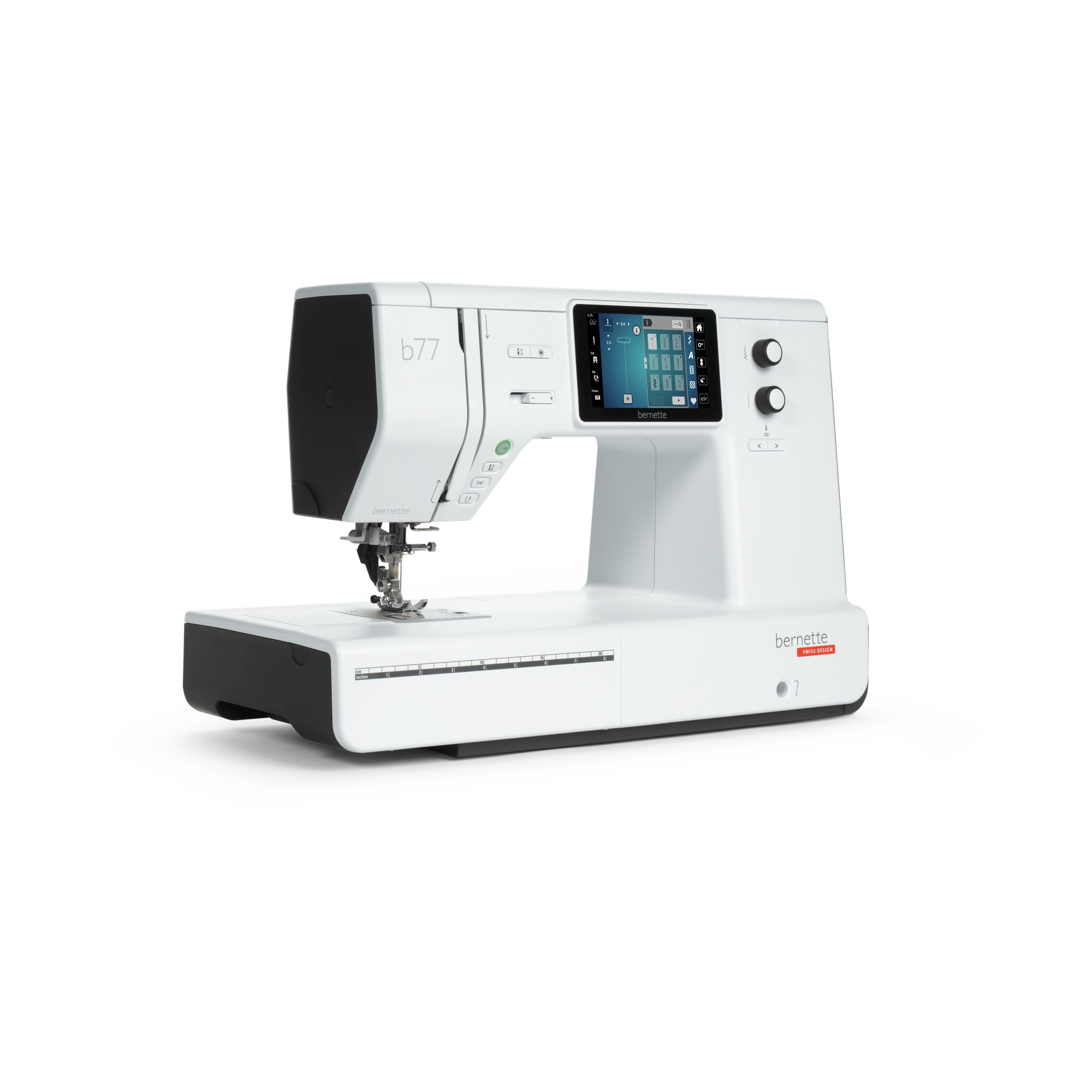
Deine verlässliche Nähmaschine mit exklusivem bernette Nähberater und Dual Transport

Besonderheiten

  • Farbiger 5-Zoll-Touchscreen für intuitive Navigation
  • Einfache und schnelle Bedienung über Multifunktionsknöpfe
  • Inklusive Nähberater für wertvolle Tipps
  • Dual Transport für gleichmässigen Transport aller Materialien
  • Programmierbarer Fussanlasser mit Back-kick Funktion
null

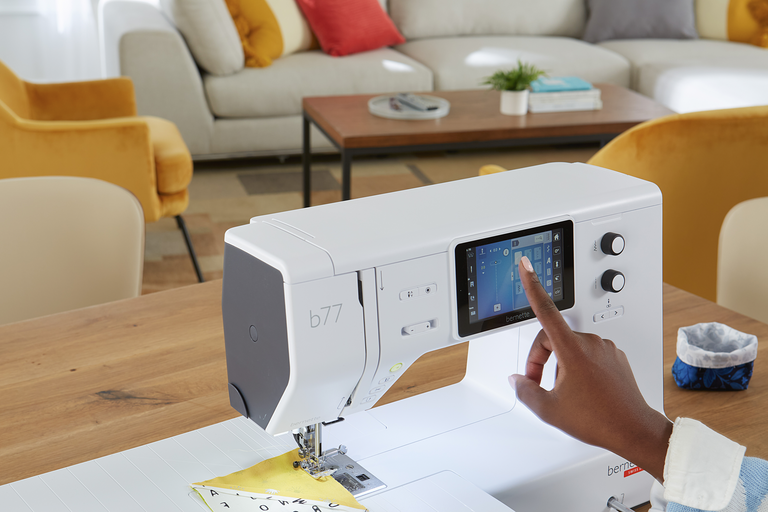
Einfache & schnelle Bedienung über Touchscreen oder Multifunktionsknöpfe


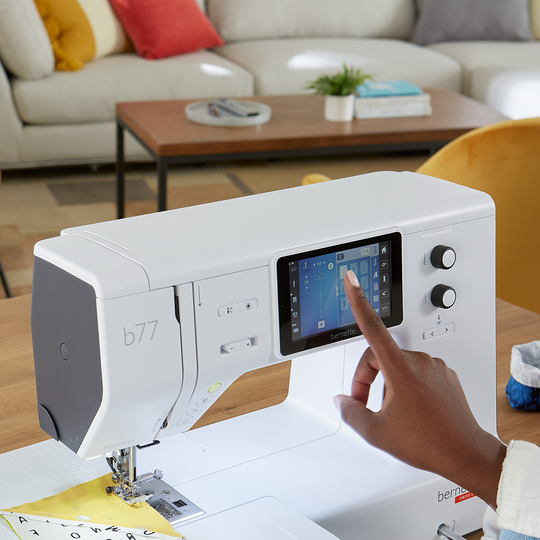
Über den farbigen, zentral platzierten 5-Zoll-Touchscreen findest du ganz einfach deinen gewünschten Stich und kannst ihn individualisieren oder die Fadenspannung optimieren. Mit den Multifunktionsknöpfen lassen sich auch während des Nähens die Stichlänge oder -breite verändern. Und falls du Hilfe brauchst, empfiehlt dir der Nähberater den besten Stich für deinen Stoff.

null

Viel Platz und Licht für deine Nähprojekte


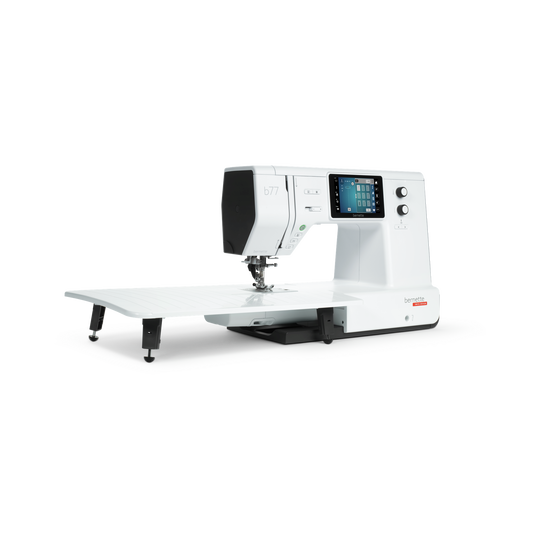
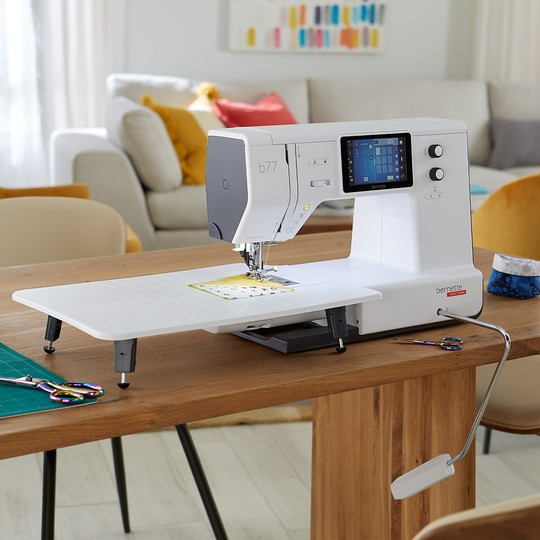
Behalte den Überblick dank der vier hellen LEDs, die dir den grossen Nähbereich von 230 mm rechts der Nadel optimal ausleuchten. Der zusätzliche Freiarm-Anschiebetisch macht grosse Quilt- und Nähprojekte noch einfacher in der Handhabung.
null

Gleichmässiger Transport aller Materialien


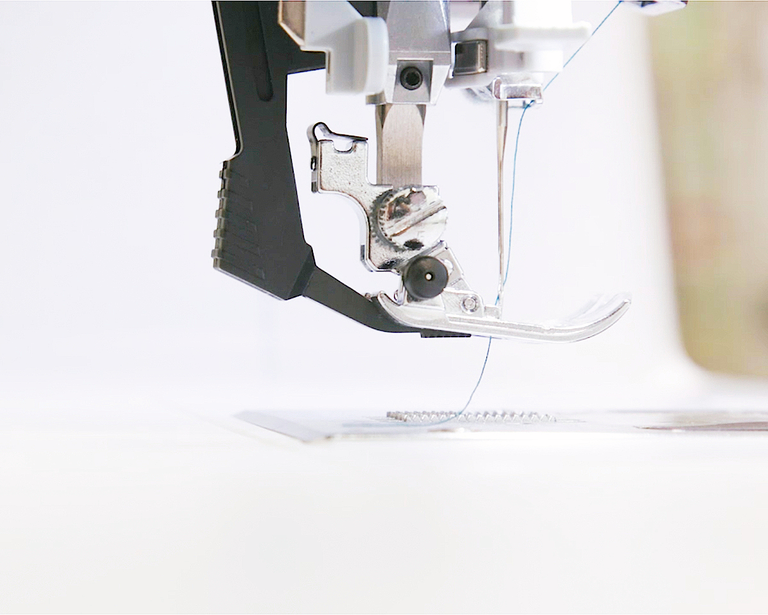
Der integrierte Dual Transport ist mit einem Handgriff aktivierbar und sorgt für gleichmässigen Transport aller Materialien von oben und unten. So gelingt das Nähen von mehreren Stofflagen oder schwierig gleitenden Materialien ohne Verrutschen oder Wellen der Naht.
null

Vernähfunktion und automatischer Fadenabschneider


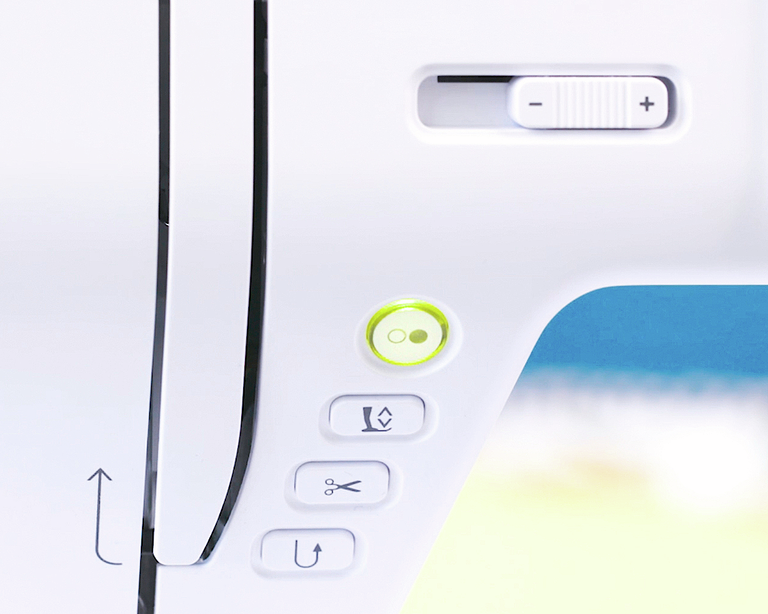
Dank der Vernähfunktion musst du nicht mehr rückwärts nähen, um die Naht am Ende zu sichern. Drücke einfach die Vernäh-Taste und das Nahtende wird automatisch vernäht. Dann die Taste für den automatischen Fadenabschneider drücken, zack die Fäden sind weg und fertig ist die Naht! Willst du es noch schneller? Dann programmiere diese Funktionen auf dem Fussanlasser mit Back-kick-Funktion – ein Fersendruck genügt.
null

Noch mehr Nähkomfort


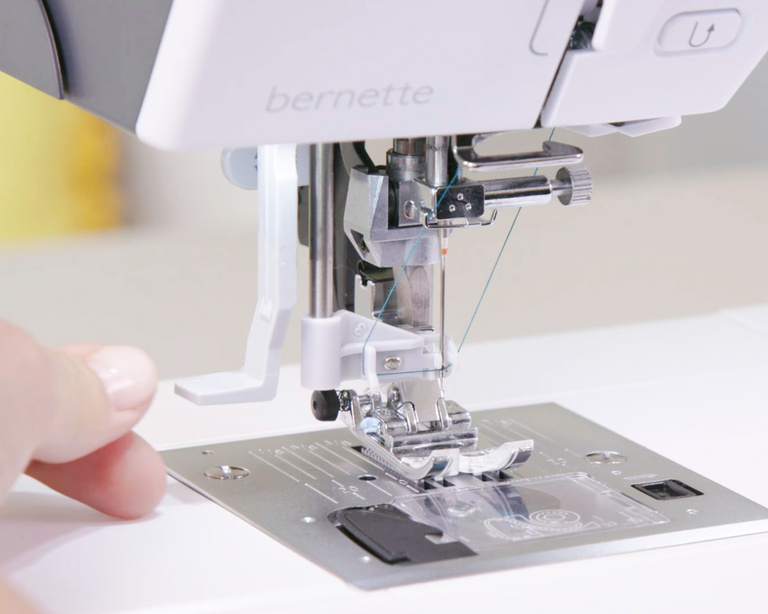
Der halbautomatische Nadel-Einfädler macht das Einfädeln zum Kinderspiel – der Nähfuss senkt sich automatisch in die richtige Position ab und der Faden kann zum Einfädeln im seitlichen Fadenabschneider fixiert werden. Noch komfortabler nähen kannst du mit dem Kniehebel, der den Nähfuss per Kniedruck hebt und senkt, so dass deine Hände zum Führen des Stoffes frei bleiben.
null

Mit Zier- und Quiltstichen Stoffe veredeln


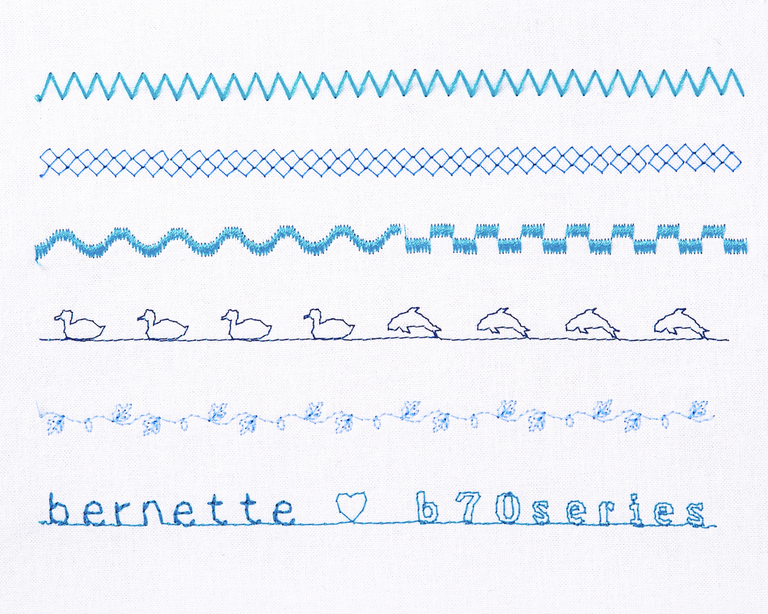
Natürlich kannst du mit der b77 gerade, zickzack oder elastische Stiche nähen. Zusätzlich bietet sie wunderschöne Zier- und Quiltstiche, mit denen du deine Nähprojekte veredeln kannst. Zudem besteht die Wahl zwischen verschiedenen Knopflöchern. Dein individuell angepasster Stich wird temporär gespeichert und du kannst ihn für weitere Projekte im persönlichen Speicher ablegen.
null

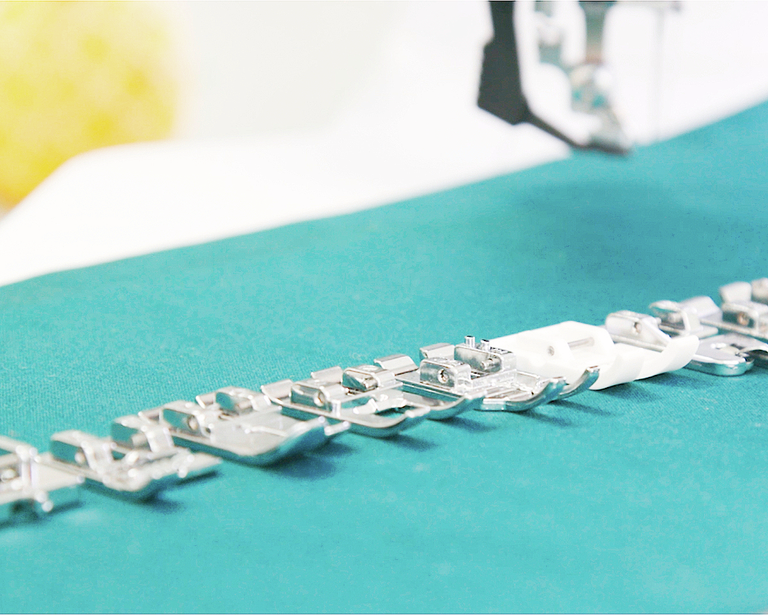
Für jede Anwendung der passende Nähfuss


Mit deiner bernette 77 erhältst du acht Nähfusssohlen. Wähle den passenden Nähfuss entsprechend Stoff oder Projekt. So nimmst du zum Beispiel für Zickzack-Stiche den Zickzackfuss, für Zierstiche den Stickfuss und für Knopflöcher montierst du den automatischen Knopflochschlittenfuss. Mit den passenden Füssen gelingen dir deine Nähprojekte schnell und in guter Stichqualität. Die Nähfussempfehlung auf dem Touchscreen zeigt dir, welcher Fuss zum gewählten Stich passt.


Merkmale & Funktionen
bernette 77
Wichtig
Änderungen bezüglich Ausstattung und Ausführung bleiben vorbehalten.
bernette Fussanlasser mit Back-kick Funktion (programmierbar)
bernette Freihandsystem (FHS)
Freiarmlänge rechts von der Nadel [Zoll / mm]
230 mm
Automatisches Fadenschneidesystem (Ober- und Unterfaden)
bernette Dual Feed
Position des Bildschirms
zentral
Anzahl der LEDs
4
Anschluss für Kniehebel (FHS)
Unterfadenspuler, oben auf der Maschine
Nadelstopp oben/unten, permanent (oben/unten)
Einrichten - Nähen - Funktionen des Fußanlassers
Setup- Display-Einstellungen - Display-Helligkeit
bernette Fussanlasser mit Back-kick Funktion (programmierbar)
bernette Freihandsystem (FHS)
Abmessungen der Maschine L / B / H [mm]
509 200 315
Gewicht Maschine [kg]
9,210 g
Freiarmlänge rechts von der Nadel [Zoll / mm]
230 mm
Höhe des Arbeitsbereichs [Zoll / mm]
125 mm
Gesamtspeicher [MB]
64 MB
Spulenhalter [Nummer]
2
Hauptmotor, Typ
DC
Hammer-Modus für Durchschlagskraft
Nadel halbautomatisch einfädeln
Automatisches Fadenschneidesystem (Ober- und Unterfaden)
Greifersystem
Drop-in
bernette Dual Feed
Nähfussanhebung, automatisch
Position des Bildschirms
zentral
Bildschirmgrösse [Zoll]
5 inch
ECO-Funktion
Anzahl der LEDs
4
Beleuchtung über der Nadel
Geschwindigkeitsregler
Sensor Stichplatten-Detektor
Sensor Oberfadenkontrolle
Sensor Spulenfadensteuerung
USB-Anschluss (Host)
Stichlänge anpassen
Musterende
Stichbreite anpassen
Permanent Rückwärtsnähen
Muster verändern
Verzerrung
Gesamtzahl der Knopflöcher
16
Knopflochautomatik mit 3A-Füssen (auto)
Heftstich Nr. 21 (mit Bast-matic)
Vernähstich (Stich Nr. 5)
Nadelpositionen (rechts / links) [Anzahl]
15
Memory (Kurzzeitspeicher)
Aktuellen Stich hinzufügen (persönliches Programm)
Nähfuss empfohlen (Anzeige)
Kombination speichern
Nähstiche und Zeichen insgesamt [Anzahl]
499
Nähfuss-Auswahl
Einrichten - Nähen - Einstellungen für das automatische Vernähen
Freiarmumfang in der Nadelposition [mm]
295 mm
Maximale Nähgeschwindigkeit [spm]
1,000 spm
Nähfuss-System
Snap-on
Pivot-/Hover-Funktion
Start-/Stopp-Taste
Rückwärts-Taste (manuelles Vernähne)
Anschiebetisch
Staubpinsel
Nadelsortiment
Netz für Oberfadenspulen
Staubschutzhauben
Zubehörbox

Tutorials

b77 + b79 Tutorial – Buttonholes (7/11)
https://www.mybernette.com/ ¦ Buttonholes are really easy to sew with your bernette 77 or bernette 79. You can see the necessary steps in this tutorial video. The button slides into the button holder, which is then closed together firmly. Then you attach the buttonhole foot and pull the button lever down as far as possible. Now you're ready to sew a test buttonhole on another piece of fabric. Your bernette sewing machine stops automatically when it's done. You can then carefully cut the buttonhole from both ends to the middle and check the buttonhole size. If necessary, you adjust the buttonhole length a little, then mark the position of the buttonhole on your fabric and sew the desired buttonhole.
b77 + b79 Tutorial – Buttonholes (7/11)
b77 + b79 Tutorial – Starting to Sew (2/11)
b77 + b79 Tutorial – Presser feet and their usage (3/11)
https://www.mybernette.com/ ¦ Which presser foot is used for which stitch? As soon as you have selected a suitable utility stitch on your bernette 77 or bernette 79, you will see in the presser foot display menu which presser foot can be used. The tutorial video shows you how easy it is to change the presser foot sole: just lift the presser foot, press on the front edge and remove the previous sole. Then you can attach the new presser foot sole so that it snaps into place. Does your selected presser foot have an opening at the back? Then engage the dual feed so that the fabric can be guided through the machine evenly from above and below. In the video, we also show you the different presser feet and their special applications: There is the zigzag foot DA, which is suitable for most sewing. The embroidery foot JK is for applications and decorative stitches. Also, there is the zipper foot RB, the buttonhole foot RJ, the button sewing foot RC, a blindstitch foot DM for barely visible hems, the overlock foot and the embroidery foot RX for freehand embroidery and darning. Additional presser feet are available as optional accessories.
b77 + b79 Tutorial – Presser feet and their usage (3/11)
b77 + b79 Tutorial – Combining stitch patterns (5/11)
https://www.mybernette.com/ ¦ With your bernette 77 or bernette 79, you can combine different letter and decorative stitch patterns and then have them stitched in one go as a stitch combination. In this tutorial video, you'll learn how to easily select and edit the stitch pattern you want to use. You can sew your stitch pattern once or even several times. Securing stitches are added automatically at the end. In your "Personal Memory", your collected pattern combination can also be stored permanently. This will allow you to recall and reuse your saved combination at any time.
b77 + b79 Tutorial – Combining stitch patterns (5/11)
b70 DECO + b77 + b79 Tutorial – bobbin winding and threading (1/11)
https://www.mybernette.com/ ¦ Before you start your new sewing or embroidery project with your bernette 70 DECO, b77 or b79, you first need to wind and insert the bobbin and thread the machine. In this tutorial video, we'll show you how easy it is. All you have to do is insert the spool and secure it with the appropriate spool cap. In the video you can see exactly how to guide the thread along the dashed markings through the hole in the bobbin. Then you can start winding the bobbin. If desired, you can adjust the bobbin winding speed. Afterwards, the video shows you how to insert the bobbin the right way and thread the upper thread using the needle threader.
b70 DECO + b77 + b79 Tutorial – bobbin winding and threading (1/11)
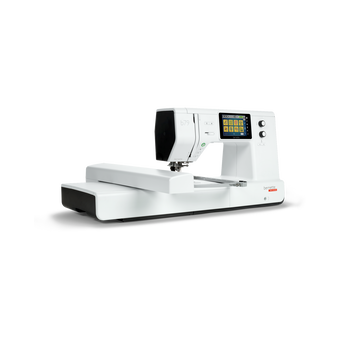
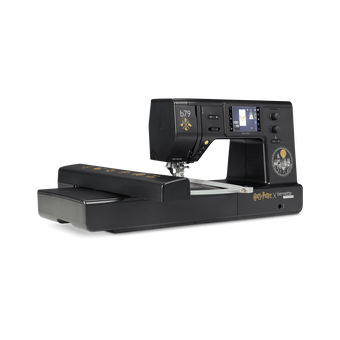
The new bernette 70 Series - lots of features at an attractive price
https://www.mybernette.com ¦ Do you want to get creative and sew your own clothes, quilts, or accessories or individually decorate with embroidery? Then the models in the bernette 70 Series are just right for you! They are easy to use, have lots of functions, have a high stitch quality, and are also durable and attractively priced. You have the choice of a sewing machine, an embroidery machine, or a combined machine that can do both. Experience creative sewing enjoyment at the highest level.
The new bernette 70 Series - lots of features at an attractive price