bernette 79 Harry Potter
bernette 79 Harry Potter
Art. Nr. 5227900006
2'295.00 CHF
Verfügbarkeit im Online Shop:
  • Verfügbar

bernette 79 Harry Potter
Art. Nr. 5227900006
bernette 79 Harry Potter image number
Produktbeschreibung


Beschreibung

Zauberhaft nähen und sticken


Besonderheiten

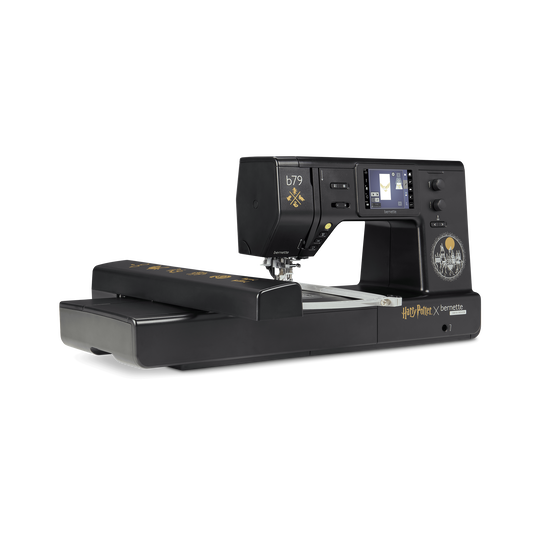
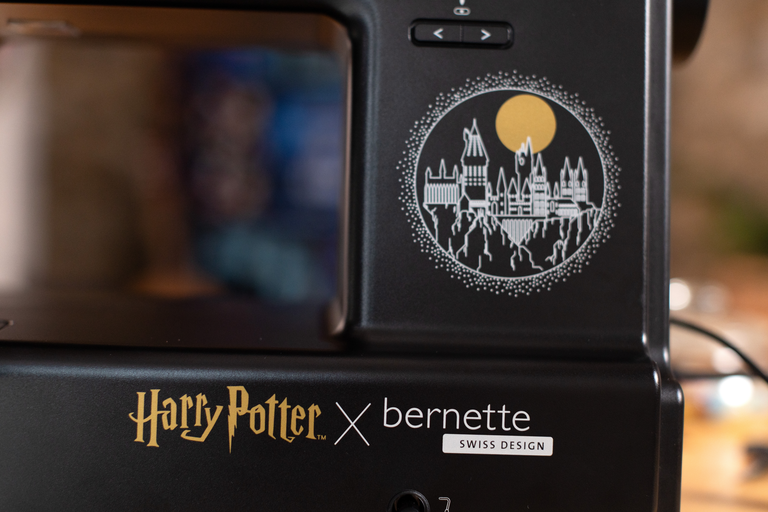
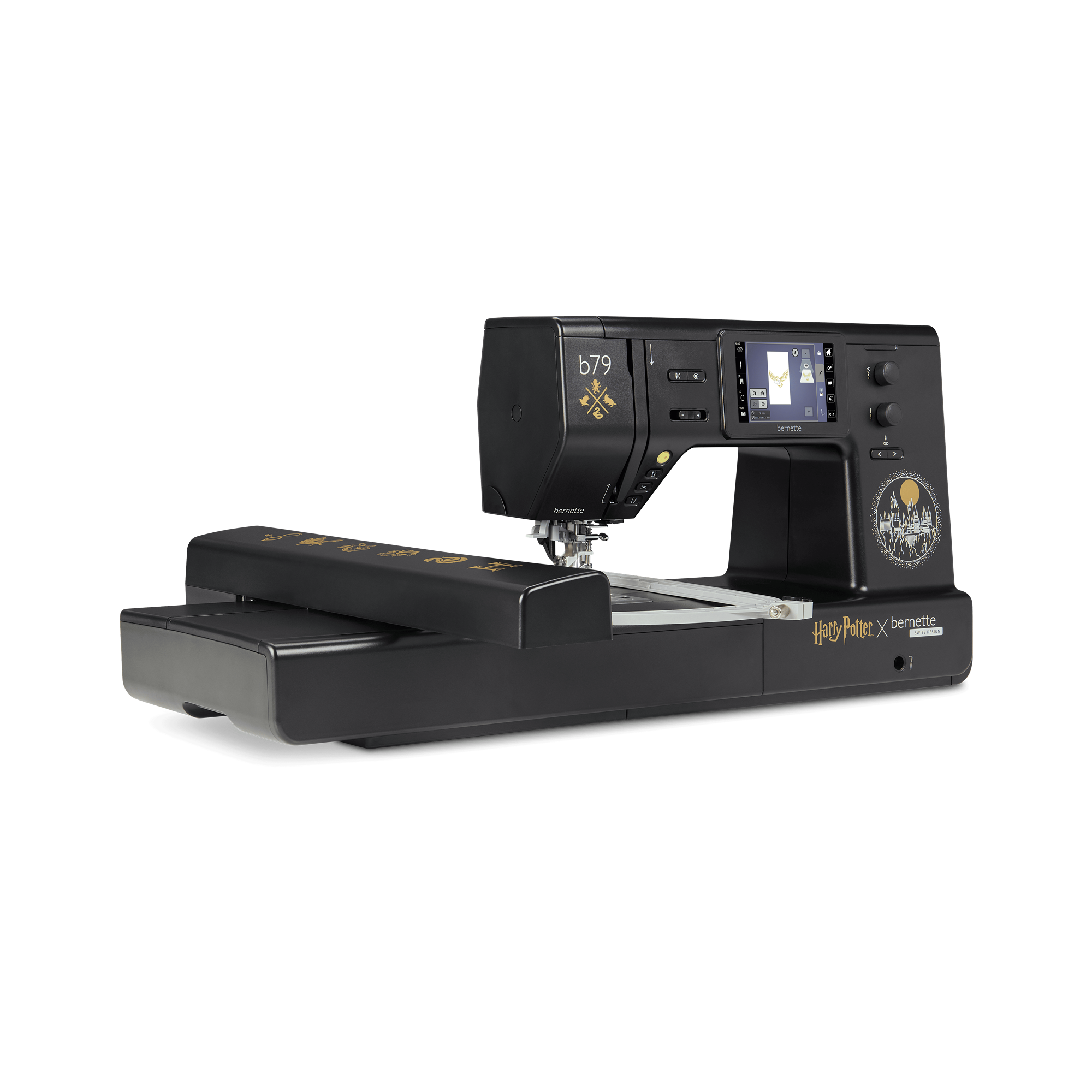
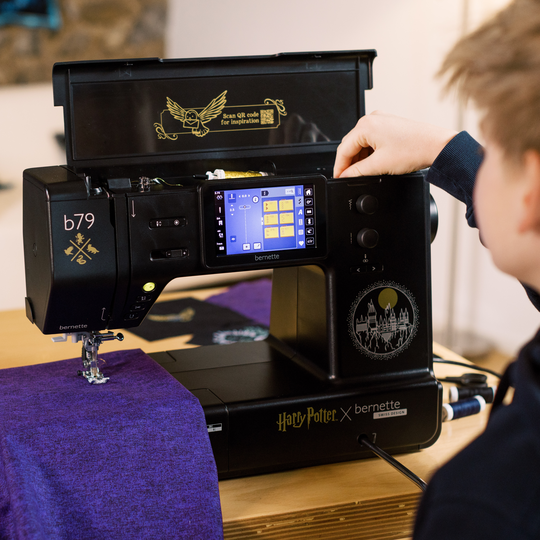
  • Exklusives Harry-Potter-Maschinendesign mit liebevoll integrierten Details
  • Insgesamt 500 Stiche, darunter 5 exklusive Harry-Potter-Zierstiche
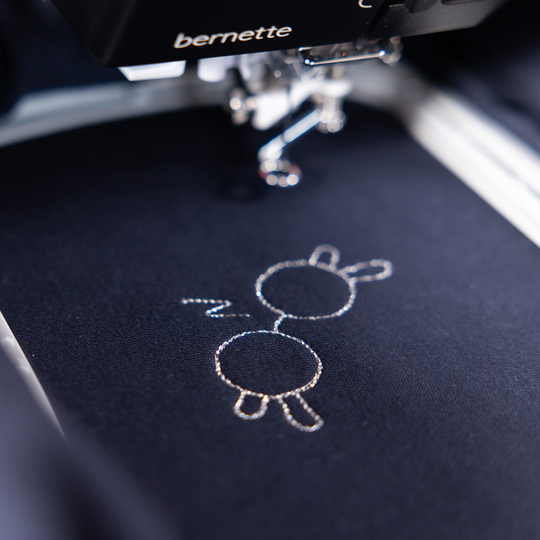
  • 250 vorinstallierte Stickmotive mit 42 Harry-Potter-Designs
  • 10 weitere exklusive Harry-Potter-Stickmotive
  • Grosszügige Stickfläche von bis zu 260 x 160 mm
null

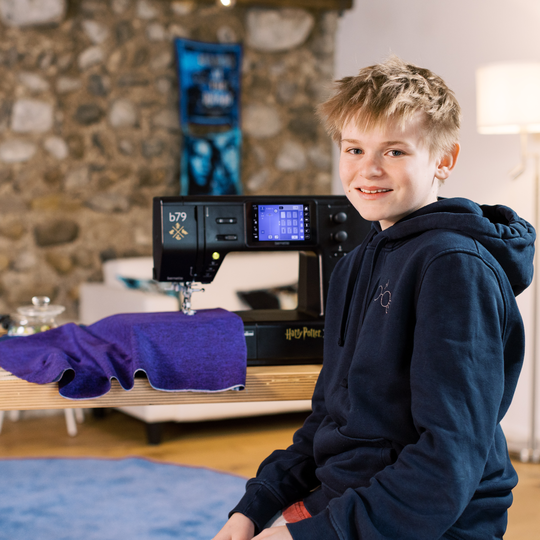
Magisches Design für echte Harry-Potter-Fans


Hol dir die Welt von Harry Potter in dein Nähzimmer und lass dich bei jedem Projekt ein Stück davon begleiten. Durchdachte Design-Details auf und in der Maschine warten darauf, von dir entdeckt zu werden.

So wird jede Session mit der b79 Harry Potter zu einem kleinem Ausflug in deine ganz persönliche Zauberwelt. 

null

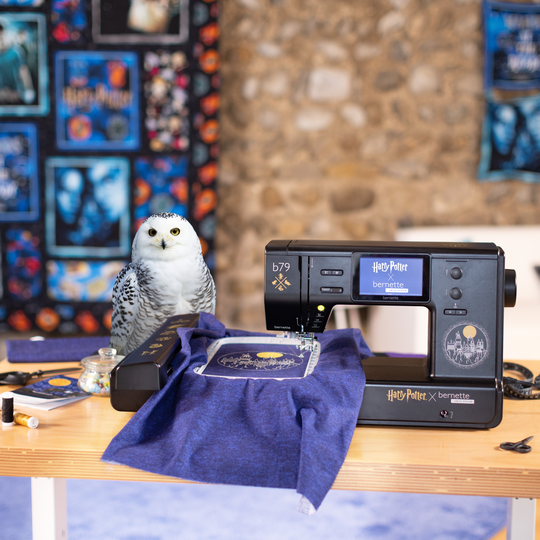
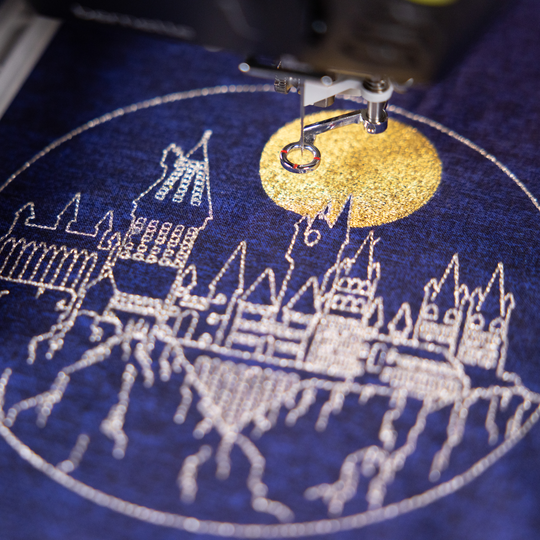
52 Harry-Potter-Stickmotive


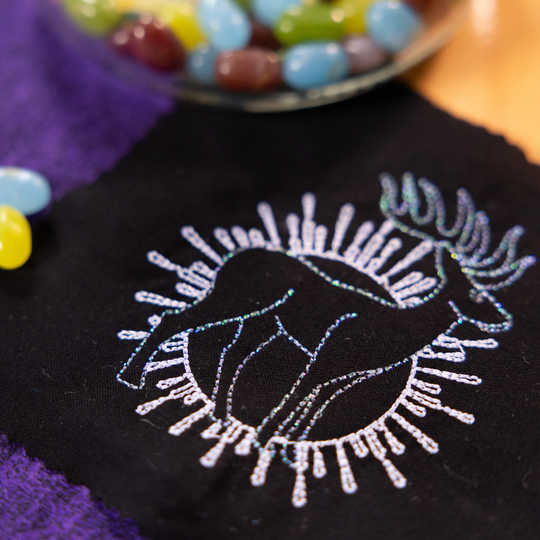
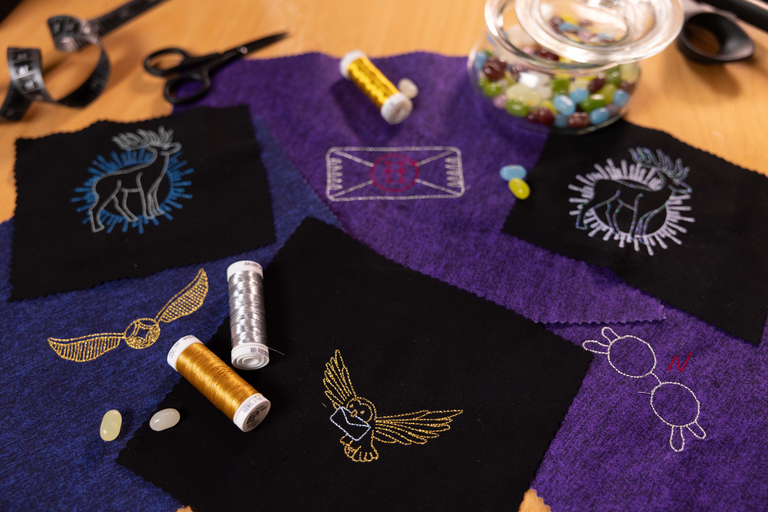
10 exklusive Harry-Potter-Stickmotive verleihen deinen Projekten im Handumdrehen einen Hauch von Hogwarts. Die Designs setzen auf Hoodies, Shirts oder Dekoartikeln dezente Highlights mit viel Wirkung. So bekommen auch kleine Projekte schnell einen magischen Touch. Diese Stickmotive sind exklusiv auf der bernette 79 Harry Potter zu finden und machen jedes Werk zu etwas ganz Besonderem. 
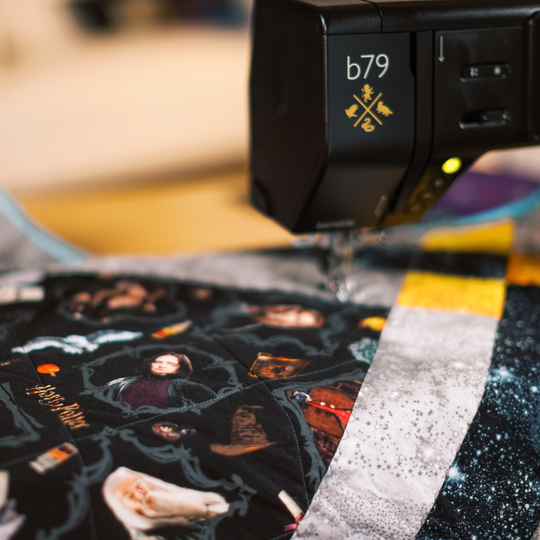
Magie hört nicht nach zehn Motiven auf. 42 weitere vorinstallierte Harry-Potter-Stickmotive aus der OESD-Bibliothek geben dir noch mehr Raum für kreative Abenteuer. 

null

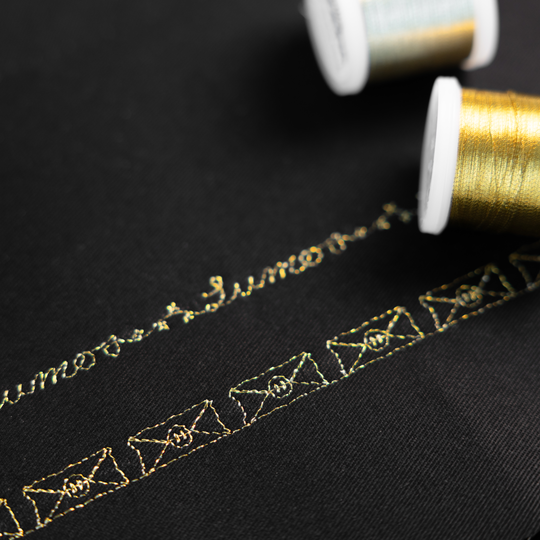
5 exklusive Harry-Potter-Zierstiche


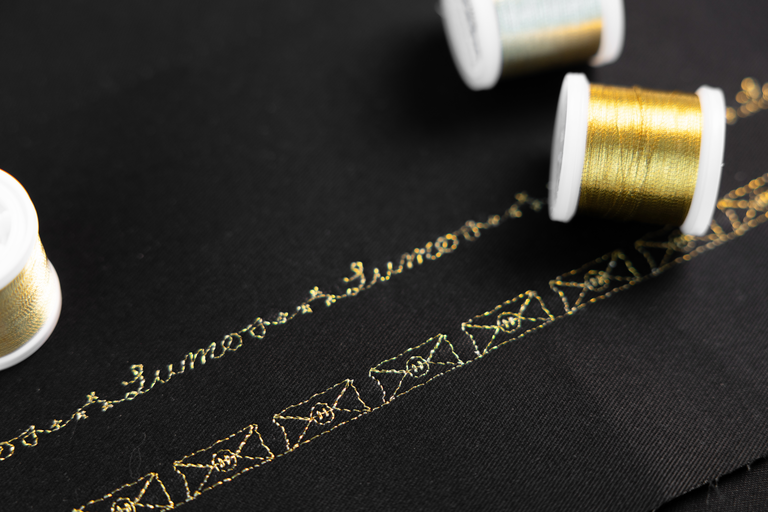
Diese fünf Zierstiche sind kein Extra, das man überall findet, sondern ein weiteres Highlight der b79 Harry Potter. Ob du Säume kreativ in Szene setzen willst, Kanten betonen oder deinem Quilten eine magisch-wirkende Textur verleihen willst, diese Zierstiche sind ein dezenter Hingucker.

Auf deiner b79 Harry Potter kannst du die Zierstiche direkt am Bildschirm auch nach deinem eigenen Geschmack kombinieren und machst jedes Projekt unverwechselbar.

null

Kreativ direkt am Screen


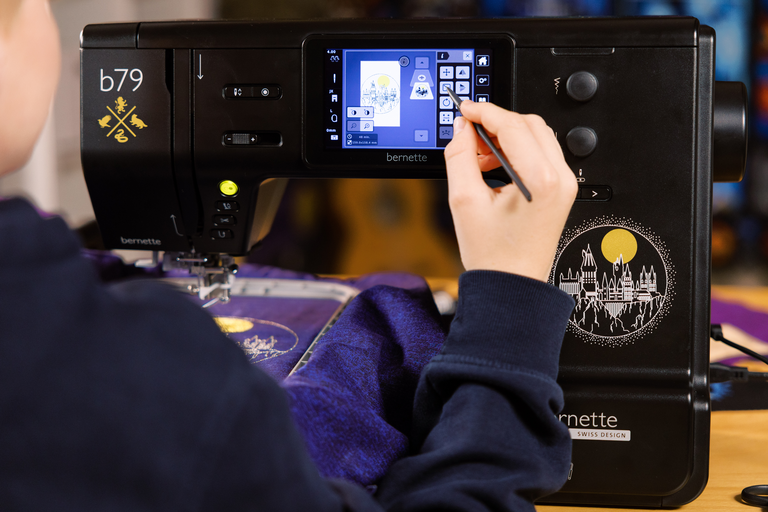
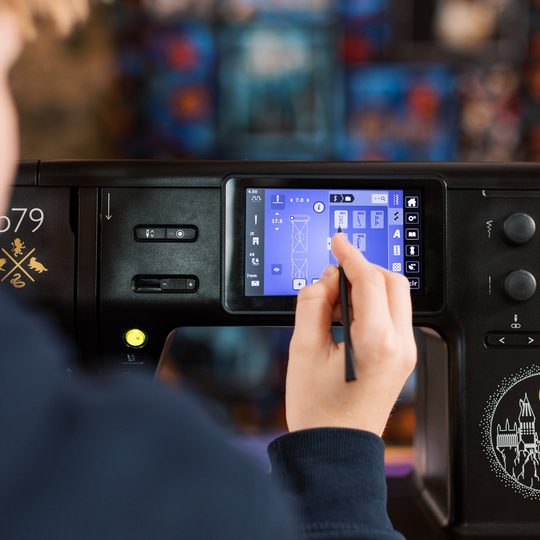
Auf dem farbigen 5-Zoll-Touchscreen bearbeitest du Motive und Stiche intuitiv nach deinem Projekt. Drehen, spiegeln und kombinieren geht spielend leicht, bis alles optimal zu deiner Idee passt.

null

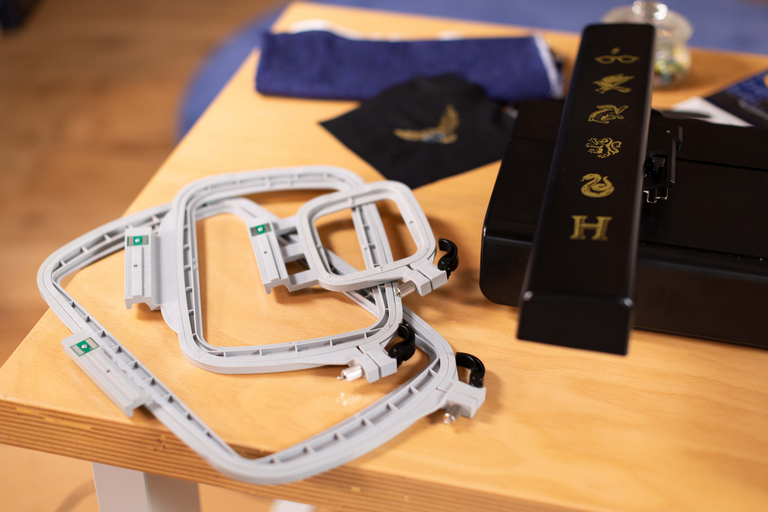
3 Stickrahmen inklusive


Mit den Stickrahmen in drei Grössen bist du bereit für jedes Projekt. Von kompakten Designs zu grossen Motiven mit bis zu 260 x 160 mm ist alles möglich, inklusive automatischer Stickrahmenerkennung direkt auf dem Touchscreen.


Merkmale & Funktionen

bernette 79 Harry Potter
Wichtig
Änderungen bezüglich Ausstattung und Ausführung bleiben vorbehalten.
bernette Freihandsystem (FHS)
Freiarmlänge rechts von der Nadel [Zoll / mm]
230 mm
Automatisches Fadenschneidesystem (Ober- und Unterfaden)
bernette Dual Feed
Position des Bildschirms
zentral
Sensor Stichplatten-Detektor
Sensor Oberfadenkontrolle
Sensor Spulenfadensteuerung
In die Maschine integrierter Stichdesigner
Wettbewerbs‑Stickformate lesen (stichbasiert)
Stickmuster speichern
Eingebaute Stickalphabete (horizontal&vertikal=1)
6
Integrierte Stickmuster
213
Einrichten - Sticken - Fadenschneider nach Farbwechsel ein/aus
Anschluss für Kniehebel (FHS)
Unterfadenspuler, oben auf der Maschine
Nadelstopp oben/unten, permanent (oben/unten)
Der Transporteur fällt automatisch ab (Quilten, Sticken)
Hilfe-Center
Einrichten - Nähen - Funktionen des Fußanlassers
Setup- Display-Einstellungen - Display-Helligkeit
bernette Freihandsystem (FHS)
Abmessungen der Maschine L / B / H [mm]
509 200 315
Abmessungen Stickmodul L / B / H [mm]
710 475 315
Gewicht des Stickmoduls [lbs/kg]
3650 g
Gewicht Maschine [kg]
9,800 g
Freiarmlänge rechts von der Nadel [Zoll / mm]
230 mm
Höhe des Arbeitsbereichs [Zoll / mm]
125 mm
Gesamtspeicher [MB]
16,000 MB
Spulenhalter [Nummer]
2
Hauptmotor, Typ
DC
Hammer-Modus für Durchschlagskraft
Nadel halbautomatisch einfädeln
Automatisches Fadenschneidesystem (Ober- und Unterfaden)
Adaptive Fadenspannung, dynamisch
Greifersystem
Drop-in
bernette Dual Feed
Nähfussanhebung, automatisch
Position des Bildschirms
zentral
Bildschirmgrösse [Zoll]
5 inch
ECO-Funktion
Anzahl der LEDs
4
Beleuchtung über der Nadel
Geschwindigkeitsregler
Sensor Stichplatten-Detektor
Sensor Oberfadenkontrolle
Sensor Spulenfadensteuerung
USB-Anschluss (Host)
Stichlänge anpassen
Musterende
Stichbreite anpassen
Permanent Rückwärtsnähen
Muster verändern
Verzerrung
Gesamtzahl der Knopflöcher
16
Knopflochautomatik mit 3A-Füssen (auto)
Heftstich Nr. 21 (mit Bast-matic)
Vernähstich (Stich Nr. 5)
Nadelpositionen (rechts / links) [Anzahl]
15
Memory (Kurzzeitspeicher)
Aktuellen Stich hinzufügen (persönliches Programm)
In die Maschine integrierter Stichdesigner
Nähfuss empfohlen (Anzeige)
Kombination speichern
Doppelstich in Kombination
Nähstiche und Zeichen insgesamt [Anzahl]
499
Nähfuss-Auswahl
Nähberater
Einrichten - Nähen - Einstellungen für das automatische Vernähen
Freiarmumfang in der Nadelposition [mm]
295 mm
Maximale Nähgeschwindigkeit [spm]
1,000 spm
Nähfuss-System
Snap-on
Pivot-/Hover-Funktion
Start-/Stopp-Taste
Rückwärts-Taste (manuelles Vernähne)
Wettbewerbs‑Stickformate lesen (stichbasiert)
Stickmuster speichern
Letzte Stickposition wiederherstellen
Rahmenerkennung
Absolute Prüfung
Kontrollkästchen
Heftstich innerhalb des Rahmens / um das Motiv herum
Stickablaufkontrolle
CutWork Tool-Unterstützung
Eingebaute Stickalphabete (horizontal&vertikal=1)
6
Integrierte Stickmuster
213
Muster verschieben
Grösse des Musters ändern: proportional (begrenzt auf 80%-120%)
Stichdichte einstellen
Wordart
Kombination von Mustern und Schriftzügen, Stickerei
Fadenfarben ändern
Monochrom
Einrichten - Sticken - Fadenschneider nach Farbwechsel ein/aus
Einrichten - Sticken - Stiche manuell/automatisch vernähen
Maximale Stickgeschwindigkeit [spm]
850 spm
Anschiebetisch
Staubpinsel
Nadelsortiment
Netz für Oberfadenspulen
Staubschutzhauben
Zubehörbox

Tutorials

b79 Tutorial – Stitch Designer (6/11)
https://www.mybernette.com/ ¦ With the Stitch Designer of your bernette 79 you can easily change existing stitch patterns or even create your own stitch patterns. This tutorial video will show you how to do it step by step. In the first part of the video, you'll see how to edit an existing stitch pattern in the Stitch Designer. We'll show you how to select and move the stitching points and how to add new points. Then the video also shows you how to draw a whole new stitch pattern. For straight-line patterns, you can activate a grid so that your points are automatically placed on the grid points. Of course, all stitches you have created or modified in the Stitch Designer can also be stored in the "Personal Memory" for later use.
b79 Tutorial – Stitch Designer (6/11)
b70 DECO + b79 Tutorial – Embroidering with the CutWork Tool (11/11)
b70 DECO + b79 Tutorial – Combine embroidery motifs (10/11)
b70 DECO + b79 Tutorial – Prepare for embroidery (8/11)
b77 + b79 Tutorial – Buttonholes (7/11)
https://www.mybernette.com/ ¦ Buttonholes are really easy to sew with your bernette 77 or bernette 79. You can see the necessary steps in this tutorial video. The button slides into the button holder, which is then closed together firmly. Then you attach the buttonhole foot and pull the button lever down as far as possible. Now you're ready to sew a test buttonhole on another piece of fabric. Your bernette sewing machine stops automatically when it's done. You can then carefully cut the buttonhole from both ends to the middle and check the buttonhole size. If necessary, you adjust the buttonhole length a little, then mark the position of the buttonhole on your fabric and sew the desired buttonhole.
b77 + b79 Tutorial – Buttonholes (7/11)
b77 + b79 Tutorial – Starting to Sew (2/11)
b77 + b79 Tutorial – Presser feet and their usage (3/11)
https://www.mybernette.com/ ¦ Which presser foot is used for which stitch? As soon as you have selected a suitable utility stitch on your bernette 77 or bernette 79, you will see in the presser foot display menu which presser foot can be used. The tutorial video shows you how easy it is to change the presser foot sole: just lift the presser foot, press on the front edge and remove the previous sole. Then you can attach the new presser foot sole so that it snaps into place. Does your selected presser foot have an opening at the back? Then engage the dual feed so that the fabric can be guided through the machine evenly from above and below. In the video, we also show you the different presser feet and their special applications: There is the zigzag foot DA, which is suitable for most sewing. The embroidery foot JK is for applications and decorative stitches. Also, there is the zipper foot RB, the buttonhole foot RJ, the button sewing foot RC, a blindstitch foot DM for barely visible hems, the overlock foot and the embroidery foot RX for freehand embroidery and darning. Additional presser feet are available as optional accessories.
b77 + b79 Tutorial – Presser feet and their usage (3/11)
b77 + b79 Tutorial – Combining stitch patterns (5/11)
https://www.mybernette.com/ ¦ With your bernette 77 or bernette 79, you can combine different letter and decorative stitch patterns and then have them stitched in one go as a stitch combination. In this tutorial video, you'll learn how to easily select and edit the stitch pattern you want to use. You can sew your stitch pattern once or even several times. Securing stitches are added automatically at the end. In your "Personal Memory", your collected pattern combination can also be stored permanently. This will allow you to recall and reuse your saved combination at any time.
b77 + b79 Tutorial – Combining stitch patterns (5/11)
b70 DECO + b77 + b79 Tutorial – bobbin winding and threading (1/11)
https://www.mybernette.com/ ¦ Before you start your new sewing or embroidery project with your bernette 70 DECO, b77 or b79, you first need to wind and insert the bobbin and thread the machine. In this tutorial video, we'll show you how easy it is. All you have to do is insert the spool and secure it with the appropriate spool cap. In the video you can see exactly how to guide the thread along the dashed markings through the hole in the bobbin. Then you can start winding the bobbin. If desired, you can adjust the bobbin winding speed. Afterwards, the video shows you how to insert the bobbin the right way and thread the upper thread using the needle threader.
b70 DECO + b77 + b79 Tutorial – bobbin winding and threading (1/11)
The new bernette 70 Series - lots of features at an attractive price
https://www.mybernette.com ¦ Do you want to get creative and sew your own clothes, quilts, or accessories or individually decorate with embroidery? Then the models in the bernette 70 Series are just right for you! They are easy to use, have lots of functions, have a high stitch quality, and are also durable and attractively priced. You have the choice of a sewing machine, an embroidery machine, or a combined machine that can do both. Experience creative sewing enjoyment at the highest level.
The new bernette 70 Series - lots of features at an attractive price